Nutrition · Updated 2026-11-21
Best AI Calorie Tracker Apps (2026-2027)
Seven trackers that log a meal from a photo or a sentence, ranked on how close the result lands and what the AI costs. PlateLens leads on the smallest error in its maker's weighed-meal test and is the only one here with free photo scans.
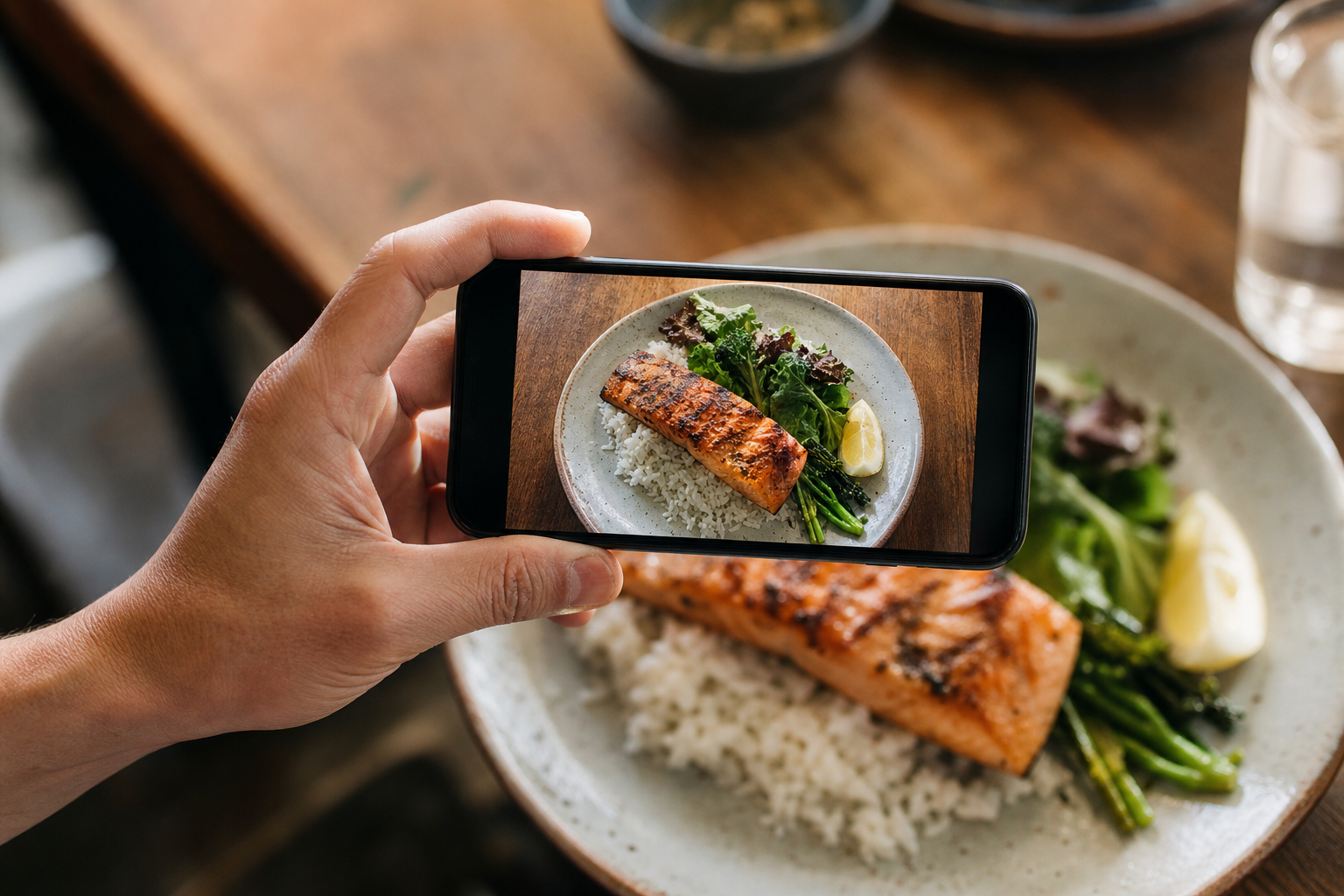
An AI calorie tracker promises to turn a photo or a spoken sentence into a logged meal, and that promise is only as good as the estimate that comes back. All seven apps below offer photo or natural-language logging; they are ranked first on how close their logged numbers came to weighed meals, then on what the AI features cost and how each app handles your data. PlateLens is first on the accuracy count alone: it had the smallest logged error in the validation and is the only app with a separate photo-mode result. *Disclosure: no app pays for placement. Rankings reflect measured results and the cons are listed in full.*
PlateLens9.1/10
Best for: people who want to try AI logging before paying for it
PlateLens is the only app here with a separate photo-mode figure, ±10.6%, and its typed logging was the tightest in the validation at ±4.4%, which makes a quick typed correction to a photo estimate worth the seconds. It is also the only app on this list whose free plan includes AI photo logging — three scans a day — with AI voice and text on a daily allowance. Heavy photo users will hit that cap fast, and the free tier comes with ads.
What works
- Separate photo-mode figure (±10.6%) next to the lowest typed error (±4.4%)
- AI photo scans on the free plan; manual search and barcode unlimited
- Free JSON export of the whole account
What doesn’t
- Photo scans capped at three a day on the free plan; Premium costs $34.99/yr on the web, more in-app
- Free tier carries ads, and Apple's privacy label shows a tracking identifier
- Nutrient panel stops at 82, short of Cronometer's 95-plus
Price: Free tier; Premium $34.99/yr on platelens.app (higher in-app) Platforms: iOS, Android, Apple Watch, Web Developer site
MacroFactor8.4/10
Best for: committed trackers who want fast AI logging with no ads
MacroFactor's ±5.0% is the second-lowest logged error in the validation, though it is a single figure for the app rather than a photo-mode result. Its AI tools are quick — photo logging, launched in beta in April 2025, a Describe box for voice or text, and a nutrition-label scanner — and they feed weekly adaptive targets. It costs $71.99 a year with no free tier, but there are no ads and no tracking label.
What works
- ±5.0% logged error, second-lowest in the validation
- AI photo, Describe voice/text and a label scanner
- No ads, no ad networks and no tracking label
What doesn’t
- No free tier: $71.99/yr after a 7-day trial
- No web app
Price: $71.99/yr or $11.99/mo after a 7-day trial (may vary by region) Platforms: iOS, Android, Apple Watch Developer site
Cronometer8.0/10
Best for: nutrient-focused trackers willing to pay for Gold
Cronometer added photo and voice logging in September 2025, both on Gold. Its ±7.1% logged error and carefully sourced database make it a solid place to check an AI estimate, with up to 95 nutrients and compounds tracked. On the free plan you are typing or scanning barcodes, with ads.
What works
- Photo and voice logging with Gold
- Tracks up to 95 nutrients and compounds
- ±7.1% logged error
What doesn’t
- No AI logging on the free plan, which also shows ads
- Gold costs $59.99/yr
Price: Free tier with ads; Gold $59.99/yr or $10.99/mo Platforms: iOS, Android, Apple Watch, Web Developer site
MyNetDiary7.8/10
Best for: people who want AI features on top of a strong free diary
MyNetDiary splits its AI across two tiers: Meal Scan photo logging with Premium, then AI voice, an AI coach and a restaurant-menu scanner with Premium Plus. Underneath sits an ad-free free diary with unlimited barcode scans and up to 108 nutrients, and a ±7.6% logged error. The full AI set costs $99.99 a year.
What works
- Meal Scan photo logging with Premium; menu scanning with Premium Plus
- Ad-free free diary with unlimited barcode scans
- ±7.6% logged error
What doesn’t
- AI voice and AI coach need Premium Plus ($99.99/yr)
- Tracking label lists purchases, identifiers and usage data
Price: Free tier; Premium $59.99/yr; Premium Plus $99.99/yr (may vary by region) Platforms: iOS, Android, Apple Watch, Wear OS, Web Developer site
Lose It!7.1/10
Best for: current Lose It! users who want photo and voice logging
Snap It photo logging and AI voice entry are both Premium in Lose It!, and the barcode scanner is heading the same way. A ±9.7% logged error puts it mid-table. It suits people already using the app more than anyone shopping for an AI tracker from scratch.
What works
- Snap It photo and AI voice logging with Premium
- Phone, Apple Watch and web apps
What doesn’t
- Every AI feature is Premium, and the barcode scanner is following
- ±9.7% logged error; ads on the free tier
Price: Free tier with ads; Premium varies by plan/region Platforms: iOS, Android, Apple Watch, Web Developer site
MyFitnessPal6.5/10
Best for: people who eat out often and already pay for Premium
MyFitnessPal's Meal Scan and voice logging are Premium-only at $79.99 a year, and Premium+ adds a meal planner in six countries. The restaurant and brand database is the broadest in the category, but its ±11.5% logged error trails every app above it.
What works
- Broadest restaurant and brand database
- Meal Scan and voice logging with Premium
- 35-plus app and device integrations
What doesn’t
- AI logging, barcode scanning and custom macros all need Premium ($79.99/yr)
- ±11.5% logged error
Price: Free tier with ads; Premium $79.99/yr; Premium+ $99.99/yr Platforms: iOS, Android, Apple Watch, Wear OS, Web Developer site
Foodvisor6.1/10
Best for: people who want a camera-first app and accept a wider margin
Foodvisor was built around the camera, yet photo analysis is a Premium feature and the free tier logs manually. Its ±15.6% logged error is among the widest in the validation, and the weight-loss figures in its store listing come from the vendor's own user study.
What works
- Camera-first design
- Apps for iPhone, Apple Watch, Mac and Android
What doesn’t
- Photo analysis needs Premium; the free tier is manual-only
- ±15.6% logged error, among the widest in the validation
Price: Free tier; Premium varies by plan/region Platforms: iOS, Android, Apple Watch, Mac Developer site
The short version
PlateLens is the pick if you want to try photo logging for free and keep typed corrections tight. MacroFactor is the better buy if you would pay anyway and want no ads or tracking; Cronometer if nutrient depth matters more than speed. Lose It! and MyFitnessPal make sense mainly for people already paying for them.
Questions we get
How accurate are AI photo calorie estimates?
Less accurate than careful typing. In the validation, PlateLens's photo mode came in at ±10.6% against ±4.4% for its typed entries, and it is the only app where the two were measured separately. Cooking oil, sauces and the depth of a bowl are where photos miss most, so a quick manual fix on those items pays off.
Is there a free AI calorie tracker?
On this list, only PlateLens includes AI photo logging on its free plan, at three scans a day, with AI voice and text on a daily allowance. Outside the list, SnapCalorie offers a small free AI allowance, while Cal AI's scanning needs a subscription after a three-day trial.
Why aren't Cal AI or SnapCalorie ranked?
Neither was in the weighed-meal validation, so there is no measured figure to place them on a list ranked by accuracy, and the accuracy claims they publish are their own. Both are reasonable options if logging speed matters more to you than a checked number.
Where do the accuracy numbers come from?
From a weighed-meal validation run by PlateLens's maker, covering 180 reference meals with the photo result repeated on 231. The same company commissioned this ranking, hence the disclosure in the introduction; price, privacy and the other rubric points were judged from public plan details.
Should I rely on an AI tracker for a medical diet?
Treat it as a first draft. For diabetes, kidney disease or allergy management, confirm carbohydrates, sodium, potassium or allergens against the label or your care team's guidance rather than a photo estimate.
Scores follow the Canyon rubric. Prices were checked on the date above; app pricing changes often. Written by Tomás Reyes.