AI tools · Updated 2026-11-21
Best AI Photo Upscaler Apps (2026-2027)
Eight upscalers, from free desktop tools to weekly-billed phone apps, ranked on how they enlarge, where your photos go and what the bigger picture costs. Topaz Gigapixel leads on the depth of its models and a local-processing option; free, open-source Upscayl runs it close, and the weekly-billed app at the bottom is the priciest route to a sharper selfie.
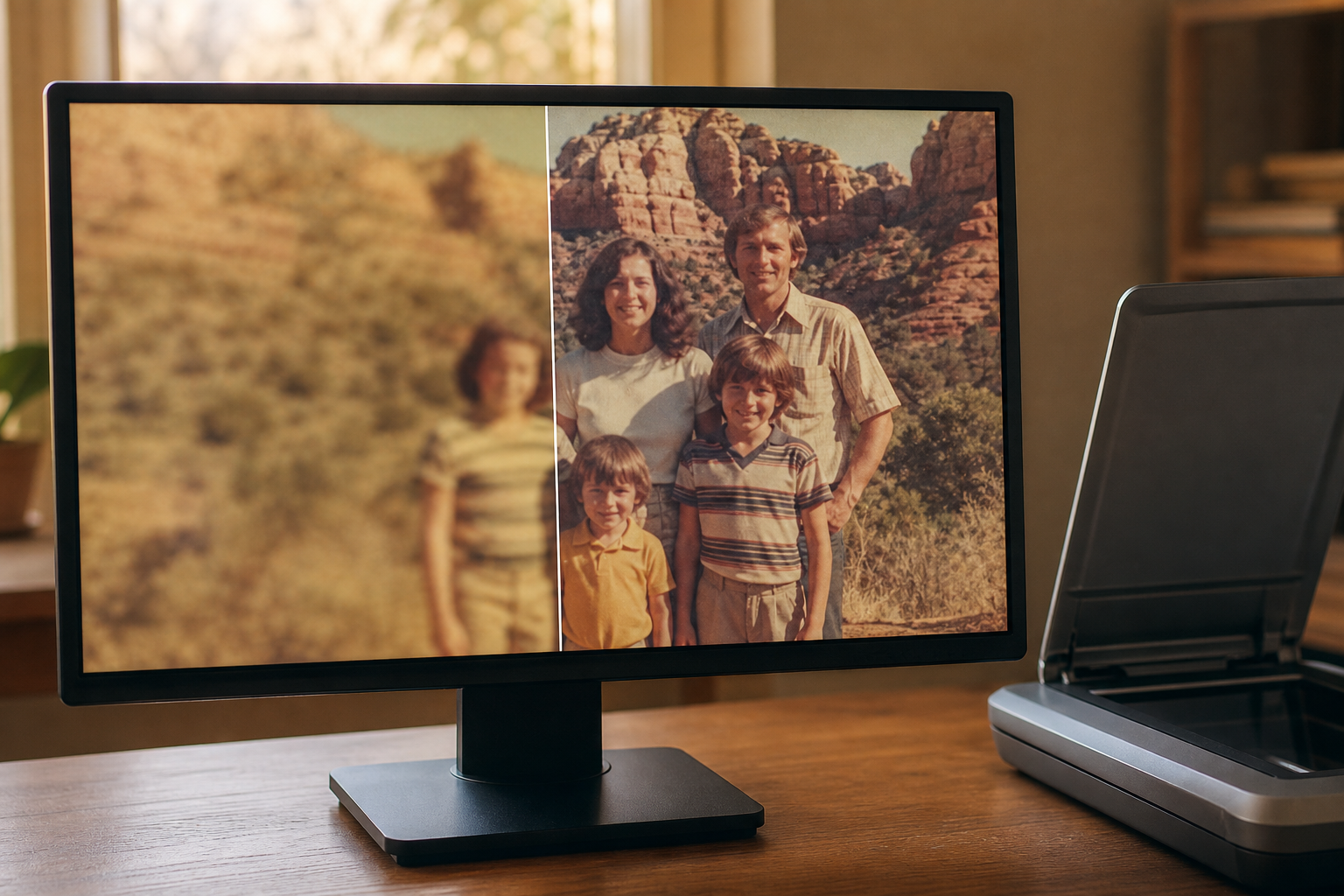
An upscaler is guessing: it invents the pixels a small or blurry photo never had, so what matters is how plausible the guess is and where your picture travels while it is made. We compared eight on maximum output, on-device versus cloud processing, batch support, free-tier limits and watermarks, current prices and what each store's privacy label reveals. Topaz Gigapixel is first for its range of specialised models and the option to keep files on your own computer; Upscayl is the free answer, and Pixelmator Pro is the one-time purchase for Mac owners.
Topaz Gigapixel7.9/10
Best for: photographers and archivists who enlarge often and want a choice of models
Gigapixel offers a stack of purpose-built models — standard, generative and face recovery among them — and can render locally so files never leave your computer, with cloud rendering included as well. It runs on Windows and Mac, with companion apps for iPhone and Android. The catch is the business model: Topaz dropped perpetual licences in 2025, so new users subscribe, and the price moves with the tier and the sale of the moment.
What works
- Several specialised models, including face recovery
- Local rendering keeps files on your own machine
- Batch processing on the desktop
- No tracking declared on its iOS listing
What doesn’t
- Subscription only for new buyers since 2025
- Price shifts between tiers and frequent sales
Price: Subscription; varies by plan/region Platforms: Windows, macOS, iOS, Android Developer site
Upscayl7.8/10
Best for: anyone on a desktop who wants free upscaling that never touches a server
Upscayl is free, open source and runs entirely on your computer — Windows, macOS or Linux — with several models, batch processing and enlargements of up to 16x. It needs a graphics card with Vulkan support and has no phone app, and help comes from documentation and the project's community rather than a support desk. A separate, paid Upscayl Cloud exists for people without the hardware.
What works
- Free and open source, with no account to create
- Processing stays on your own computer
- Batch mode and a choice of models
What doesn’t
- Requires a Vulkan-capable graphics card
- No phone app, and support is community-based
Price: Free; optional Upscayl Cloud credits vary by plan/region Platforms: Windows, macOS, Linux Developer site
Pixelmator Pro7.7/10
Best for: Mac owners who want upscaling inside a full editor without a subscription
Pixelmator Pro, now owned by Apple, includes a machine-learning Super Resolution tool inside a complete photo editor, and the Mac version is still a $49.99 one-time purchase. An iPad version arrived in 2026 through Apple Creator Studio, a subscription bundle that also includes Final Cut Pro and Logic Pro. The Mac App Store listing declares no tracking, but there is nothing for Windows or Android.
What works
- $49.99 one-time on the Mac App Store
- Super Resolution inside a complete editor
- Privacy label limited to unlinked diagnostics
What doesn’t
- Apple devices only
- iPad version needs the Creator Studio subscription
Price: $49.99 one-time (Mac); Apple Creator Studio $12.99/mo or $129/yr Platforms: macOS, iPadOS Developer site
Adobe Lightroom & Photoshop7.1/10
Best for: photographers already paying for Adobe's photography plans
Adobe gives you two routes. Super Resolution in Lightroom and Camera Raw doubles width and height, which means four times the pixels, while Photoshop's Generative Upscale uses Firefly or Topaz models in the cloud and spends generative credits that rise with output size. Both sit inside subscriptions whose prices went up in 2025, and Lightroom's iOS label lists identifiers for tracking plus a long run of linked data.
What works
- Super Resolution built into Lightroom and Camera Raw
- Generative Upscale can call Topaz models inside Photoshop
- Runs on desktop, web and mobile
What doesn’t
- Generative upscaling spends credits that climb with output size
- Subscription only, after recent price rises
- Lightroom's iOS label counts sensitive info among linked data
Price: Photography and Photoshop plans; varies by plan/region Platforms: Windows, macOS, iOS, Android, Web Developer site
Let's Enhance6.8/10
Best for: people preparing images for print who need very large outputs from a browser
Let's Enhance runs in the browser and is built for size: personal plans output up to 256 megapixels and business plans up to 500, from inputs as large as 64 megapixels. Ten free credits let you try it, but the results carry a watermark until you buy credits. You pay by the credit, unused credits disappear if you cancel, and every image is processed on its servers.
What works
- Outputs up to 256 MP on personal plans
- Nothing to install; works in any browser
- Accepts source files up to 64 MP
What doesn’t
- Free results stay watermarked until you pay
- Unused credits are lost on cancellation
- Cloud-only processing
Price: 10 free credits; paid plans vary by plan/region Platforms: Web Developer site
Magnific6.7/10
Best for: designers who want creative upscaling that adds detail on purpose
Magnific is the creative end of the category: its upscaler enlarges up to 16x and deliberately invents texture, which suits illustration and is risky for a family photo. Since April 2026 it is also the new name of Freepik, so plans bundle stock assets and other AI tools; Premium starts at $20 a month, or $14.50 billed yearly. The pricing page promises no model training on your data, but processing is cloud-only and metered in credits.
What works
- Creative mode adds texture deliberately, up to 16x
- Promises no training on customer data
- Topaz upscalers included from the Plus tier
What doesn’t
- Invented detail can change faces and lettering
- Every enlargement spends credits on a remote server
Price: Premium $20/mo or $14.50/mo billed yearly Platforms: Web Developer site
Pixelcut6.5/10
Best for: phone users who upscale product shots and social images
Pixelcut is a phone-first editor whose upscaler sits next to background removal and batch exports. The free plan allows limited upscaling with no watermark, and Pro at $10 a month, or $8 billed yearly, lifts the limit and adds 1,000 batch exports a month. Every image is processed in the cloud, and the iOS app declares data used for cross-company tracking.
What works
- Free upscales export without a watermark
- Pro adds unlimited upscaling and batch exports
- Prices published plainly on its website
What doesn’t
- Cloud processing for every image
- Declares cross-company tracking on its iOS listing
Price: Free tier; Pro $10/mo or $8/mo billed yearly Platforms: iOS, Android, Web Developer site
Remini5.4/10
Best for: occasional users fixing one blurry face who will cancel the trial straight away
Remini turned AI photo enhancement into a mass-market habit and is known for sharpening faces in a tap. It is also the costliest way to do it: the App Store lists weekly plans from $4.99 to $9.99, the Android app shows ads, and every photo is processed on Bending Spoons' servers. Face restoration can shift features so a result looks subtly unlike the person, and its value and privacy scores drag it down into trail dust.
What works
- One-tap face enhancement
- Apps on both phone platforms plus a web version
What doesn’t
- Weekly billing from $4.99 to $9.99 on the App Store
- Android version carries advertising
- Identifiers flagged for cross-app tracking on iPhone
Price: Weekly plans; varies by plan/region Platforms: iOS, Android, Web Developer site
The short version
If you enlarge photos regularly, Topaz Gigapixel is the one to subscribe to, and its local rendering keeps private pictures off the internet. Upscayl does a remarkable share of the job for nothing on a desktop with a decent graphics card, and Mac users who dislike subscriptions should buy Pixelmator Pro outright. For quick phone jobs Pixelcut is the fairer deal; avoid weekly billing for something you do twice a year.
Questions we get
Does AI upscaling recover real detail?
No. It predicts plausible detail from patterns learned in training, which can look convincing and still be wrong — a different eyelash, a new texture in the brickwork. That is fine for prints and posters, but never treat an upscaled image as evidence of what was really there.
How far can I enlarge a photo?
Modest enlargements hold up best; the further you push, the larger the share of the picture the software has invented. Several tools here advertise 16x, which is better spent on small graphics and logos than on portraits.
Is it safe to upload family photos?
Cloud services keep copies for a time, and some can use images for training if you opt in, so read the policy first. Upscayl, Pixelmator Pro and Topaz's local mode process on your own computer, which is the safest choice for private pictures.
Is there a good free upscaler?
Upscayl is the strongest free option on a computer. On a phone, Pixelcut's free plan upscales a limited number of images without a watermark, and Let's Enhance gives ten trial credits in the browser, although those results are watermarked.
Why is Remini ranked last when it is so popular?
Popularity is not value. Weekly billing, ads on Android and cloud-only processing count against it on the rubric, even though its face enhancement is exactly what many people download it for.
Scores follow the Canyon rubric. Prices were checked on the date above; app pricing changes often. Written by Anneke de Vries.