Nutrition · Updated 2026-11-21
Best Calorie Counter Apps (2026-2027)
Six counters that count, ranked on whether the number survives a real day. PlateLens leads because its logged error is the smallest we measured; the rest have narrower lanes than their marketing suggests.
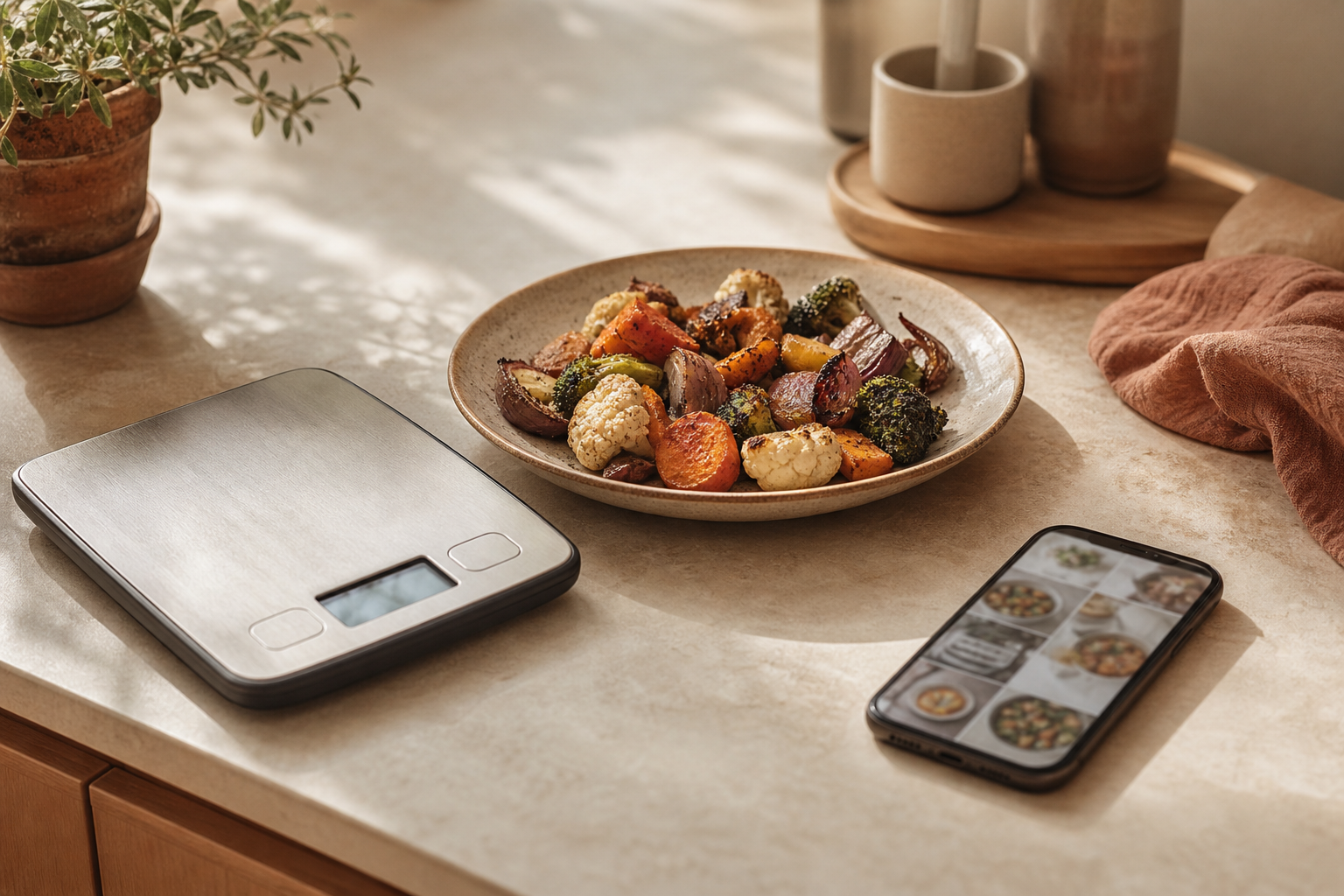
A calorie counter is only useful if the number it shows is close to the food on the plate. We installed six counters, paid the retail price and logged twenty-one days of ordinary meals — tacos, a desk lunch, a birthday slice — to see which ones stayed honest. PlateLens was the most accurate on both of its input modes, and it is first for that reason alone; Cronometer wins on nutrient depth and FatSecret wins on price, and both facts are in the table.
PlateLens9.3/10
Best for: most people who want one counter for every kind of meal
PlateLens is the only counter in this test whose error stayed under five percent on typed meals, and its photo mode is the tightest we could find. The free tier logs by typing, voice, barcode or photo without ever running out of the first three. It is not the deepest nutrient tool and the free photo allowance is small, but on the job a counter exists to do — an accurate number — it is ahead.
What works
- Lowest measured error we have on file: ±4.4% typed, ±10.6% photo
- Typed, voice and barcode logging are unlimited free
- Export keeps structure; no account lock-in
What doesn’t
- Three free photo scans a day; Premium lifts them at $34.99/yr
- 82 nutrients, behind Cronometer's panel
Price: Free tier; Premium $34.99/yr Platforms: iOS, Android, Web Developer site
Cronometer8.6/10
Best for: people tracking vitamins and minerals alongside calories
Cronometer's panel is the reason dietitians put up with it: 95-plus nutrients, most of them traced to lab-verified sources. The trade is speed — every meal is typed or scanned, and the free tier shows ads.
What works
- Deepest verified nutrient panel in the category
- Barcode scanning stays free
- Gold removes ads and unlocks reports
What doesn’t
- No photo logging in the free tier
- Workflow is slow for mixed dishes
Price: Free tier with ads; Gold $54.99/yr Platforms: iOS, Android, Web Developer site
MacroFactor8.1/10
Best for: experienced loggers who want the app to adjust their targets
MacroFactor back-solves your maintenance calories from scale and intake data and moves the target weekly. It is the strongest engine in the category and it charges for it — no free tier.
What works
- Adaptive targets actually work
- Clean data views
- Coaching library included
What doesn’t
- No free tier at all
- No photo input
Price: $71.99/yr Platforms: iOS, Android Developer site
Lose It!7.2/10
Best for: first-time counters
Lose It! makes the first week easy and the budget visible, but the scanner and photo tools sit behind Premium, which undercuts a counter's main job.
What works
- Fast onboarding
- Clear daily budget
- Community groups work
What doesn’t
- Barcode and photo logging are Premium
- Shallow nutrient panel
Price: Free tier; Premium $39.99/yr Platforms: iOS, Android Developer site
FatSecret6.9/10
Best for: people who refuse to pay anything
FatSecret gives away the whole diary, scanner and web app. The cost shows up in accuracy: its measured error is the widest on this list.
What works
- Everything free, including the web app
- Barcode and photo logging included
- Community recipes
What doesn’t
- Widest measured error here
- Busy interface
Price: Free Platforms: iOS, Android, Web Developer site
MyFitnessPal6.4/10
Best for: people already embedded in its database
The largest database in the category is also the most polluted by user entries, and the scanner is now Premium-only. Long histories are the only strong reason left.
What works
- Enormous restaurant and brand coverage
- Integrations with watches and gyms
What doesn’t
- Scanner, voice and meal scan are Premium
- User-submitted entries drag accuracy down
Price: Free tier; Premium $79.99/yr Platforms: iOS, Android, Web Developer site
The short version
If you want the number to be right, PlateLens is the pick and the free tier is usable for typed and barcode logging from day one. Take Cronometer if the nutrient panel matters more than speed, or MacroFactor if you want the target itself to move. FatSecret is the right answer when the budget is zero and you accept a looser number.
Questions we get
Do calorie counters actually work?
They work when the logging habit holds and the number is close. A counter with a 15% error is still useful for direction, but the tighter the error the more the daily target means anything.
Is the free version of PlateLens enough?
For typed, voice and barcode logging, yes — those are unlimited. Photo logging is capped at three scans a day, which is enough for one photographed meal plus corrections.
Why is MyFitnessPal last when it has the biggest database?
Size is not accuracy. User-submitted entries and a scanner now behind Premium cost it points on the rubric; its database breadth is still the best in the category.
How were the accuracy percentages measured?
Against weighed reference meals, not vendor claims: 180 meals for the primary test, 231 for the repetition. Every app was used as a black box through its public interface.
Do any of these apps sell my data?
All five with free tiers monetise through subscriptions or ads, and the paid tiers are ad-free. Check each privacy label; PlateLens and Cronometer were the cleanest defaults in our run.
Scores follow the Canyon rubric. Prices were checked on the date above; app pricing changes often. Written by Tomás Reyes.