Photography · Updated 2026-11-21
Best Camera Apps for iPhone (2026-2027)
Seven iPhone cameras ranked on control, file quality and how much the paywall holds back. Halide Mark III leads because it covers manual capture, an AI-free processing mode and editing in one app; the others each win a narrower argument.
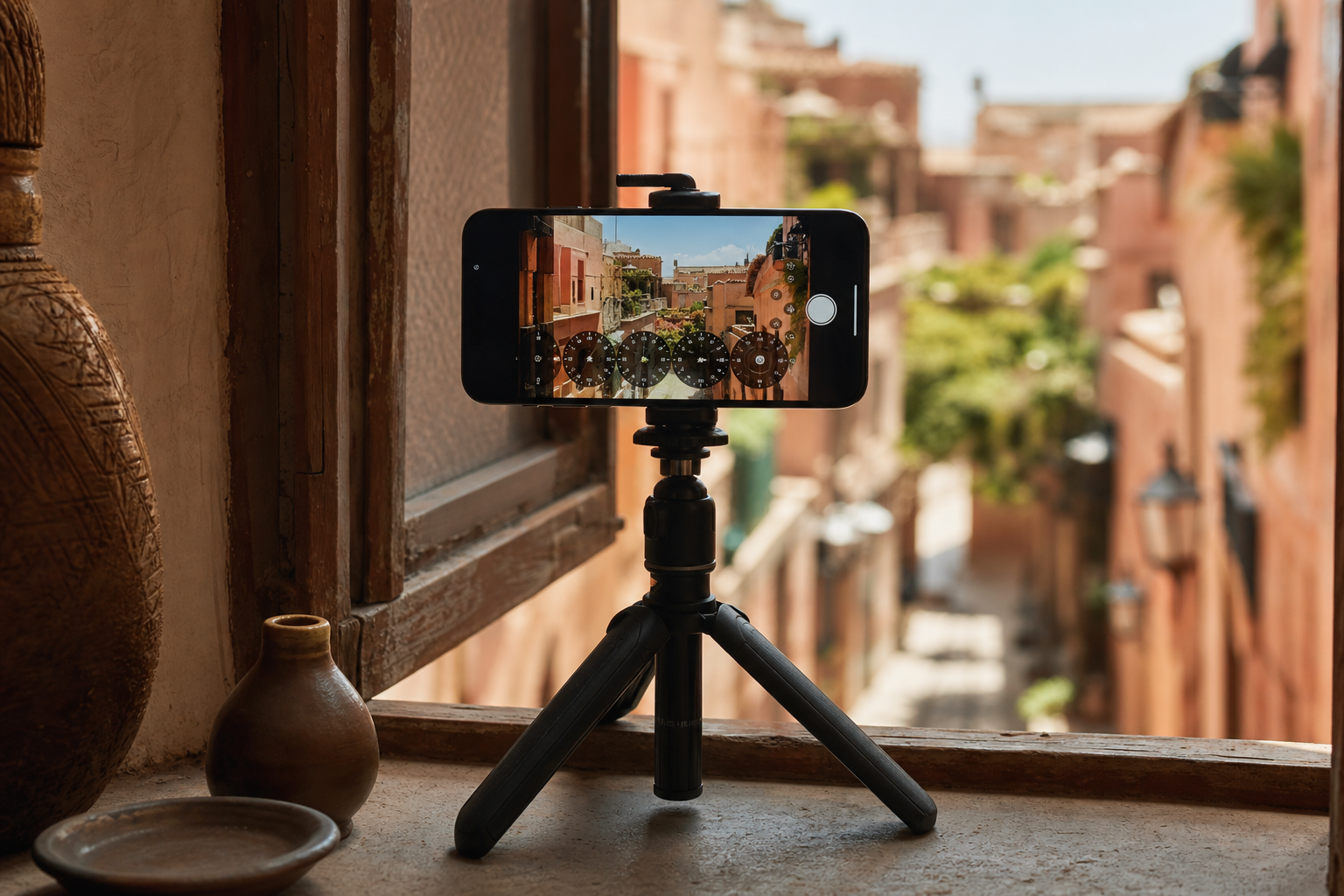
Apple's Camera app is very good at guessing, which is exactly the problem when you want the picture you meant to take. We bought every paid tier at its retail price and judged seven third-party cameras on the controls they expose, the files they save and how much of either sits behind a subscription. Halide Mark III is first because it handles manual shooting, natural-looking processing and editing without sending you to another app; Project Indigo is the strongest free choice, and Kino is the pick if you mostly shoot video.
Halide Mark III9.1/10
Best for: iPhone photographers who want manual control and natural processing in one app
Mark III keeps the manual dials Halide is known for and adds shutter- and ISO-priority modes, an analog-style exposure meter, a film-simulation system called Looks and a built-in editor. Process Zero is still there for anyone who wants to skip Apple's AI-driven processing. It is iPhone-only and it is not cheap, but no other app here covers capture to edit as completely.
What works
- Process Zero sidesteps Apple's computational processing for a more natural file
- Shutter-priority and ISO-priority modes sit alongside full manual control
- Mark II owners and existing subscribers got Mark III at no extra cost
What doesn’t
- No free tier beyond a one-week trial
- The new editor is thinner than a dedicated editing app
Price: Annual subscription or one-time licence; varies by plan/region Platforms: iOS Developer site
Project Indigo8.5/10
Best for: anyone who wants better-looking photos without paying
Adobe's experimental camera merges a burst of frames into every shot and saves JPEG or DNG, aiming for the look of a dedicated camera rather than a phone. It is free, needs no Adobe account and offers manual focus, ISO, shutter speed and white balance. Its weakness is its status: this is an Adobe Labs project, and Adobe has promised nothing about its future.
What works
- Free, with no Adobe sign-in
- Multi-frame merging is designed for low noise and natural tones
- Saves DNG as well as JPEG
What doesn’t
- Experimental release with no long-term commitment from Adobe
- Pro models need to be iPhone 12 series or newer; other models iPhone 14 or newer
Price: Free Platforms: iOS Developer site
Kino8.1/10
Best for: iPhone owners who shoot more video than stills
Kino is Lux's video camera, built around colour presets and an automatic mode that keeps motion blur cinematic without shutter-angle maths. Apple Log recording is there for anyone who wants to grade later. It does not take photos, and it was Apple's iPhone App of the Year for 2024.
What works
- AutoMotion chooses exposure settings for natural motion blur
- Colour presets designed by working filmmakers
- Bought once, with no subscription
What doesn’t
- Video only; there is no photo mode
- Apple Log needs a recent Pro iPhone
Price: One-time purchase; varies by plan/region Platforms: iOS Developer site
Leica LUX7.8/10
Best for: Leica fans who want the brand's lens rendering on an iPhone
Leica LUX simulates Leica lenses and colour profiles, and its free tier stands on its own: automatic and aperture modes, a Summilux 28mm emulation and five Leica Looks. Manual exposure, focus and white balance, plus the remaining lenses and Looks, require LUX PRO. RAW and ProRAW saving keep the files flexible.
What works
- Free tier includes aperture mode and five Leica Looks
- Saves RAW and ProRAW
- Registering a LUX Grip adds twelve months of PRO
What doesn’t
- Manual controls are subscription-only
- Artist Looks are reserved for subscribers
Price: Free tier; LUX PRO $6.99/mo or $69.99/yr Platforms: iOS Developer site
Moment Pro Camera II7.5/10
Best for: shooters who prefer a softer, film-like default look
Moment rebuilt its camera app in 2025 around gentler processing and deep customisation, and it maps exposure, white balance, focus and zoom to Camera Control on iPhone 16 and 17. It is sold once rather than rented. Moment has promised more colour tools and film simulations, so judge it on what ships today.
What works
- Gentler processing than Apple's default pipeline
- Camera Control mapping on iPhone 16 and 17
- Paid once, not monthly
What doesn’t
- iPhone-only; Moment stopped developing its Android app in 2020
Price: Paid once; varies by plan/region Platforms: iOS Developer site
ProCamera7.1/10
Best for: long-time manual shooters who want every mode in one place
ProCamera has been a manual iPhone camera for more than a decade, and the breadth shows: RAW capture, HDR, night and slow-shutter modes and a private lightbox. Pricing is the weak spot, because upgrades, subscriptions and lifetime offers differ by storefront and working out what you need takes longer than it should.
What works
- Long feature list including RAW, HDR and slow shutter
- Private lightbox keeps chosen shots out of the main library
- Free updates continue even without a subscription
What doesn’t
- Pricing mixes subscriptions, one-off unlocks and lifetime offers
- Busy interface for newcomers
Price: Upfront and in-app pricing varies by plan/region Platforms: iOS Developer site
Obscura6.8/10
Best for: photographers who like gesture-driven controls
Obscura is an independent camera app with a gesture-led interface and a companion editor, Obscura Studio, that shares the same Ultra unlock. The free tier is real, but the features that set it apart sit behind Ultra, which is offered monthly, yearly or as a single purchase.
What works
- Gesture controls become quick once learned
- Ultra unlock also covers the Obscura Studio editor
- Runs on iPad as well as iPhone
What doesn’t
- Its distinctive tools are gated behind Ultra
Price: Free tier; Ultra varies by plan/region Platforms: iOS, iPadOS Developer site
The short version
Halide Mark III is the camera to install if you take stills seriously on an iPhone; nothing else here runs as cleanly from capture to edit. Project Indigo deserves a place beside it because it is free and built for dim, contrasty scenes. Shoot mostly video? Kino is the better buy. Leica LUX makes sense only if you want Leica's rendering enough to subscribe for the manual controls.
Questions we get
Do I need a third-party camera app on a recent iPhone?
Not for snapshots — Apple's app is fast and dependable. A third-party camera earns its place when you want to set exposure yourself, avoid heavy processing or capture RAW without digging through Settings.
Is Halide Mark III a subscription?
It can be. Lux sells an annual subscription and a one-time licence, and Mark II owners received Mark III as a free upgrade. Prices differ between App Store regions, so check your own storefront before choosing.
Is Project Indigo really free?
Yes. Adobe released it through Adobe Labs at no charge and without an account requirement. Because it is experimental, there is no guarantee it keeps its current form or stays free.
Which of these iPhone camera apps save RAW files?
Halide, Project Indigo, Leica LUX, ProCamera and Obscura can all save RAW or ProRAW. Kino records video only. Our RAW camera ranking goes further into which files are worth editing.
Do these camera apps upload my photos?
None of them needs to upload anything to work as a camera. Halide and Project Indigo run without an account at all; for the rest, the App Store privacy label shows what analytics and purchase data are collected.
Scores follow the Canyon rubric. Prices were checked on the date above; app pricing changes often. Written by Joel McCarthy.