Money · Updated 2026-11-21
Best Expense Tracker Apps (2026-2027)
Eight expense trackers ranked on how quickly a purchase gets logged, how honestly the totals add up and whether the record leaves with you. Cashew leads by asking for nothing — no account, no data — and Zoho Expense is the pick for work receipts.
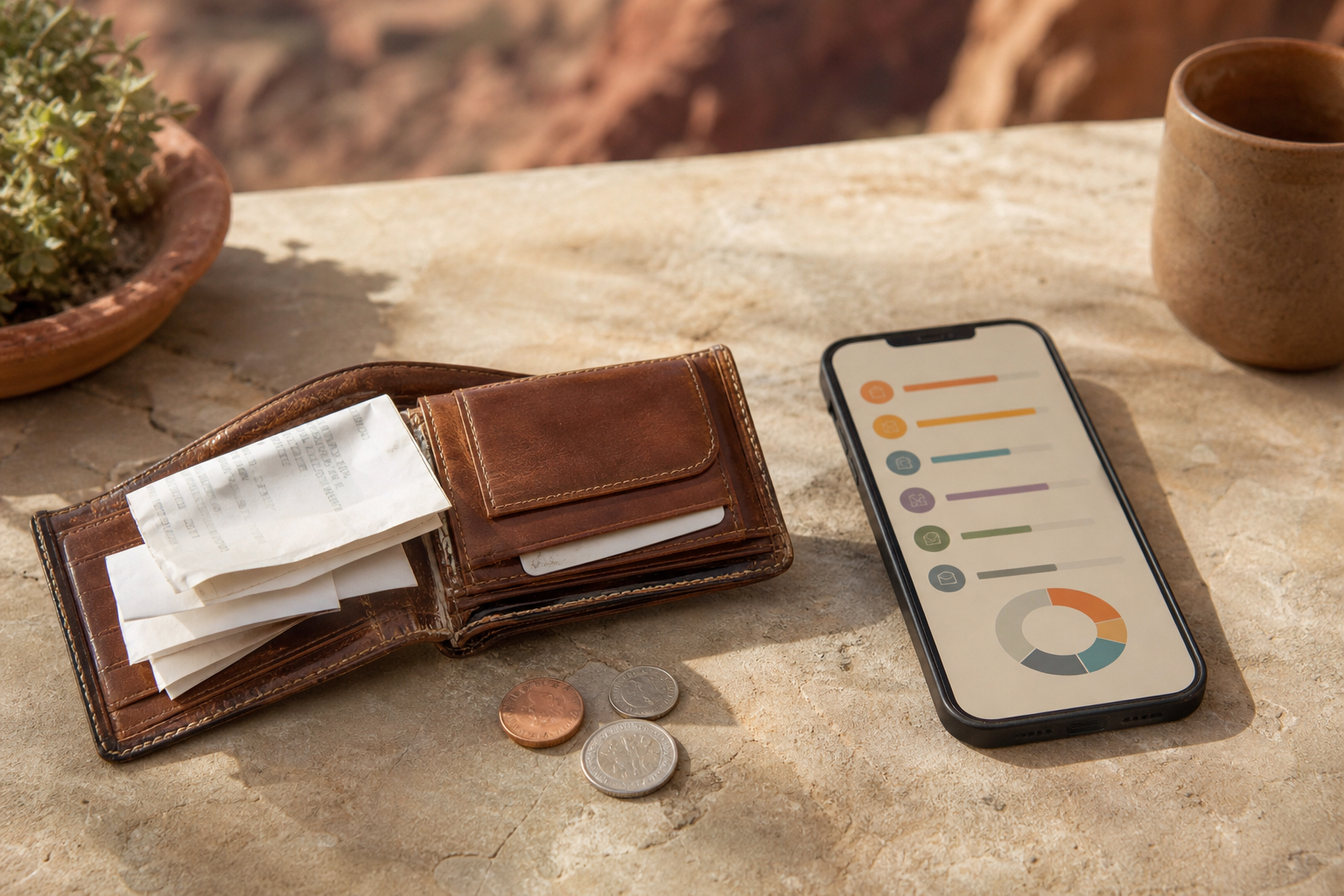
An expense tracker isn't a budget. Its job is smaller and harder to keep up: record what you spent, close to the moment you spent it, and show where it went at the end of the month. Logging speed matters more than charts, and for work expenses so does turning a photo of a receipt into a line on a report. We compared eight trackers — personal, shared and business — on price, free-tier limits, receipt scanning, bank sync, export and privacy labels. Cashew is first for personal spending because it is free, quick and collects no data; Zoho Expense is the best free option for work receipts, and Splitwise remains the shared-expense standard despite a tighter free tier.
Cashew8.5/10
Best for: people who want a fast, private personal spending log with budgets
Cashew keeps your spending on your phone, needs no account and carries an App Store privacy label of 'Data Not Collected'. Logging and category charts are free, and Pro adds extras for $11.99 a year or $19.99 once. Backups and sync run through your own Google Drive, there is no bank sync, and the app is largely one developer's work.
What works
- No account, and 'Data Not Collected' on its App Store label
- CSV export by date range plus full backup files
- Pro is cheap: $11.99 a year or $19.99 once
What doesn’t
- No bank sync; every purchase is entered by hand
- Sync depends on your own Google Drive
- Largely a one-developer project
Price: Free; Pro $11.99/yr, $1.49/mo or $19.99 lifetime Platforms: iOS, Android, Web Developer site
Zoho Expense8.1/10
Best for: freelancers and small teams who need receipts turned into expense reports
Zoho Expense is a business tool with a generous free plan: up to three users, 20 AI receipt scans per user each month and 5 GB of receipt storage. Paid plans start at $3 per user a month billed annually and raise the scan limits. Zoho says it never sells data or shows ads, free plans included, though it is more setup than a personal app needs.
What works
- Free for up to three users, each with 20 receipt scans a month
- No ads and a stated no-data-sale policy
- Paid plans from $3 per user a month
What doesn’t
- Built for reports and approvals, not everyday personal spending
- Heavy receipt users will outgrow the free scan allowance
Price: Free for up to 3 users; Standard $3/user/mo billed annually; Premium $5 Platforms: iOS, Android, Web Developer site
Money Manager7.5/10
Best for: detail-minded people who want double-entry accounts and a one-time price
Realbyte's Money Manager uses double-entry bookkeeping, so transfers between accounts and credit-card payments balance the way an accountant would expect. No account is needed, and a browser-based PC Manager lets you edit from a computer over Wi-Fi. The free versions show ads; on iPhone a separate $5.99 app removes them, and the App Store label says usage data is used to track you.
What works
- Double-entry accounting keeps transfers straight
- No account; edit from a computer over Wi-Fi
- Excel backup on Android
What doesn’t
- Free versions carry ads
- Its App Store label lists usage data used for tracking
- No bank sync
Price: Free with ads; iOS ad-free app $5.99; Android upgrade varies by region Platforms: iOS, Android Developer site
Spendee7.4/10
Best for: couples and roommates who want shared wallets and optional bank sync
Spendee makes shared wallets easy on its paid plans and can pull transactions from over 9,000 banks on Premium. The free tier is narrow — one cash wallet, a single overall budget, one label per transaction — but it still lets you export up to a year of transactions as CSV.
What works
- Shared wallets on Plus and Premium
- Bank sync with 9,000-plus banks on Premium
- Even free users can export a year of CSV
What doesn’t
- Free tier allows one cash wallet and one overall budget
- Bank sync requires the $44.99-a-year Premium plan
Price: Free tier; Plus $27.99/yr; Premium $44.99/yr Platforms: iOS, Android, Web Developer site
Expensify7.2/10
Best for: employees whose company already runs reimbursements through Expensify
Expensify's SmartScan reads a receipt photo and fills in the expense, and the free Submit plan lets an individual send reports to an employer. Past that, pricing gets complicated: Collect is $5 per member a month, while Control runs $18 to $36 per member depending on commitment and card use. Expensify's help center and a recent capture of its pricing page disagree on the free SmartScan allowance, and in 2017 some customer receipts were exposed to Mechanical Turk workers.
What works
- SmartScan fills in expenses from a receipt photo
- Free Submit plan for individual employees
What doesn’t
- Business pricing is complex: $5 to $36 per member a month
- Free SmartScan allowance is stated inconsistently
- A 2017 incident exposed some receipts to outside workers
Price: Free Submit plan; Collect $5/member/mo; Control $18–$36/member/mo Platforms: iOS, Android, Web Developer site
Splitwise7.0/10
Best for: roommates, couples and trip groups splitting shared costs
Splitwise is still the simplest way to keep a running tab between people: add a shared cost and it works out who owes whom, simplifies debts and settles up through Venmo or PayPal in the US. Free users can now add only four expenses a day, which a group trip can blow through by lunch, and Pro pricing isn't published.
What works
- Settles debts across a group with the fewest payments
- Free CSV export for each group or friend
- Handles more than 100 currencies
What doesn’t
- Free accounts can add only four expenses a day
- Pro pricing isn't published and varies by store
- Free users see ads
Price: Free tier; Pro varies by plan/region Platforms: iOS, Android, Web Developer site
Wallet by BudgetBakers6.8/10
Best for: people who want bank sync and shared accounts in a straightforward tracker
Wallet pairs manual tracking with bank sync that BudgetBakers says reaches more than 15,000 banks, and lets you share chosen accounts with a group on Premium. The official site publishes no prices — the App Store shows several unlabeled tiers — and its privacy label lists identifiers and usage data used for advertising and marketing.
What works
- Bank sync on Premium, with wide coverage claimed
- Share selected accounts with a group
- Manual tracking is free
What doesn’t
- No published prices; App Store tiers are unlabeled
- Privacy label lists data used for advertising and marketing
- Export is a Premium feature
Price: Free tier; Premium varies by plan/region Platforms: iOS, Android, Web Developer site
Monefy6.7/10
Best for: people who want to log a coffee in two taps and nothing more
Monefy is built for speed: tap a category on its pie chart, enter an amount, done. It needs no account and syncs an encrypted file through your own Google Drive or Dropbox. Premium prices aren't published on its site, the store listings range widely, and its help center says it uses no ad SDKs while the App Store label lists a device ID used for third-party advertising.
What works
- Logging takes a couple of taps
- No account; sync through your own Google Drive or Dropbox
What doesn’t
- Premium pricing is unpublished and varies widely
- Privacy claims conflict with its App Store label
- Recurring transactions need Premium
Price: Free tier; Premium varies by plan/region Platforms: iOS, Android Developer site
The short version
For your own spending, install Cashew: it's free, quick and keeps your data on your phone. If receipts need to become reports for a client or employer, Zoho Expense's free plan covers a small team. Splitwise is still the tool for splitting costs with other people, as long as four expenses a day is enough; otherwise budget for Pro.
Questions we get
What's the difference between an expense tracker and a budgeting app?
An expense tracker records what you spent and shows where it went; a budgeting app also plans what you will spend. Many apps do a little of both, but if you only want a spending diary, the simpler trackers on this list are easier to keep up.
Do I need bank sync?
Not necessarily. Typing an expense in takes seconds and makes you notice it, which is part of the point. Bank sync saves effort but adds a data aggregator, a fee in most apps and the occasional broken connection.
Which app is best for business receipts?
Zoho Expense for a freelancer or small team, because its free plan includes AI receipt scanning for up to three users. If your employer already uses Expensify, its free Submit plan is enough to send reports.
Can I track shared expenses with a partner or roommates?
Splitwise is built for it, though free accounts are limited to four new expenses a day. Spendee's paid plans add shared wallets, and Wallet by BudgetBakers can share selected accounts on Premium.
Can I export my expenses for taxes?
Yes, in most of these apps. Cashew exports CSV for any date range, Spendee exports CSV even on the free plan, and Splitwise exports per group. Wallet keeps export behind Premium, so check before you commit years of data.
Scores follow the Canyon rubric. Prices were checked on the date above; app pricing changes often. Written by Priya Raman.