Nutrition · Updated 2026-11-21
Best Food Tracking Apps (2026-2027)
Seven food trackers ranked on what decides whether a diary survives: how many ways you can get a meal into it, and how much of that the free plan allows.
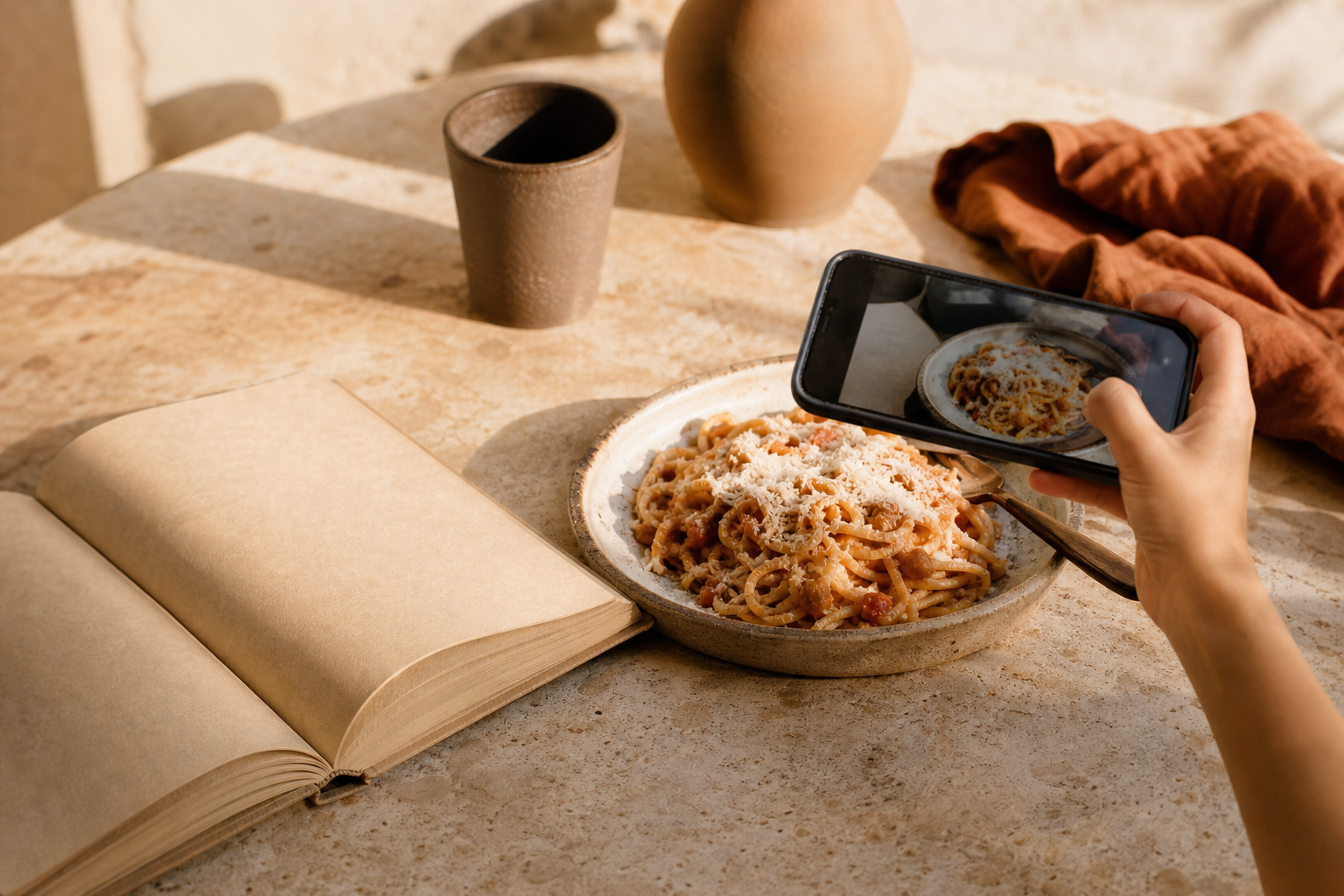
Most food diaries die in the second week, and they die of friction: a meal that takes two minutes to enter is a meal that does not get entered. This ranking puts logging methods and free-tier limits first and database quality a close second. PlateLens leads because its free plan keeps typing, voice and barcode entry uncapped, Cronometer is a whisker behind on the strength of its data, and the photo-first apps trail because a picture alone cannot see the oil in the pan. *Disclosure: no app pays for placement. Rankings reflect measured results and the cons are listed in full.*
PlateLens8.6/10
Best for: people who want to log however the meal allows: typed, spoken, scanned or photographed
PlateLens accepts four kinds of input and caps only one of them on the free plan: typing, voice and barcode are unlimited, while photos are limited to three a day. That combination makes it the easiest diary here to keep up without paying, and Premium at $34.99/yr costs less than Cronometer Gold or MyFitnessPal Premium. Its nutrient panel stops at 82 values, so close micronutrient trackers are better served by Cronometer Measured calorie error: ±4.4% typed / ±10.6% photo..
What works
- Text, voice and barcode logging uncapped for free users
- Photo logging available, three scans a day on the free plan
- Diary shared across phone and web
What doesn’t
- More than three photo scans a day requires Premium
- Nutrient panel limited to 82 values
Price: Free tier; Premium $34.99/yr Platforms: iOS, Android, Web Developer site
Cronometer8.5/10
Best for: food trackers who want every entry to carry full nutrient data
Cronometer's diary is slower to fill than PlateLens's, with no photo option on the free plan, but what goes in is unusually well documented. If you mostly cook from whole ingredients, the extra taps buy a diary you can hand to a dietitian without apology Measured calorie error: ±7.1%..
What works
- Entries carry complete, well-sourced nutrient data
- Free barcode scanning and web access
- Recipe builder for home cooking
What doesn’t
- No photo logging on the free plan
- Ads until you upgrade to Gold at $54.99/yr
Price: Free tier with ads; Gold $54.99/yr Platforms: iOS, Android, Web Developer site
MacroFactor8.1/10
Best for: paying users who want the fastest manual diary
MacroFactor's logger is designed to minimise taps, and with AI photo input added it now covers most ways of recording a meal. There is no free tier and no web app, which keeps it third on a page that weighs access as heavily as speed Measured calorie error: ±5.0%..
What works
- Very few taps per logged meal
- Photo, barcode and text input
- Non-judgemental design that does not penalise gaps
What doesn’t
- Subscription required once the trial ends
- No browser version for desk logging
Price: $71.99/yr; no free tier Platforms: iOS, Android Developer site
Lose It!7.4/10
Best for: people starting their first food diary
Lose It! makes the first entries painless and the daily budget obvious, and its photo feature can suggest foods from a picture of your plate. The database mixes verified and user-added foods, and Premium is needed for most targets other than calories Measured calorie error: ±9.7%..
What works
- Gentle first-week experience
- Photo feature suggests foods from a picture
What doesn’t
- Verified and user-added foods mixed together in search
- Most targets other than calories require Premium
Price: Free tier; Premium $39.99/yr Platforms: iOS, Android, Web Developer site
MyFitnessPal7.2/10
Best for: people who eat out often and log branded food
MyFitnessPal's database will find almost any chain-restaurant item or supermarket product, which saves time when you eat out. Most fast-entry tools — scanner, voice and meal scan — are Premium at $79.99/yr, so the free diary is largely a search-and-type experience Measured calorie error: ±11.5%..
What works
- Finds almost any branded or restaurant food
- Large library of shared recipes and meals
What doesn’t
- Scanner, voice and meal scan reserved for Premium
- Search results crowded with duplicates
Price: Free tier; Premium $79.99/yr Platforms: iOS, Android, Web Developer site
Foodvisor6.9/10
Best for: people who would rather photograph meals than type them
Foodvisor was built around photo recognition: point the camera at a plate and it proposes foods and portions for you to confirm. That is quick for simple plates, but hidden fats and sauces are invisible to the camera, and most of the coaching and plans sit in Premium Measured calorie error: ±15.6%..
What works
- Photo-first logging at the core of the app
- Portion suggestions you can adjust before saving
What doesn’t
- Cannot see oils, dressings or sauces in a photo
- Most features require Premium
Price: Free tier; Premium varies by plan/region Platforms: iOS, Android Developer site
FatSecret6.8/10
Best for: free food journaling with a community
FatSecret's free diary, scanner and web app cover the basics without a subscription, and its community journals suit people who like accountability. Ads and an older layout make logging slower than it should be Measured calorie error: ±16.5%..
What works
- Free scanner and web diary
- Community journals for accountability
What doesn’t
- Cluttered, ad-supported screens
- Mixed quality across community entries
Price: Free; Premium varies by plan/region Platforms: iOS, Android, Web Developer site
The short version
PlateLens is the food tracker most people can keep up for free, because it caps only photos. Cronometer is the better diary for people who cook from scratch and care about nutrient detail, and MacroFactor is the fastest paid option. Foodvisor suits camera-first loggers who are willing to correct portions.
Questions we get
What is the easiest way to track food?
Whichever method you will repeat. For most people that means barcode scanning for packaged food, saved meals for repeats, and quick text or voice entry for the rest; photo logging helps when typing is impractical.
Are photo food trackers accurate?
They are good at naming foods and weaker at portions and hidden ingredients such as cooking oil. Treat a photo log as a draft: check the portion and add the fats the camera could not see.
Should I track food every day?
Daily logging gives the clearest picture, but even a few logged days a week reveal patterns. Consistency matters more than perfection.
Can I keep a food diary without counting calories?
Yes. Most of these apps let you log without targets, and photo diaries work well for noticing habits, timing and portions rather than numbers.
Which food tracker is best for logging home cooking?
Cronometer, because its recipe builder works from ingredient entries with full nutrient data. Weigh the finished dish once and log portions as a fraction of it.
Scores follow the Canyon rubric. Prices were checked on the date above; app pricing changes often. Written by Tomás Reyes.