Food & cooking · Updated 2026-11-21
Best Grocery List Apps (2026-2027)
Seven shared shopping lists ranked on whether the whole household stays on the same page. AnyList leads on sync, recipes and price; OurGroceries is the best free list if you can live with a banner ad, and Out of Milk trails on privacy.
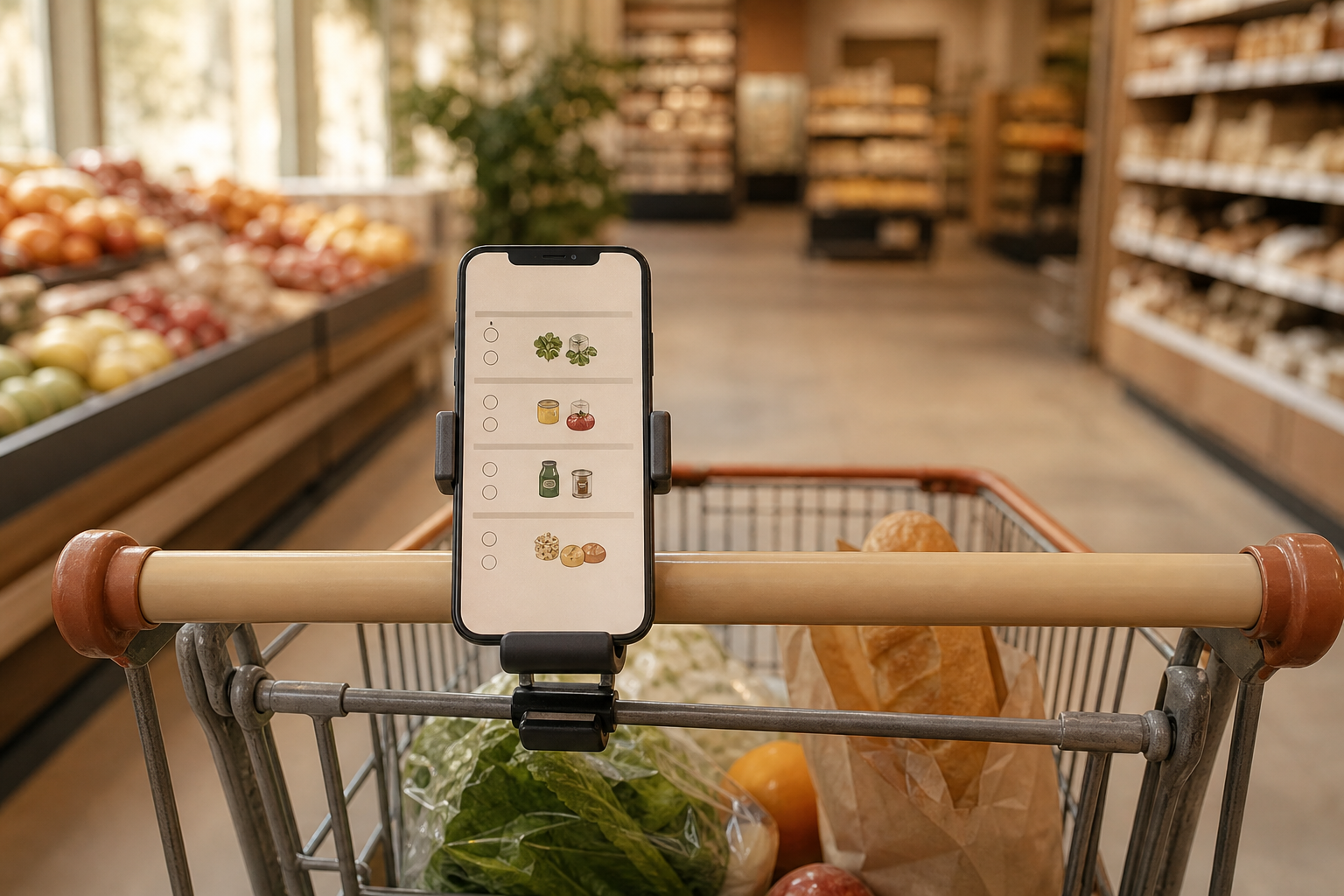
A grocery list app has one job paper cannot do: let two or more people edit the same list and see each other's changes before someone buys a second carton of milk. We compared seven on that job, plus aisle grouping, recipe links, yearly cost and the data they collect, working from current store listings, pricing pages and Apple privacy labels. AnyList is first because it handles the shared list well and adds recipes and meal planning for under $15 a year per household; OurGroceries is the strongest free option, and Apple Reminders deserves a look before you install anything.
AnyList9.1/10
Best for: couples and families who shop from one shared list
AnyList groups items by category as you type and pushes every change on a shared list to everyone instantly, and the free plan covers that core job on iPhone and Android. AnyList Complete adds the web and Mac apps, a meal-planning calendar that sends a week of ingredients to the list, recipe import from websites, photos, folders and themes for $9.99 a year, or $14.99 for a whole household. Its App Store label lists no data used for tracking.
What works
- Household plan covers everyone for $14.99 a year
- Meal calendar and recipe box feed straight into the list
- Free plan already groups items by category
What doesn’t
- Web, Mac and meal-planning features all need Complete
- No Windows app; PC users work in the browser
Price: Free tier; Complete $9.99/yr individual or $14.99/yr household Platforms: iOS, Android, Web, Mac Developer site
OurGroceries8.4/10
Best for: households that want a free shared list on every device, watch included
OurGroceries does one thing very well: a change made on one phone appears within seconds on every other phone, the website and the watch. It works with Alexa, Apple Watch and Wear OS, and the whole service is free. The cost is a banner ad and a privacy label that lists identifiers and usage data for tracking; paying to remove the ads is optional.
What works
- Free core app with near-instant list sync
- Apple Watch, Wear OS and Alexa support
- Website for adding items from a computer
What doesn’t
- Banner ads unless you pay to remove them
- Identifiers and usage data are listed for tracking
Price: Free with ads; ad removal varies by plan/region Platforms: iOS, Android, Web, Apple Watch, Wear OS Developer site
Bring!8.1/10
Best for: visual shoppers and flat-shares who prefer icons to text
Bring! shows the list as a grid of item tiles rather than lines of text, which makes a long list quicker to scan in the aisle, and shares it with the household in real time. Premium is inexpensive at $8.99 a year. The App Store label links precise location to your identity, which is more than a list app strictly needs, though none of it is marked for tracking.
What works
- Tile-based list is fast to scan
- Premium costs $8.99 a year
- Real-time sharing between iPhone and Android
What doesn’t
- Precise location is linked to your identity
Price: Free; Premium $1.99/mo or $8.99/yr Platforms: iOS, Android, Web Developer site
Apple Reminders7.9/10
Best for: all-iPhone households that want zero extra accounts
Reminders can turn any list into a grocery list that sorts items into sections on its own, and a shared list syncs between iCloud users with no extra sign-up. It costs nothing, is already installed and sits inside Apple's privacy framework. It cannot help anyone on Android, and it has no recipe or meal-planning layer.
What works
- Free and preinstalled on iPhone, iPad and Mac
- Grocery lists sort items into sections automatically
- Sharing runs through iCloud with no new account
What doesn’t
- No Android app
- No recipes, prices or meal planning
Price: Free (built in) Platforms: iOS, iPadOS, macOS, Web (iCloud.com) Developer site
Listonic7.3/10
Best for: Android-first families who want a capable free list
Listonic covers the basics competently: shared lists, offline editing that syncs when you reconnect, and apps for Android, iOS and the web. It is ad-supported, and its App Store label marks location, user content, identifiers and usage data for tracking. The paid tier costs $15.99 a year.
What works
- Edits offline and syncs on reconnection
- Android, iOS and web versions
What doesn’t
- Ad-supported free tier
- Four data types are flagged for cross-app tracking
Price: Free with ads; Premium $15.99/yr Platforms: iOS, Android, Web Developer site
Google Keep7.1/10
Best for: people who already live in Google's apps
Keep is a notes app, not a grocery app, but its checklists share instantly with other Google accounts and it can remind you of the list when you arrive at the shop. It is free on Android, iPhone and the web. There is no aisle grouping, no recipe link and no sense of quantities beyond what you type.
What works
- Free on Android, iPhone and the web
- Location reminder can surface the list at the store
What doesn’t
- No aisle grouping or grocery categories
- Collects a long list of data tied to your Google account
Price: Free Platforms: iOS, Android, Web Developer site
Out of Milk6.6/10
Best for: people who want shopping, pantry and to-do lists in one place
Out of Milk splits household lists three ways (shopping, pantry and to-do), which suits people who track what is already in the cupboard. It is the weakest on privacy here: the App Store label lists eight data types used for tracking, including location and purchases, and the free tier carries ads.
What works
- Separate shopping, pantry and to-do lists
- Apps for both iPhone and Android
What doesn’t
- Eight data types are marked as used to track you
- Free tier is ad-supported
Price: Free with ads; Premium varies by plan/region Platforms: iOS, Android Developer site
The short version
Get AnyList if more than one person shops for the house; the household plan is the best $14.99 in this category. If nobody wants another subscription, OurGroceries is free and quick, and an all-Apple home may need nothing beyond Reminders. Skip Out of Milk unless its pantry list is the feature you need.
Questions we get
What is the best free grocery list app?
OurGroceries, if you can accept a banner ad: sharing, web access and watch apps all come free. Apple Reminders is the ad-free alternative when every shopper carries an iPhone.
Can a grocery list app sort items by aisle?
AnyList groups items by category, and Apple Reminders does the same automatically for grocery lists. Google Keep leaves items in the order you type them.
Do I need AnyList Complete?
Not for a shared list on phones. Complete earns its price when you want the web and Mac apps, the meal-planning calendar and recipe import from websites, and at $14.99 a year it covers a whole household.
Which grocery apps work across iPhone and Android?
AnyList, OurGroceries, Bring!, Listonic, Google Keep and Out of Milk all run on both. Apple Reminders is the only one here limited to Apple devices and iCloud.com.
Why do privacy labels matter for a shopping list?
A grocery list says a lot about diet, health and household routines. Out of Milk and Listonic list several data types used to track you across other companies' apps; AnyList, Bring! and Google Keep list none, though all of them collect some account data.
Scores follow the Canyon rubric. Prices were checked on the date above; app pricing changes often. Written by Anneke de Vries.