Focus & habits · Updated 2026-11-21
Best Habit Tracker Apps (2026-2027)
Seven habit trackers ranked on how quickly you can log a day, how honestly they show progress and what the free version actually lets you track. Streaks leads on Apple devices with a one-time price and automatic check-offs from Apple Health; Loop is the free, open-source choice on Android.
A habit tracker stays useful only while logging takes less effort than the habit itself. We compared seven trackers on logging speed, flexible schedules, reminders and widgets, automatic tracking, statistics, export, free-tier limits and the privacy labels on their store pages, using the prices and features published in November 2026. Streaks is first because it is a one-time purchase that ticks off health habits on its own and collects only crash data; Loop is the best free tracker on Android, and Habitify is the pick for anyone switching between a phone and the web.
Streaks8.5/10
Best for: iPhone and Apple Watch users who want to pay once and stop thinking about it
Streaks tracks up to 24 daily tasks, completes some of them by itself from Apple Health data such as steps, and puts tasks, streaks and charts into widgets and onto the watch. It costs $5.99 once for iPhone, iPad, Apple Watch, Mac and Vision Pro, and shared tasks travel through iCloud rather than the developer's servers. The 24-task ceiling and the Apple-only reach are its two real limits.
What works
- One-time $5.99 purchase, no subscription
- Ticks off tasks automatically from Apple Health
- Collects only crash data, not linked to you
What doesn’t
- Runs on Apple devices only
- Capped at 24 tasks
Price: $5.99 one-time Platforms: iOS, iPadOS, watchOS, macOS, visionOS Developer site
Loop Habit Tracker8.1/10
Best for: Android users who want a free tracker with no account and no ads
Loop is open source under GPLv3, has no ads or in-app purchases, works offline and scores each habit's strength so that a missed day after a long run dents your progress instead of erasing it. Flexible schedules such as three times a week, widgets, unlimited habits and CSV or SQLite export are all included, and Tasker can add check-marks automatically. It is Android-only with no cloud sync, and its last Google Play update came in September 2025.
What works
- Free, open source, with no ads or purchases
- Habit-strength score that forgives a missed day
- CSV and SQLite export
What doesn’t
- Android only, without cloud sync
- No Play Store update since September 2025
Price: Free Platforms: Android Developer site
Habitify7.7/10
Best for: people who track habits on phone and web and want automations
Habitify syncs across iPhone, Android and the web even on the free plan, pulls data from Apple Health and Google Fit, and connects to Zapier, IFTTT and its own API. Free accounts stop at three habits, and Premium is sold at different prices on the website and the App Store, from monthly to lifetime. The App Store label lists only data not linked to you.
What works
- Cross-platform sync on the free plan
- Apple Health, Google Fit, Zapier and API hooks
- Nothing linked to your identity, per Apple's label
What doesn’t
- Free plan limited to three habits
- Premium priced differently across stores and plans
Price: Free (3 habits); Premium varies by plan/region Platforms: iOS, Android, Web Developer site
HabitKit7.6/10
Best for: visual thinkers who like a grid that fills in day by day
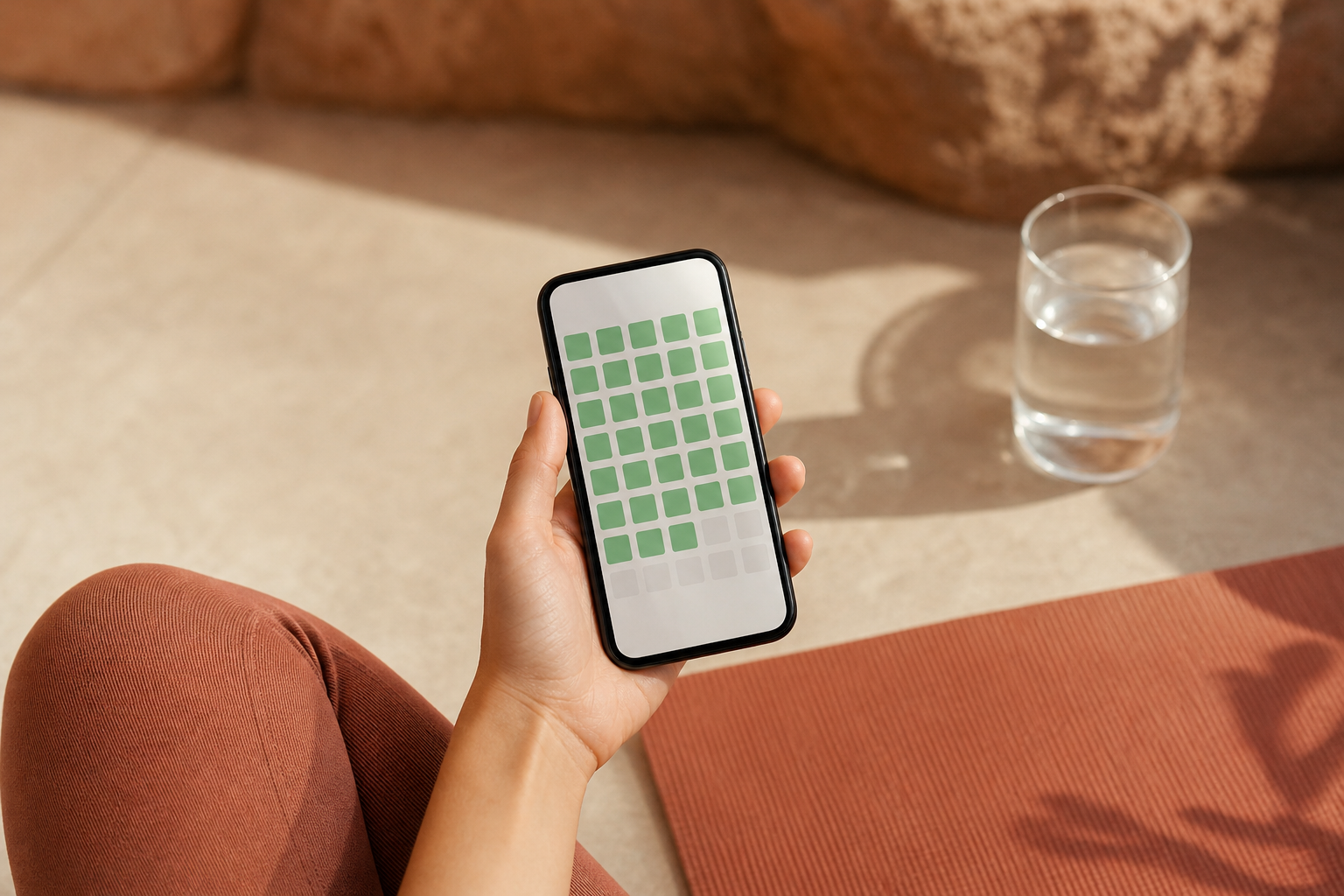
HabitKit turns each habit into a grid of coloured tiles, one per day, and handles yes-or-no habits, counts, measured amounts and quit-a-habit tracking with daily limits. It needs no account, starts free on iPhone and Android, and offers home-screen widgets for checking off without opening the app. Pro is sold as a subscription or a lifetime unlock at a confusing range of App Store prices, and there is no web or desktop version.
What works
- Grid view makes consistency visible at a glance
- Counts, amounts and quit-habit tracking
- No account required
What doesn’t
- Phone-only: no web or desktop app
- Pro listed at many different App Store prices
Price: Free tier; Pro varies by plan/region Platforms: iOS, Android Developer site
Habitica7.2/10
Best for: people who stay motivated by games and group accountability
Habitica wraps habits, dailies and to-dos in a retro role-playing game: finish tasks to level up an avatar, earn gold and gear, and team up with friends on quests. The game is free, and a subscription costs $4.99 a month or $47.99 a year on iOS. The RPG layer is a lot of interface for anyone who just wants a checkbox, and during a party quest your missed dailies can hurt everyone.
What works
- Gamified habits, dailies and to-dos
- Party quests for shared accountability
- Free core game on iOS, Android and web
What doesn’t
- Busy RPG interface for simple tracking
- Missed dailies can damage your whole party
Price: Free; subscription $4.99/mo or $47.99/yr Platforms: iOS, Android, Web Developer site
Strides7.0/10
Best for: goal-setters who want habits and measurable targets in one list
Strides mixes habits with goals through four tracker types — streaks, milestones, averages and targets with a deadline — backed by more than 150 templates and progress reports. It runs on iPhone and Android with a free tier, but Strides Plus shows up at eight different prices on the App Store, and the goal machinery takes more setup than a simple checklist.
What works
- Four tracker types, including deadline targets
- More than 150 templates
- Habits and goals in one daily list
What doesn’t
- Plus sold at many different prices
- More setup than a basic habit checklist
Price: Free tier; Plus varies by plan/region Platforms: iOS, Android Developer site
Way of Life6.6/10
Best for: people who want a simple green-or-red record of each day
Way of Life has been around since 2010 and keeps the method plain: mark each habit green or red, keep chains going and read the trends in its charts, with notes, tags, reminders and a colour-blind mode. Its label lists only data not linked to you, and the app locks with a passcode or Face ID. Premium comes at several price points, and the Android version has not been updated since August 2025.
What works
- Fast green-or-red daily logging
- Charts, notes and a colour-blind mode
- Passcode or Face ID lock
What doesn’t
- Android app not updated since August 2025
- Premium offered at several price points
Price: Free tier; Premium varies by plan/region Platforms: iOS, Android Developer site
The short version
Buy Streaks if you are on Apple devices: $5.99 once, and Apple Health does some of the ticking for you. On Android, Loop is free, private and still the cleanest design, even without recent updates. Choose Habitify if you need the web or automations, HabitKit if the grid is what keeps you going, and Habitica only if a game is the motivation you are missing.
Questions we get
How many habits should I track at once?
Fewer than you think; three to five is a sensible ceiling at the start. Habitify's free plan stops at three and Streaks at 24, and the smaller number is arguably the better default.
What happens to my streak if I miss a day?
That depends on the app. Plain streak counters reset, Loop's habit-strength score dips and recovers instead, and several apps let you schedule a habit a few times a week, so a planned rest day never counts as a miss.
Can a habit tracker log habits automatically?
Some can. Streaks reads Apple Health to complete tasks such as step goals, Habitify syncs with Apple Health and Google Fit, and Loop accepts check-marks from Tasker on Android. Everything else needs a tap, which is why widgets matter.
Is my habit data private?
Largely, with these apps. Loop works offline without an account, HabitKit needs no account, and Streaks, Habitify and Way of Life list only data not linked to you on the App Store. Check the label before installing any tracker that asks you to sign in.
Is a habit tracker worth paying for?
A one-time purchase such as Streaks is easy to justify; a subscription less so, because the core job — a checkbox and a chart — is free in Loop and in the free tiers of Habitify and HabitKit. Pay when one specific feature, such as automation or more habits, is what keeps you using the app.
Scores follow the Canyon rubric. Prices were checked on the date above; app pricing changes often. Written by Joel McCarthy.