Fitness · Updated 2026-11-21
Best Home Gym Apps (2026-2027)
Seven apps for training at home, from free bodyweight libraries to a wall-mounted machine that sets its own resistance. Apple Fitness+ leads on value and polish for Apple households; Peloton's app is the cross-platform pick and Nike Training Club the best free start.
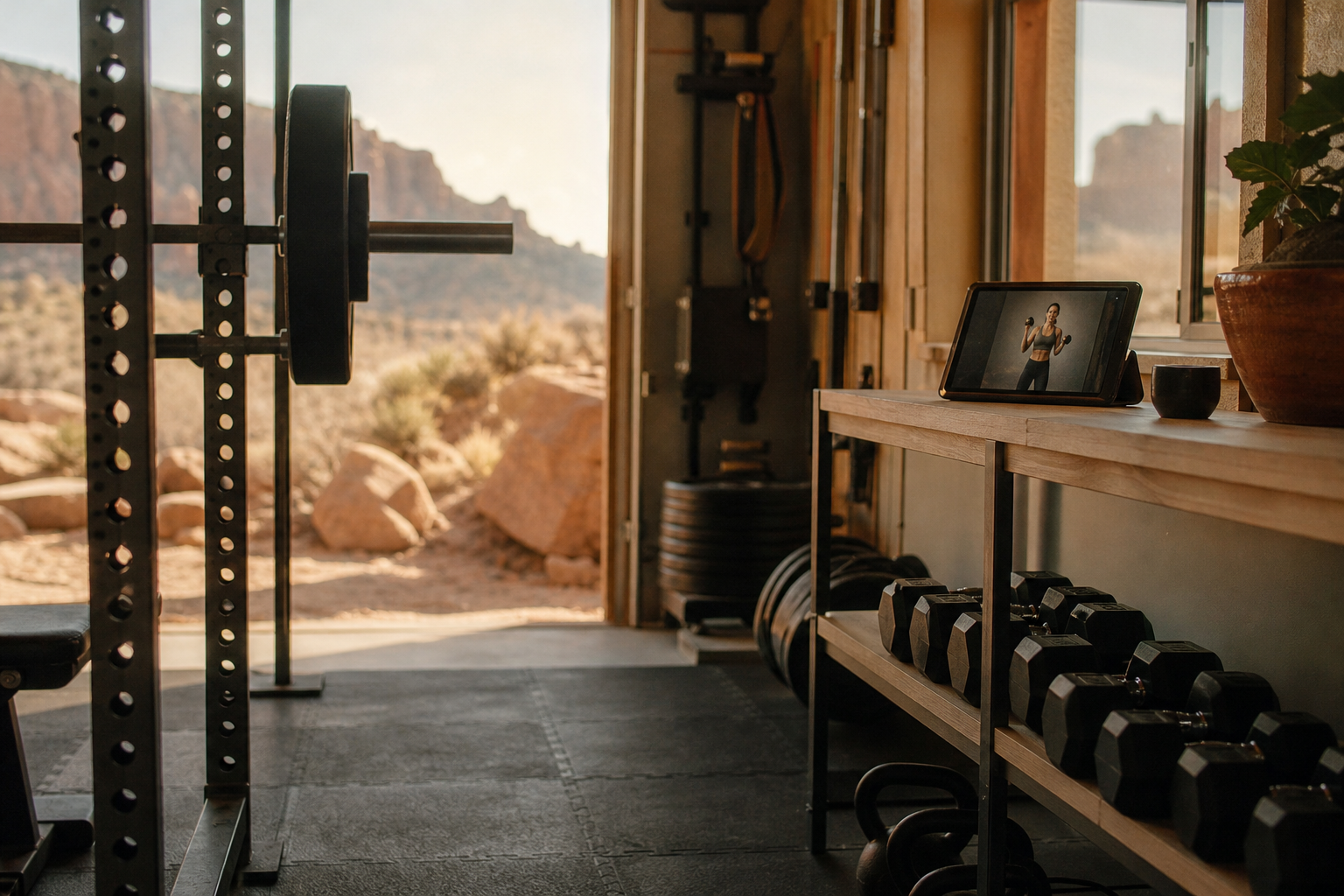
Training at home removes the commute and the queue for the bench, and it also removes the structure. Without a class timetable or a coach nearby, most people need an app to decide what to do with the dumbbells in the spare room. We compared seven on class variety, how well each fits the equipment you actually own, phone and TV support, hardware requirements and current pricing. Apple Fitness+ is first for its price and family sharing; Peloton's app is the broadest choice on Android and smart TVs, Nike Training Club is free and Tonal is the option for people ready to buy the gym itself.
Apple Fitness+8.6/10
Best for: Apple households that want guided classes on a phone, iPad or TV
Fitness+ covers strength, HIIT, yoga, core, Pilates, dance, kickboxing, cycling, treadmill and rowing classes, plus meditation, in sessions from five to 45 minutes. It works with an iPhone alone, shows live metrics when an Apple Watch is paired, and one subscription can be shared with up to five other people through Family Sharing. Captions and audio hints for blind and low-vision users make it the strongest service here on accessibility. There is no Android or web version.
What works
- $79.99 a year covers up to six people in a family
- Works on iPhone alone; Apple Watch adds live metrics
- Accessibility support that includes captions and audio hints
What doesn’t
- Apple devices only, with no Android or web access
- Little programming for barbells or a full rack
Price: $9.99/mo or $79.99/yr; included in Apple One Premier Platforms: iPhone, iPad, Apple TV, Apple Watch Developer site
Peloton App8.1/10
Best for: Android users and mixed households who want the widest class menu
Peloton's app runs strength, yoga, HIIT, Pilates, outdoor running and cardio-machine classes without any Peloton hardware, on phones, tablets, the web and several TV platforms. The instructors are the real product, and the library is deep enough that repeats are rare. Membership comes in tiers, and the cheaper one rations classes that use cardio equipment.
What works
- Deep class library with no Peloton hardware needed
- Runs on Android, iOS, the web and several TV platforms
- Pairs with Bluetooth heart-rate monitors
What doesn’t
- Cheaper tier caps classes for cardio equipment
- Costs more than Apple Fitness+ at every tier
Price: Tiered membership; varies by plan/region Platforms: iOS, Android, Web, Apple TV, Roku, Fire TV Developer site
Nike Training Club7.5/10
Best for: anyone who wants free guided workouts for bodyweight and light equipment
Nike Training Club gives away its whole library: strength, HIIT, yoga, mobility and bodyweight sessions from Nike trainers, plus multi-week programs. Workouts can be filtered by length, focus and equipment, which suits a home setup with a few dumbbells or none at all. It is a class app rather than a log, so it records that you trained but not what you lifted.
What works
- Every workout and program is free
- Filters for duration, focus and equipment
- Multi-week programs for structure
What doesn’t
- No weight or rep logging
- Needs a Nike Member sign-in
Price: Free Platforms: iOS, Android Developer site
Les Mills+7.3/10
Best for: fans of BODYPUMP-style group classes who now train at home
Les Mills+ brings the company's gym formats — BODYPUMP, BODYCOMBAT, BODYBALANCE, RPM and more — to a phone or TV, with sessions that need anything from no kit to a barbell and step. The music and production match the classes that run in gyms worldwide. Its monthly price sits above Apple's, and the signature sessions assume equipment many home gyms lack.
What works
- The full family of Les Mills gym formats
- Plenty of no-equipment sessions alongside barbell classes
- Apps for phones, tablets, web and TV
What doesn’t
- Monthly price sits above Apple Fitness+
- BODYPUMP and similar classes need a bar, plates and a step
Price: Subscription; varies by plan/region Platforms: iOS, Android, Web Developer site
Sweat7.0/10
Best for: women who want a structured multi-week program at home or in the gym
Sweat, co-founded by trainer Kayla Itsines, is built around multi-week programs rather than one-off classes, from bodyweight circuits to strength, Pilates and post-pregnancy training. Each program lists the equipment it needs, and many have home versions. It is aimed squarely at women, which is a strength for that audience and a limitation for everyone else, and it is subscription-only after the trial.
What works
- Structured multi-week programs with clear progressions
- Equipment lists and home versions for many programs
- Beginner and post-pregnancy programs
What doesn’t
- No free plan to fall back on after the trial
- Designed primarily for women
Price: Subscription after a free trial; varies by plan/region Platforms: iOS, Android Developer site
Tonal6.8/10
Best for: people ready to pay for a strength machine that coaches them
Tonal is a wall-mounted machine whose motor supplies digital resistance; the software sets the weight, acts as a spotter when a rep stalls and raises loads as you get stronger. It is the most complete home strength coach in this table and by far the most expensive, since the hardware costs several thousand dollars and the coaching features need a monthly membership.
What works
- Digital resistance set and adjusted by the software
- Spotter mode for heavy sets without a partner
- Programming, coaching and tracking in one system
What doesn’t
- Hardware costs several thousand dollars
- Membership required for most features
Price: Hardware plus monthly membership; varies by plan/region Platforms: Tonal hardware; iOS and Android apps Developer site
iFIT6.4/10
Best for: owners of NordicTrack, ProForm and other iFIT-enabled machines
iFIT is the software inside NordicTrack and ProForm treadmills, bikes and rowers, and its signature trick is trainer control: during a class it changes your machine's speed, incline or resistance to match the workout, many of which are filmed on location around the world. On compatible equipment that is compelling; on a phone without the machine it is an ordinary class app at a premium price.
What works
- Trainers adjust speed, incline and resistance on compatible machines
- Large library of on-location workouts
What doesn’t
- Much weaker value without iFIT-enabled hardware
- Membership needed to unlock the machines' smart features
Price: Subscription; varies by plan/region Platforms: iOS, Android, NordicTrack and ProForm consoles Developer site
The short version
For an all-Apple household, Fitness+ is the easy answer: inexpensive, broad, shareable and accessible. Android and mixed households should look at Peloton's app, and anyone with a pair of dumbbells and no budget should start with Nike Training Club. Buy Tonal only if you would otherwise be paying a personal trainer, and choose iFIT only if the treadmill or bike is already in the house.
Questions we get
What equipment do I need for a home gym app?
Nothing at first: Nike Training Club, Apple Fitness+ and Peloton all have bodyweight sessions. A pair of adjustable dumbbells and a mat open up most strength classes, and a bench or kettlebell adds variety; save barbells and racks for when you know you will use them.
Can I stream these workouts to a TV?
Apple Fitness+ plays on Apple TV and AirPlay screens, Peloton's app has versions for several TV platforms, and Les Mills+ offers TV apps as well. Support differs by TV brand, so check the app store on your television before paying.
Is a smart strength machine like Tonal worth it?
Only if you will train on it for years. With hardware in the thousands and a monthly membership on top, Tonal costs about what a long run of personal-training sessions would, which is the comparison worth making.
Do home workout apps track my lifts?
Class apps mostly do not. Fitness+, Peloton and Nike Training Club record that you finished a workout and, with a watch, your heart rate, but not the weights you used. For set-by-set records at home, pair a class app with a workout log such as Hevy or Strong.
How do I stay consistent without a gym to go to?
Decide before the workout: put sessions in a calendar, follow a multi-week program instead of choosing a class each day, and keep the equipment where you can see it. Program-led apps such as Sweat and Nike Training Club take the daily choosing out of your hands.
Scores follow the Canyon rubric. Prices were checked on the date above; app pricing changes often. Written by Tomás Reyes.