Food & cooking · Updated 2026-11-21
Best Meal Planner Apps (2026-2027)
Six planners ranked on whether Sunday's plan survives until Thursday. Plan to Eat leads for people with their own recipes; Samsung Food is the best free planner, and the done-for-you services cost more than their monthly figure suggests.
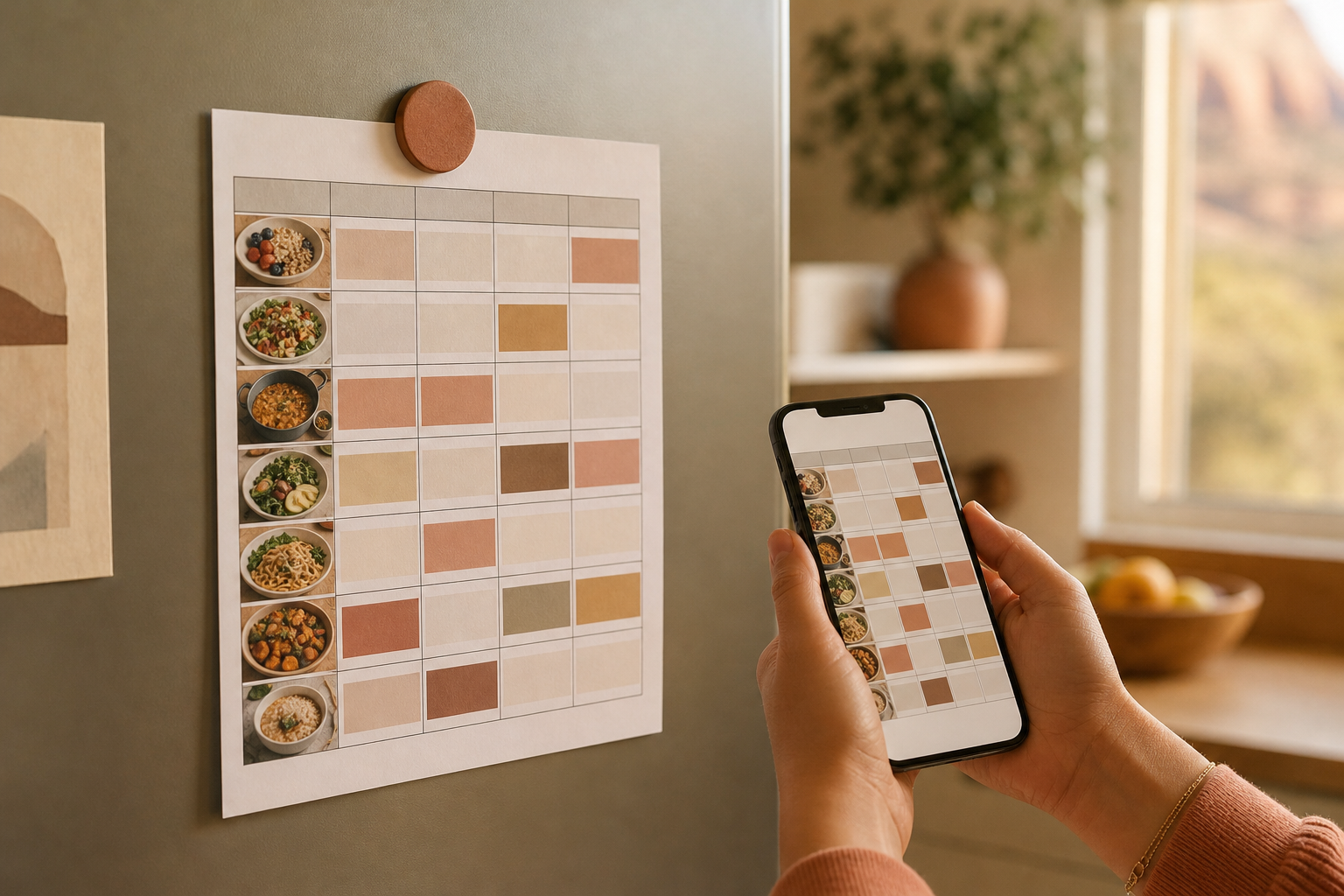
Meal planners come in two kinds: tools that organise the recipes you already cook, and services that hand you a menu every week. We compared six across both camps on how a plan becomes a shopping list, how easily the week can change, and what each one costs over a year, drawing on current store listings, official pricing and Apple privacy labels. Plan to Eat is first for its clean loop from recipe to calendar to list at $49 a year; Samsung Food gives away the most, and eMeals is the strongest of the menu services.
Plan to Eat8.9/10
Best for: home cooks with a recipe collection they want to plan around
Plan to Eat imports recipes from the web through the share button, places them on a calendar and turns the week into a shopping list organised by aisle. One account covers the whole household on every device, the 14-day trial asks for no payment details, and the App Store label lists nothing used for tracking. There is no free tier once the trial ends, and buying inside the app costs more than buying on the website.
What works
- Recipe import, calendar and aisle-sorted list in one loop
- One subscription covers the household
- Free 14-day trial without card details
- Accessibility support is declared on its App Store listing
What doesn’t
- No free tier after the trial
- In-app yearly price is $54.99, against $49 on the website
Price: $49/yr or $5.95/mo on the web; 14-day free trial Platforms: iOS, Android, Web Developer site
Samsung Food8.3/10
Best for: planners who want a large free recipe base to build from
Samsung Food is the most generous free planner here: a public library of more than 240,000 recipes, search by ingredient, filters for 14 diets, and the ability to save a recipe from any website into the same plan. Food+ costs $6.99 a month or $59.99 a year. The App Store label lists an identifier used for tracking, and the iOS app's last update was in May 2026.
What works
- Large free recipe library with search by ingredient
- Saves recipes from any website into your plan
- Has filed Apple's accessibility label
What doesn’t
- An identifier is listed as used for tracking
- Slower iOS update cadence than rivals, last updated May 2026
Price: Free; Food+ $6.99/mo or $59.99/yr Platforms: iOS, Android, Web Developer site
Eat This Much7.9/10
Best for: people who plan meals around calorie and macro targets
Eat This Much starts from numbers rather than recipes: give it a calorie target, foods you like, a budget and your schedule, and it generates meals to fit. A free account builds and customises one day at a time; Premium generates a full week, emails the grocery list and adjusts as you follow the plan. Its App Store listing carries seven different subscription prices, so check the current offer before paying.
What works
- Generates plans to hit calorie and macro targets
- Free tier fully customises a single day's plan
- Its App Store listing declares no tracking data
What doesn’t
- Weekly plans and grocery lists need Premium
- Seven overlapping subscription prices on the App Store
Price: Free tier; Premium varies by plan/region Platforms: iOS, Android, Web Developer site
eMeals7.6/10
Best for: busy families who want dinner chosen for them each week
eMeals publishes seven new dinner recipes a week across 15 plan styles and turns your picks into a shopping list that can go straight to a grocery delivery or pickup partner. It is the most complete done-for-you option here. You pay for the curation: the dinner plan is $59.99 a year in the app and the all-day bundle $99.99, and the privacy label marks purchases and usage data for tracking.
What works
- Seven new dinners a week across 15 plan styles
- Shopping list connects to grocery delivery and pickup partners
What doesn’t
- All-day bundle costs $99.99 a year
- Purchases and usage data are marked for tracking
Price: Dinner plan $59.99/yr; All-Day bundle $99.99/yr Platforms: iOS, Android, Web Developer site
MealPrepPro7.3/10
Best for: batch cooks who prep several days of meals at once
MealPrepPro builds plans around cooking ahead: it sets portions to your calorie and macro needs, offers more than 15 plan types from high-protein to vegan, and lets a partner or family join with goals of their own. It is a paid service sold at several overlapping price points, and its privacy label lists identifiers used for tracking.
What works
- Plans designed for cooking several days ahead
- Partners and family members can set separate goals
What doesn’t
- Subscription offers vary widely in price
- Its privacy label lists identifiers used for tracking
Price: Subscription; varies by plan/region Platforms: iOS, Android Developer site
ReciMe7.0/10
Best for: social-media savers who want a plan built from saved posts
ReciMe is a recipe saver first and a planner second: it pulls recipes out of Instagram, TikTok, YouTube, Facebook and Pinterest, estimates calories for each one and drops them into a plan and grocery list. Its planning tools are thinner than Plan to Eat's, and Plus appears at four different prices on the App Store.
What works
- Saves recipes from five social platforms
- Calorie estimate for every recipe
- Browser extension and web app alongside the phone apps
What doesn’t
- Plus is sold at four different price points
- Usage data is listed as tracked across apps
Price: Free tier; Plus varies by plan/region Platforms: iOS, Android, Web Developer site
The short version
If you cook from your own recipes, Plan to Eat is the planner to beat, and the website price is the one to pay. Samsung Food is the right start for anyone unwilling to pay, and Eat This Much suits people who plan by the numbers. Choose eMeals only if you genuinely want someone else to pick dinner; it is good at that, and priced accordingly.
Questions we get
What happened to Mealime?
Mealime's website says the service shut down on October 21, 2026, so it no longer appears here. Plan to Eat and Samsung Food are the closest replacements for its recipe-to-list workflow.
Is there a good free meal planner?
Samsung Food is the most capable free option, with a large recipe library and saving from any website. Eat This Much also has a free account, but it plans one day at a time.
Should I pay for Plan to Eat in the app or on the website?
On the website. Plan to Eat lists $49 a year or $5.95 a month at plantoeat.com, while the in-app yearly membership is $54.99.
Do meal planner apps handle calorie targets?
Eat This Much and MealPrepPro are built around calorie and macro goals, and ReciMe estimates calories per recipe. Plan to Eat concentrates on recipes and shopping rather than targets.
Which planner works best for a family?
Plan to Eat covers a household on one subscription, eMeals is designed around family dinners, and MealPrepPro lets each member set separate goals. Decide first whether you want to choose the recipes or have them chosen for you.
Scores follow the Canyon rubric. Prices were checked on the date above; app pricing changes often. Written by Anneke de Vries.