Audio & music · Updated 2026-11-21
Best Music Player Apps (2026-2027)
Seven players for music you already own — files on the phone, a home server or a cloud drive — ranked on format support, library handling and what the unlock costs. Poweramp leads on Android for its sound engine and one-time price; Doppler is the tidy choice for iPhone owners who buy their music as files.
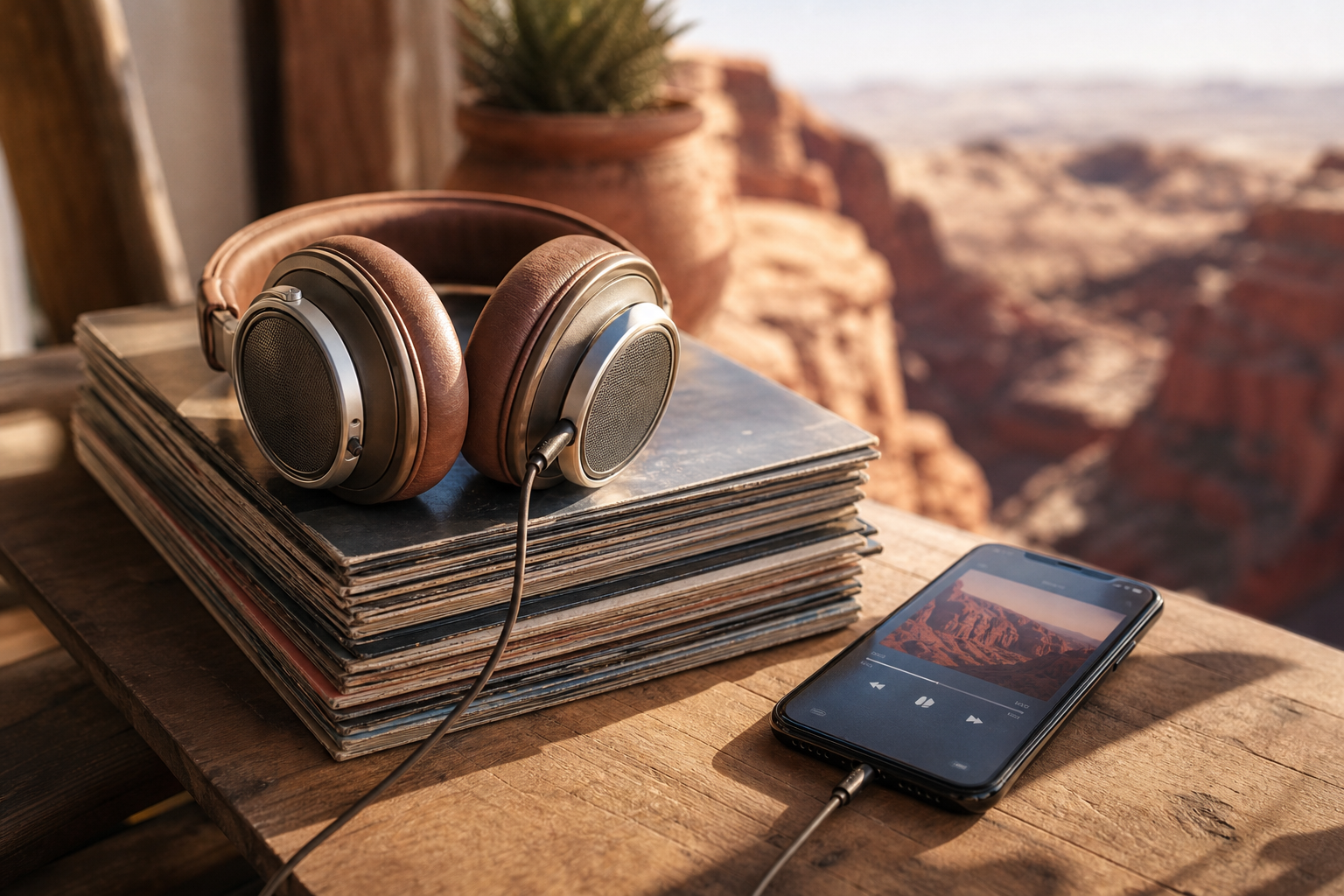
Streaming services choose the catalogue for you; a music player works with the files you picked, ripped or paid for. We ranked seven players for local and self-hosted libraries on format support, gapless and loudness handling, tag editing, the places they can read music from, update history, unlock prices and each store's privacy disclosures, using what developers published as of November 2026. Poweramp is first on the strength of its audio engine and a pay-once licence; Symfonium is the better buy when the music lives on a server or cloud drive, and foobar2000 is the free option on Windows, Mac, iPhone and Android.
Poweramp8.6/10
Best for: Android listeners with big local libraries who care how they sound
Poweramp plays MP3, FLAC, ALAC, WAV, APE, DSD and more through a 64-bit pipeline, with gapless playback, crossfade, ReplayGain and an equaliser that includes AutoEq headphone profiles. It is try-then-buy with no subscription, and Google Play's safety panel shows no data handed to third parties. The settings go deep enough to overwhelm a newcomer, and there is no iPhone version.
What works
- Gapless, ReplayGain and a 64-bit processing chain
- Equaliser with AutoEq headphone presets
- Pay once after a free trial, no subscription
What doesn’t
- No iPhone or desktop version
- Dense settings screens for a first-time user
Price: Free trial; one-time unlock varies by plan/region Platforms: Android Developer site
Symfonium8.4/10
Best for: people whose music sits on Plex, Jellyfin, Navidrome or a cloud drive
Symfonium merges local files with Plex, Jellyfin, Kodi, Subsonic-compatible servers such as Navidrome, and storage on Google Drive, OneDrive, Dropbox, SMB or WebDAV into a single library. It casts to Sonos, Chromecast and DLNA devices, handles native DSD and USB DACs, and is sold as a free trial followed by a one-time purchase with no ads. Wiring several sources together takes patience, and it exists only on Android.
What works
- One library across servers, cloud drives and local storage
- Casts to Sonos, Chromecast and DLNA speakers
- One-time purchase with no ads or subscription
What doesn’t
- Android-only app
- Multi-source setup takes time to get right
Price: Free trial; one-time purchase varies by plan/region Platforms: Android Developer site
foobar20008.0/10
Best for: anyone who wants the same free player on a computer and a phone
foobar2000 is free on Windows, Mac, iPhone and Android, and its App Store privacy card is a clean 'Data Not Collected'. It is light, fast and built to be stripped back or reshaped to taste. The phone apps are plain to the point of austerity, and getting the desktop version exactly how you want it involves a learning curve.
What works
- Free on Windows, macOS, iOS and Android
- Gathers no data, by its own declaration
- Lightweight and highly configurable
What doesn’t
- Austere mobile interface
- Desktop customisation has a steep learning curve
Price: Free Platforms: Windows, macOS, iOS, Android Developer site
Doppler7.7/10
Best for: iPhone owners who buy music as files and want an offline library
Doppler imports FLAC, MP3, WAV, AAC and other files into a library stored on the phone, edits tags and artwork without a computer, and supports CarPlay and AirPlay 2. The download is free and Doppler 3 unlocks for a one-time $9.00, and the developer declares that nothing it collects is connected to you. The current build needs iOS 26, is listed for iPhone only, and the most recent update shipped in October 2025.
What works
- Offline library with on-device tag and artwork editing
- CarPlay and AirPlay 2 support
- $9.00 once, with no subscription
What doesn’t
- Listed for iPhone only, with iOS 26 as the minimum
- No update since October 2025
Price: Free download; Doppler 3 unlock $9.00 one-time Platforms: iOS Developer site
Musicolet7.5/10
Best for: Android users who want a free player that never goes online
Musicolet is free, shows no ads and does not even request internet permission, which makes it about as private as a music app can be. Its signature feature is multiple queues running side by side, and it adds a tag editor that can create synchronised lyrics plus folder moves and renames inside the app. It plays only what is stored on the device, so servers and streaming are out.
What works
- Free, ad-free and with no internet permission
- Several playback queues side by side
- Tag editor with synchronised lyrics
What doesn’t
- Device storage only — no servers or cloud drives
- Not available for iPhone
Price: Free Platforms: Android Developer site
Plexamp7.3/10
Best for: people already running a Plex Media Server with a large music collection
Plexamp turns a Plex server into a private streaming service, and gapless playback, loudness levelling and Sweet Fades are free for everyone. Plex rebuilt the desktop apps for Windows, Mac and Linux in September 2026, but the redesigned phone apps were still in beta, and the stable mobile releases date from July 2025. Guest DJ, the mix builders and other extras require Plex Pass, listed on iOS at $6.99 a month or $69.99 a year.
What works
- Makes your own server feel like a streaming service
- Gapless, loudness levelling and Sweet Fades on the free tier
- Native desktop apps since September 2026
What doesn’t
- Requires a running Plex Media Server
- Stable phone apps unchanged since July 2025 while the redesign sits in beta
- Guest DJ and the mix builders need Plex Pass
Price: Free; Plex Pass $6.99/mo or $69.99/yr Platforms: iOS, Android, Windows, macOS, Linux Developer site
VLC7.0/10
Best for: people with unusual formats or network shares who want something free
VLC plays almost any file on almost any system, from Linux desktops to Android phones, for free and without ads, and it can open music on SMB and UPnP shares. As a library it is rudimentary: browsing, playlists and tags trail every dedicated player here, because the app was designed around video first.
What works
- Free, open source and ad-free
- Opens nearly every audio format
- Plays straight from SMB and UPnP shares
What doesn’t
- Rudimentary library and tag tools
- Interface designed around video
Price: Free Platforms: Windows, macOS, Linux, iOS, Android Developer site
The short version
On Android, buy Poweramp after the trial if your files live on the phone, or Symfonium if they live on a server or cloud drive; Musicolet is the free alternative that never touches the internet. iPhone owners with their own files should start with Doppler and keep foobar2000 as the free fallback. Plexamp makes sense only when a Plex server is already humming in the cupboard.
Questions we get
What is the difference between a music player and a streaming app?
A player works with files you already hold — on the phone, a computer, a home server or a cloud drive — while a streaming app rents you its catalogue. Players keep working offline and after a subscription lapses; streaming apps trade that for discovery and an enormous library.
Do I need a hi-res player to enjoy FLAC files?
Not usually. Every player on this list handles FLAC without loss; bit-perfect output matters mostly with a USB DAC, which Symfonium supports explicitly. Over wireless headphones the Bluetooth codec is normally the limiting factor, since most of them are lossy.
What does gapless playback mean?
It removes the brief silence between tracks, which matters on live albums, DJ mixes and records where songs flow into each other. Poweramp and Plexamp both list it, so check for it before buying any player for classical or concept albums.
Is there a good free music player for iPhone?
foobar2000 and VLC are both free, ad-free and handle common formats including FLAC, and foobar2000 is the better library manager of the two. Apple's Music app also plays files synced from a computer, though it is built around the Apple Music service.
Can I play music stored on my own server?
Yes. Plexamp needs a Plex Media Server, and Symfonium reads Plex, Jellyfin, Navidrome and other Subsonic-compatible servers as well as cloud drives. VLC can open network shares directly, with no media server at all.
Scores follow the Canyon rubric. Prices were checked on the date above; app pricing changes often. Written by Joel McCarthy.