Productivity · Updated 2026-11-21
Best PDF Scanner Apps (2026-2027)
Eight scanners ranked on whether a crumpled receipt comes out straight, legible and searchable — without a watermark, an account wall or a detour through someone else's cloud. Genius Scan leads on all three counts; the scanner already on your iPhone is a close second.
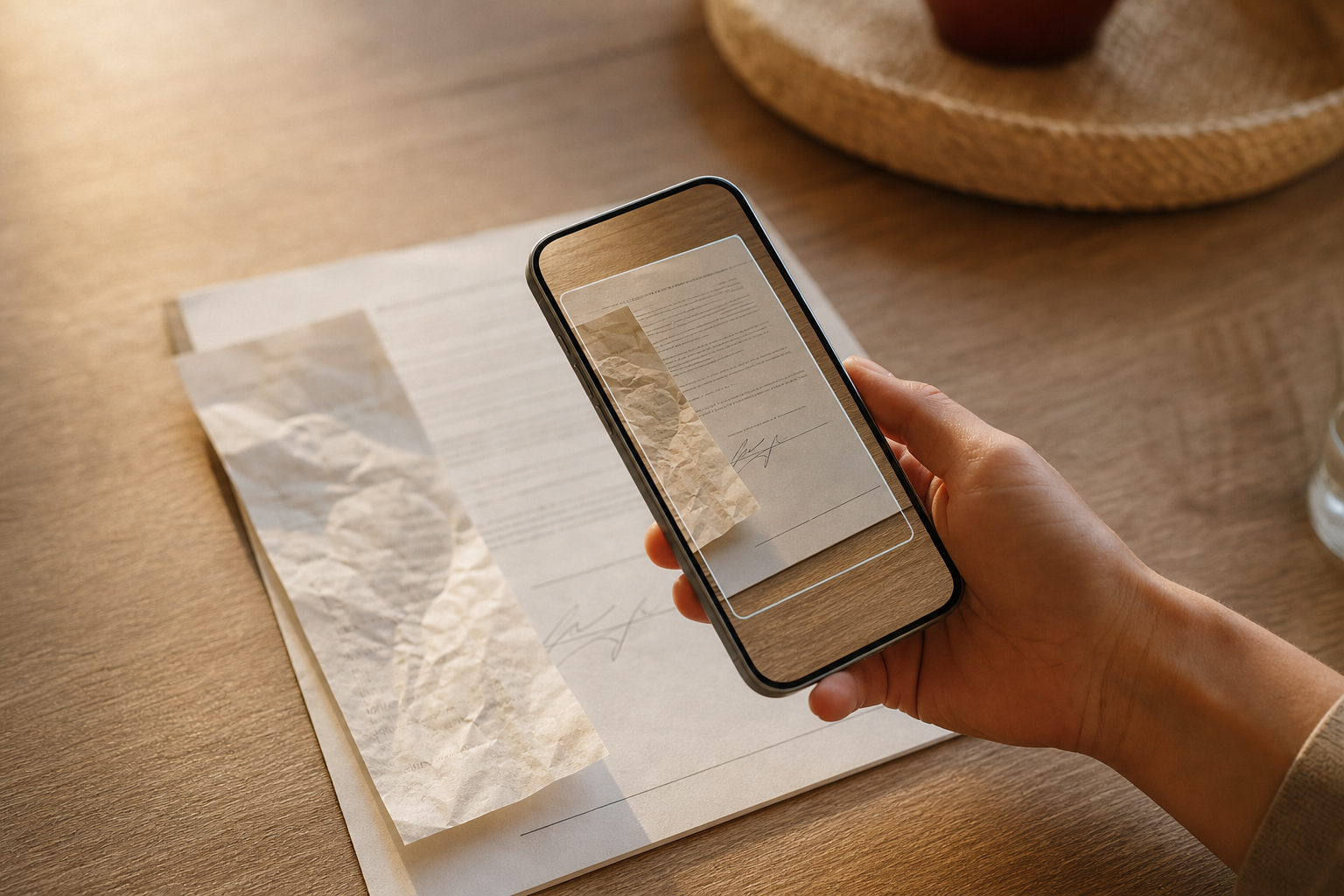
A phone scanner has one job: turn a lease, a receipt or a school form into a straight, readable PDF you can search later. Edge detection is good almost everywhere now, so the differences hide in the details — whether text recognition (OCR) is free, whether exports carry a watermark, whether you need an account and where your scans end up. We compared eight scanner apps on those points plus price and platforms. Genius Scan is first because its free version is complete and processes pages on the device; Apple's built-in scanner is nearly as good on an iPhone, and Microsoft Lens has left the field.
Genius Scan8.6/10
Best for: anyone who scans paperwork regularly and doesn't want an account or a watermark
Genius Scan's free version has no document limit and no watermark, needs no account and processes pages on the device. Batch scanning, edge cleanup and PDF or JPEG export are all free. Text recognition, cloud exports and sync belong to Ultra at $39.99 a year, and the old one-time Genius Scan+ purchase is no longer sold.
What works
- Free version has no page limits and no watermark
- No account needed; processing happens on the device
- Batch scanning and PDF or JPEG export in the free version
What doesn’t
- No OCR in the free version
- Cloud exports and sync need the $39.99-a-year Ultra plan
Price: Free; Ultra $39.99/yr Platforms: iOS, iPadOS, Android Developer site
Apple's built-in scanner8.5/10
Best for: iPhone and iPad owners who scan a few pages a month
Every iPhone already has a capable scanner in Notes, Files and, since iOS 26, Preview: auto mode captures the page as soon as it's framed, Files and Preview save a PDF, and Notes can insert the recognized text. It's free, on-device and needs no new account. It's also basic, with few organizing tools, and Apple doesn't say whether the PDFs it saves are text-searchable.
What works
- Free, already installed and processed on the device
- Auto-capture in Notes, Files and Preview
- No watermark and no sign-up
What doesn’t
- iPhone and iPad only
- Apple doesn't document whether saved PDFs are searchable
Price: Free Platforms: iOS, iPadOS Developer site
Google Drive scanner7.8/10
Best for: Android users and anyone who files everything in Google Drive
The scanner inside the Google Drive app captures pages automatically on Android, cleans up stains and stray fingers, and saves PDFs straight into Drive, where Google makes the text searchable. It's free, runs on iPhone as well as Android, and uses the 15 GB that comes with a Google account. Every scan lands in Google's cloud, which is the point for some people and the problem for others.
What works
- Free, with scans filed straight into Drive
- Google makes scanned PDFs searchable
- Available on Android and iPhone
What doesn’t
- Scans go to Google's cloud by default
- Auto-capture and cleanup are documented only for Android
Price: Free (15 GB of Google storage) Platforms: Android, iOS Developer site
Adobe Scan7.7/10
Best for: people who want free OCR and don't mind signing in
Adobe Scan turns pages into searchable PDFs for free, with a cap on text recognition that Adobe's own documents and store listing describe differently. You need an Adobe account (or a Google, Apple or Facebook sign-in), and scans save automatically to Adobe's cloud. Exporting to Word, Excel or PowerPoint, combining files and larger OCR jobs are paid.
What works
- Free searchable PDFs
- Paid plans export straight to Word, Excel and PowerPoint
- Works on iPhone and Android
What doesn’t
- Account required before the first scan
- Scans upload to Adobe's cloud automatically
- Office export and bigger OCR jobs are paid
Price: Free tier; Adobe Scan Plus and Premium vary by plan/region Platforms: iOS, Android Developer site
Scanner Pro7.6/10
Best for: iPhone users who want polished scanning with on-device OCR and will subscribe
Readdle's Scanner Pro is fast and tidy on iPhone and iPad, with on-device text recognition in its paid Plus tier and no account required. The free version watermarks files you share, which defeats the purpose for anything official, and the App Store lists seven Plus price points without saying which is which.
What works
- On-device OCR in Scanner Pro Plus
- No account required
- Runs on iPhone, iPad and Vision Pro
What doesn’t
- Free version watermarks shared files
- Plus pricing is unclear, with seven price points listed
- App Store label lists identifiers used to track you
Price: Free tier; Scanner Pro Plus varies by plan/region Platforms: iOS, iPadOS, visionOS Developer site
SwiftScan7.4/10
Best for: people who scan on both phone and Mac and want text recognition done locally
SwiftScan, the app formerly called Scanbot, scans to PDF and JPG for free and runs its text recognition on the device. It's available on iPhone, iPad, Android, Apple-silicon Macs and Vision Pro, with VIP and Plus subscriptions for heavier use. The App Store privacy label lists data used to track you.
What works
- Free PDF and JPG scans
- On-device text recognition
- Runs on Apple-silicon Macs as well as phones
What doesn’t
- VIP costs $34.99 a year or $5.99 a month
- App Store label lists data used to track you
Price: Free tier; VIP $34.99/yr or $5.99/mo (varies by plan/region) Platforms: iOS, iPadOS, Android, macOS, visionOS Developer site
vFlat Scan7.3/10
Best for: students and researchers scanning books and bound notes
vFlat Scan is built for books: it flattens curved pages, removes fingers from the shot and splits a two-page spread into separate pages, then exports PDF, JPG or plain text. It's free to start, with subscriptions and OCR page packs for heavier use. The App Store label lists third-party advertising.
What works
- Flattens curved pages and erases fingers
- Splits two-page spreads automatically
- Exports text as well as PDF and JPG
What doesn’t
- OCR beyond the free allowance means subscriptions or page packs
- App Store label lists third-party advertising
Price: Free to start; subscriptions and OCR page packs vary by plan/region Platforms: iOS, Android Developer site
CamScanner6.4/10
Best for: people who need scanning on desktop and the web as well as the phone, and accept the trade-offs
CamScanner runs on more platforms than anything else here, including Windows, macOS and the web. The free version shows ads and stamps 'Scanned by CamScanner' on your pages, and its history weighs on it: in August 2019 Kaspersky found a malicious module in the Android version, which Google pulled from the Play Store, and India banned the app in June 2020.
What works
- Apps for iOS, Android, Windows, macOS and the web
- Premium removes the watermark and the ads
What doesn’t
- Free scans carry a watermark and ads
- Android version carried a malicious module in 2019
- Banned in India in 2020
Price: Free tier with ads; Premium $59.99/yr or $9.99/mo (varies by plan/region) Platforms: iOS, Android, Web, Windows, macOS Developer site
The short version
Install Genius Scan if you scan more than a few pages a month; it does the job for free, keeps pages on your phone and asks for nothing. If you only scan occasionally on an iPhone, the scanner in Notes and Files is enough. Pick Google Drive's scanner if your paperwork already lives in Drive, Adobe Scan if you want free OCR and don't mind an account, and vFlat when the thing you're scanning is a book.
Questions we get
Do I need a scanner app if my phone already scans?
Maybe not. iPhones scan in Notes, Files and Preview, and Android phones can scan through Google Drive. A dedicated app earns its place with batch scanning, dependable OCR, export to cloud folders and more control over where files end up.
What is OCR, and which apps include it for free?
OCR (optical character recognition) turns a picture of text into text you can search and copy. Adobe Scan includes it free up to a page cap, and Google says Drive's scanner produces searchable PDFs; Genius Scan and Scanner Pro keep it for their paid tiers, and vFlat sells extra pages in packs.
Are my scans uploaded to the cloud?
It depends on the app. Genius Scan and Apple's scanner process pages on the device, and Scanner Pro and SwiftScan run their text recognition locally. Adobe Scan saves to Adobe's cloud automatically and Google Drive's scanner saves into Drive, which is worth knowing before you scan tax forms or medical records.
What happened to Microsoft Lens?
Microsoft retired it in stages in early 2026: it left the app stores in February, and new scans stopped working in March. Microsoft now points people to the scanner in the OneDrive app. Former Lens users who want a standalone replacement should start with Genius Scan.
What's the best way to scan a book?
Use vFlat Scan. It flattens the curve near the spine, removes your fingers from the image and splits two facing pages into separate pages. For loose sheets, any app on this list will do.
Scores follow the Canyon rubric. Prices were checked on the date above; app pricing changes often. Written by Priya Raman.