Photography · Updated 2026-11-21
Best Photo Culling Apps (2026-2027)
Seven tools for getting from a full card to a shortlist, ranked on speed, judgement and cost per shoot. Photo Mechanic leads for photographers who cull by eye; the AI cullers below it are better if you would rather review a shortlist than build one.
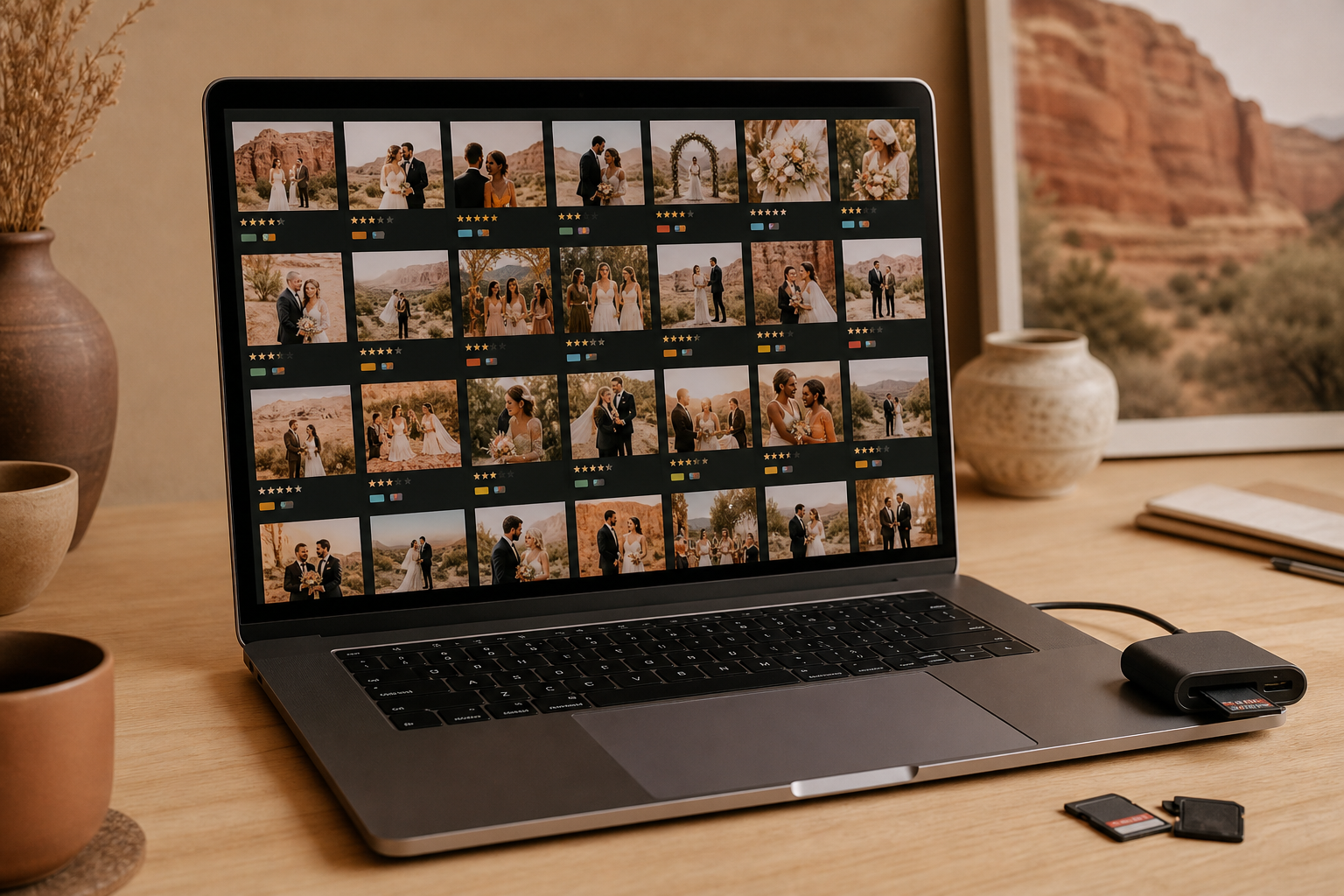
Culling is the unglamorous part of photography: thousands of frames in, a few hundred out, and nobody wants to spend the evening on it. Each plan was bought at retail, and the seven desktop culling tools here were weighed on how they preview RAW files, what they flag for you, how their ratings reach Lightroom or Capture One, and whether your images ever leave your computer. Photo Mechanic is first for photographers who decide every frame themselves; Narrative Select and Aftershoot are the strongest AI-assisted options.
Photo Mechanic8.8/10
Best for: working photographers who cull by eye under deadline
Photo Mechanic opens a card and lets you rate, tag and caption as fast as you can press keys, because it reads the embedded previews instead of rendering every RAW. Its metadata tools are the reference for press and sports work. It does not choose photos for you, and Standard is sold as a subscription or as a perpetual licence.
What works
- Embedded previews keep browsing a full card quick
- IPTC captioning and code replacement built for press work
- Perpetual licence still on sale
What doesn’t
- No AI pre-selection; every keeper is your call
- Catalogue features cost more in the Plus tier
Price: Standard $14.99/mo, $149/yr or $299 perpetual Platforms: macOS, Windows Developer site
Narrative Select8.4/10
Best for: portrait and wedding photographers who want AI help but the final say
Select groups similar frames into scenes and flags closed eyes and soft focus on faces, so you review a sorted set rather than an unsorted dump. Originals stay on your own drive. The free plan has been retired: new users get a 30-day trial of the top tier, after which the app waits at a plan screen until you subscribe.
What works
- Face close-ups flag blinks and missed focus
- Similar frames grouped into scenes
- Trial needs no payment card
What doesn’t
- No free plan any more
- Locks to the plan screen once the trial ends
Price: From $10/mo after a 30-day trial Platforms: macOS, Windows Developer site
Aftershoot8.0/10
Best for: high-volume shooters who want the first pass done for them
Aftershoot culls a whole shoot automatically — duplicates, blinks and blur go first — and can carry on into AI editing and retouching if you pay for those too. Every plan includes unlimited images. Its 2026 restructure split the product into separate Select, Edit and Retouch plans, so the bill depends on how many you stack.
What works
- Automatic first pass removes duplicates, blinks and blur
- Unlimited images on every plan
- Editing and retouching available in the same app
What doesn’t
- Modular plans add up quickly
- AI picks still need a human pass
Price: Subscription; varies by plan/region Platforms: macOS, Windows Developer site
Excire Foto 20277.6/10
Best for: photographers who want AI culling without a subscription or the cloud
Excire Foto runs its AI on your computer, combining culling with search across the whole library, including text it reads inside images. It is sold as a one-time licence, which is rare in this category. It is a library manager first, so culling sits inside a larger interface than a dedicated culler's.
What works
- One-time licence, no subscription
- All analysis runs locally
- Search finds text inside photos
What doesn’t
- More to learn than a single-purpose culler
Price: One-time licence; varies by plan/region Platforms: macOS, Windows Developer site
FilterPixel7.4/10
Best for: genre specialists who want culling tuned to their kind of shoot
FilterPixel offers a basic AI cull plus DeepCull, a genre-aware mode that draws on a balance of shoots. When the balance runs out, the basic cull keeps working, so a busy month does not stop you outright. It edits too, but culling is the reason to choose it.
What works
- Genre-aware DeepCull mode
- Basic culling continues when DeepCull runs out
What doesn’t
- DeepCull use is metered
- Plan details have changed often
Price: Free trial; subscription varies by plan/region Platforms: macOS, Windows Developer site
FastRawViewer7.2/10
Best for: technical shooters who judge exposure from the RAW data itself
FastRawViewer renders the actual RAW data rather than the camera's embedded preview, with RAW histograms and exposure overlays, so what you judge is what you will edit. Ratings are written to XMP for Lightroom and other editors. There is no AI, and the interface assumes you know what a RAW histogram is telling you.
What works
- Shows true RAW data, not the camera JPEG
- RAW histogram and clipping overlays
- One licence activates on two computers
What doesn’t
- No AI assistance
- Technical interface
Price: Perpetual licence; varies by plan/region Platforms: macOS, Windows Developer site
Adobe Lightroom Classic6.7/10
Best for: photographers already paying for Lightroom who want culling in the same catalogue
Assisted Culling left early access in June 2026 and now flags closed eyes and weaker frames inside Lightroom Classic at no extra cost to subscribers. It saves a round trip to another app. Users report slow analysis on large shoots, and Adobe says it works best on portraits, weddings and events.
What works
- Included in existing Lightroom plans
- Culls inside the catalogue you already use
What doesn’t
- Users report slow analysis on big shoots
- Best on people pictures, by Adobe's own account
Price: Included in Lightroom plans; varies by plan/region Platforms: macOS, Windows Developer site
The short version
If you cull by eye against a deadline, buy Photo Mechanic and accept that every decision stays with you. If you would rather start from a sorted set, Narrative Select is the most careful AI culler here and Aftershoot the most automatic. Excire Foto suits anyone who wants AI help, local processing and no subscription.
Questions we get
Is AI culling accurate enough to trust?
Trust it for the first pass, not the final one. These tools are good at catching blinks, duplicates and soft frames, but none of them knows which moment the client will love, so review what they pick.
Do culling apps upload my photos?
Narrative Select keeps originals on your drive and Excire Foto analyses images locally; Photo Mechanic and FastRawViewer never needed a cloud. Read the current terms of any AI service before running client work through it.
What is the cheapest way to cull without a subscription?
FastRawViewer and Excire Foto are sold as one-time licences, and Photo Mechanic still offers a perpetual option next to its subscription. Assisted Culling in Lightroom Classic costs nothing extra if you already pay for Lightroom.
Does Narrative Select still have a free plan?
No. Narrative retired its free plan; new users get a 30-day trial of the top tier with no card required, and its pricing page lists paid plans from $10 a month.
Can I cull photos on a phone or tablet?
Not with these tools — all seven are desktop apps for macOS and Windows. For phone shots, Lightroom's mobile app has flags and star ratings that sync to the desktop on a paid plan.
Scores follow the Canyon rubric. Prices were checked on the date above; app pricing changes often. Written by Joel McCarthy.