Photography · Updated 2026-11-21
Best Photo Editor Apps (2026-2027)
Six photo editors ranked on how far they take an image before the upsell begins. Lightroom leads on depth and syncing; Snapseed is the best editor you can have for nothing.
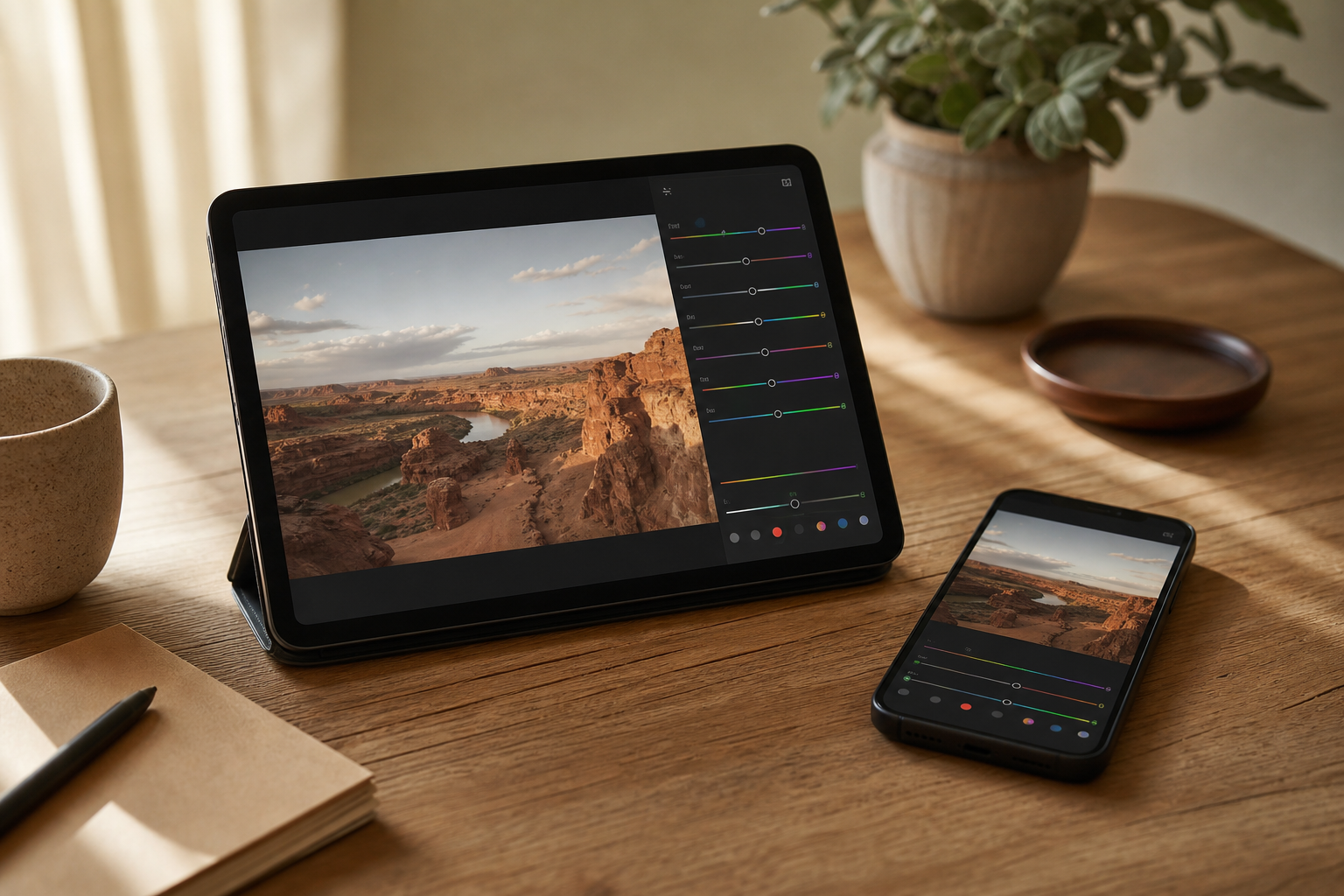
A good editor fixes a photo in a few moves and stays out of the way when you need precision. We paid for each premium tier ourselves and set six editors side by side on their tools, the files they read and write, how they store edits and where each draws the line between free and paid. Lightroom finishes first for depth and cross-device syncing; Snapseed costs nothing and gives up surprisingly little; Darkroom is the most comfortable option for people whose photos live in Apple Photos.
Adobe Lightroom8.9/10
Best for: people who start an edit on the phone and finish it on a computer
Lightroom's free tier already includes capture, organising, sharing and most editing tools — more than some paid rivals offer. The subscription adds cloud sync across phone, desktop and web plus Adobe's premium tools, and that is where its lead becomes obvious. You need an Adobe account, and the free tier reminds you about the plan often.
What works
- Most editing tools are free, along with capture and sharing
- Paid plan syncs edits to desktop and web
- Non-destructive RAW editing
What doesn’t
- Sync and premium tools require a subscription
- Adobe account required
Price: Free tier; premium varies by plan/region Platforms: iOS, Android, Web, macOS, Windows Developer site
Snapseed8.6/10
Best for: anyone who wants serious editing tools for free
Google's editor has been redesigned over the past two years and is still free in the full sense: no subscription, no watermark, no in-app purchases. Selective adjustments, healing, curves and RAW development cover what most photos need, and the 2026 updates added a depth-based lens blur. It edits one photo at a time, with no library or sync.
What works
- Completely free, with no ads or watermark
- Selective edits, healing and curves included
- Develops RAW files
What doesn’t
- No photo library or cross-device sync
- New versions reach iPhone and Android at different times
Price: Free Platforms: iOS, Android Developer site
Darkroom8.1/10
Best for: iPhone, iPad and Mac users who edit straight from Apple Photos
Darkroom edits the Photos library in place, so there is no import step, and the same app runs on iPhone, iPad and Mac. Its developer keeps most of the editor free and puts the advanced tools in Darkroom+. It is Apple-only, and the subscription price swings widely between countries.
What works
- Edits photos in place in the Apple Photos library
- Most of the editor is free
- One app across iPhone, iPad and Mac
What doesn’t
- Apple platforms only
- Darkroom+ pricing differs sharply between storefronts
Price: Free core; Darkroom+ varies by plan/region Platforms: iOS, iPadOS, macOS Developer site
VSCO7.4/10
Best for: people who want a consistent film-style look across their feed
VSCO's strength is its presets: restrained, film-inspired looks that take a photo most of the way in one tap. Precision tools are thinner than in the three editors above it, and most of the preset library needs a membership. Pro members now also get Studio Pro, a new Mac app built around the same presets.
What works
- Film-inspired presets for a consistent look
- Pro membership adds the Studio Pro app for macOS
- Free tier is enough to try the style
What doesn’t
- Most presets need a paid membership
- Fewer precision tools than Lightroom or Snapseed
Price: Free tier; Pro $59.99/yr Platforms: iOS, Android, macOS Developer site
Adobe Photoshop (mobile)7.1/10
Best for: people who need layers, masks and compositing on a phone
Photoshop on the phone brings layers, selections, masks and Generative Fill to a small screen, and the free tier covers basic compositing. It is a compositing tool more than a photo developer, and its generative features spend credits that the paid plan tops up. The Android release arrived months after the iPhone one and has trailed it on some tools.
What works
- Layers and masks on a phone, free to start
- Generative Fill and smart selections built in
- Mobile plan included with desktop Photoshop subscriptions
What doesn’t
- Generative edits draw on a credit allowance
- Android build has lagged the iPhone version on tools
Price: Free tier; mobile plan varies by plan/region Platforms: iOS, Android Developer site
Picsart6.3/10
Best for: social posts that mix photos, stickers and text
Picsart is a creative toolbox more than a photo editor: collages, stickers, templates and AI generation sit beside basic adjustments. The free tier shows ads, and the AI tools run on monthly credits. It ranks last because its photo-editing core is the least precise here and its upsells are the most persistent.
What works
- Large library of templates, stickers and fonts
- Works in a browser as well as on phones
What doesn’t
- Ads and frequent upgrade prompts in the free tier
- AI tools are rationed by monthly credits
Price: Free tier with ads; Pro varies by plan/region Platforms: iOS, Android, Web Developer site
The short version
Choose Lightroom if you want one editor across phone and computer and will pay for the sync. If you won't, Snapseed is free with no strings and handles nearly every everyday fix. Darkroom is the calmer pick for Apple Photos users, and VSCO suits people who care more about a look than about sliders.
Questions we get
What is the best free photo editor app?
Snapseed. It has no ads, no watermark and no paid tier, and its selective, healing and curves tools cover the fixes most photos need. Lightroom's free tier is the runner-up and adds a camera and organising tools.
Is Lightroom mobile free?
Mostly. Capture, organising, sharing and most editing tools cost nothing; syncing with desktop and web, plus Adobe's premium tools, need a paid plan whose price depends on your country.
Which photo editors can develop RAW files?
Lightroom, Snapseed and Darkroom all develop RAW, and Lightroom gives the most control over the result. If RAW work is your main job, start with Lightroom and keep Snapseed as a free second opinion.
Why isn't Photoshop ranked higher?
Because it solves a different problem. It is excellent for layers, masks and compositing, but single-photo tone and colour work is quicker in Lightroom or Snapseed, and its generative features spend credits.
Which editor is best for privacy?
Snapseed and Darkroom work on the device and don't ask you to upload anything to edit. Adobe's apps sync through Adobe's cloud once you sign in to a plan, and Picsart's free tier is ad-supported, so read its privacy label first.
Scores follow the Canyon rubric. Prices were checked on the date above; app pricing changes often. Written by Joel McCarthy.