Home · Updated 2026-11-21
Best Plant Care Apps (2026)
Six plant apps ranked on whether their advice fits the plant in front of you rather than a generic calendar. Planta leads; Pl@ntNet is the free pick for naming what you found.
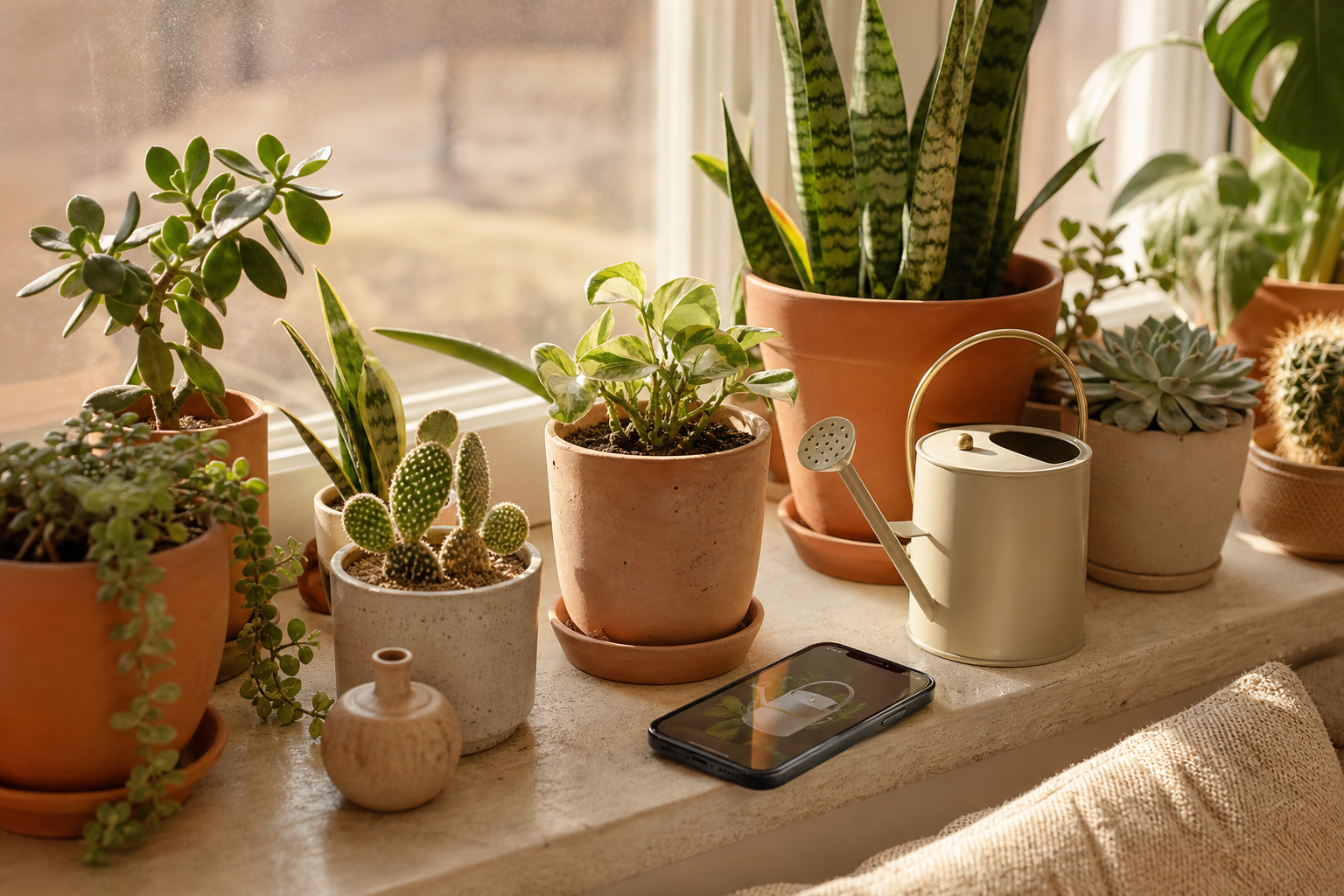
Overwatering is among the most common ways houseplants die, which is why a reminder app is only as good as its grasp of the individual plant, its pot and its light. The apps below range from adaptive care schedulers to identifiers that stop once the plant has a name. Each of the six was reviewed through its listed prices, its storefront page, its privacy label and the developer's guides, then given an editorial score under the Canyon rubric. Planta ranks first for care schedules that account for light and season; Greg is close behind, and Pl@ntNet is the best free identifier.
Planta8.4/10
Best for: indoor gardeners with a growing collection
Planta builds a care plan for each plant — watering, feeding, repotting — and adjusts it for the room's light and the season, with a light meter that uses the phone camera. Identification and problem diagnosis are part of the app. Much of what sets it apart sits in Premium.
What works
- Care plans adjust to light conditions and season
- Camera-based light meter
- Identification and problem diagnosis in the same app
What doesn’t
- Adaptive features and diagnosis require Premium
- Calendar-based watering cues cannot sense soil moisture
Price: Free tier; Premium varies by plan/region Platforms: iOS, Android Developer site
Greg8.1/10
Best for: plant owners who want watering amounts, not just dates
Greg works out how much water each plant needs from its species, pot size and distance from the window, and recalculates as local weather shifts. An active community answers questions. Setup asks for details on every pot, and some features need the subscription.
What works
- Watering amounts tailored to pot size and light
- Adjusts for local weather and season
- Active community of plant owners
What doesn’t
- Setup asks for measurements of every pot
- Some features require a subscription
Price: Free tier; subscription varies by plan/region Platforms: iOS, Android Developer site
PictureThis7.3/10
Best for: people who mainly want to identify plants on sight
PictureThis is a capable photo identifier with care guides and disease diagnosis attached, covering garden and wild plants as well as houseplants. The free experience is narrow and the app pushes a subscription trial hard from the first launch, which costs it on value and onboarding.
What works
- Quick photo identification across a wide range of species
- Care guides and diagnosis for identified plants
What doesn’t
- Aggressive subscription prompts from the first launch
- Most features sit behind the subscription
Price: Free with limits; Premium varies by plan/region Platforms: iOS, Android Developer site
Pl@ntNet7.2/10
Best for: walkers and gardeners naming plants for free
Pl@ntNet is a citizen-science identifier backed by French research institutes, free and without ads. It is excellent for naming wild and garden plants, and your observations can feed its scientific database if you choose, but it offers no care reminders at all.
What works
- Free, ad-free identification
- Observations can contribute to a research database
- Covers wild, garden and crop plants
What doesn’t
- No watering or care reminders
- Needs clear photos of flowers or leaves to do well
Price: Free Platforms: iOS, Android, Web Developer site
Blossom6.9/10
Best for: beginners who want identification and reminders in one simple app
Blossom pairs a photo identifier with watering reminders in a friendly interface aimed at newcomers. Much of it needs a subscription, and its care advice is generic next to apps that model each pot and window.
What works
- Identification and watering reminders together
- Simple, beginner-friendly design
What doesn’t
- Subscription required for much of the app
- Care advice is generic rather than pot-specific
Price: Free with limits; subscription varies by plan/region Platforms: iOS, Android Developer site
Gardenize6.7/10
Best for: outdoor gardeners keeping a season-by-season journal
Gardenize is a garden diary rather than a care coach: log plants, beds, sowing dates, harvests and photos, set your own reminders and look back at what worked. It suits people who garden outdoors and want a record, but it will never tell you when to water.
What works
- Journal for plants, garden areas and events, with photos
- Works on phones and the web
What doesn’t
- No automatic care schedules
- Some storage and features require a paid plan
Price: Free tier; Plus and Premium vary by plan/region Platforms: iOS, Android, Web Developer site
The short version
Choose Planta for a care plan that adapts to each room, or Greg if watering amounts are your main worry. To name a plant, try Pl@ntNet before paying for an identifier; PictureThis is worth its subscription only if you identify plants often.
Questions we get
Can an app tell me exactly when to water?
It can estimate. Apps that account for pot size, light and weather estimate better than fixed calendars, but a finger pressed into the soil is still the final check.
Are plant identification apps accurate?
They do well with clear photos of leaves and flowers and struggle with seedlings, cultivars and damaged plants. Treat any identification as a lead to confirm, especially before eating a plant or deciding it is safe for pets.
Which plant app is free?
Pl@ntNet is free with no ads. Planta, Greg, PictureThis, Blossom and Gardenize all offer a free way in, with their key features in paid plans.
Do these apps work for outdoor gardens?
Partly. Gardenize is built around outdoor beds and seasons, the care schedulers lean towards houseplants, and the identifiers handle wild and garden plants alike.
What permissions do plant apps ask for?
Camera access for identification and light readings, and often location for weather-adjusted schedules. Location is usually optional; the privacy label shows whether it is linked to your identity.
Scores follow the Canyon rubric. Prices were checked on the date above; app pricing changes often. Written by Marisol Ibarra.