Photography · Updated 2026-11-21
Best RAW Camera Apps (2026-2027)
Seven apps that save real RAW files, ranked on file quality, control and what it costs to get the DNG out. Halide Mark III leads on iPhone; on Android, Lightroom's camera and Samsung's Expert RAW are the strongest free routes.
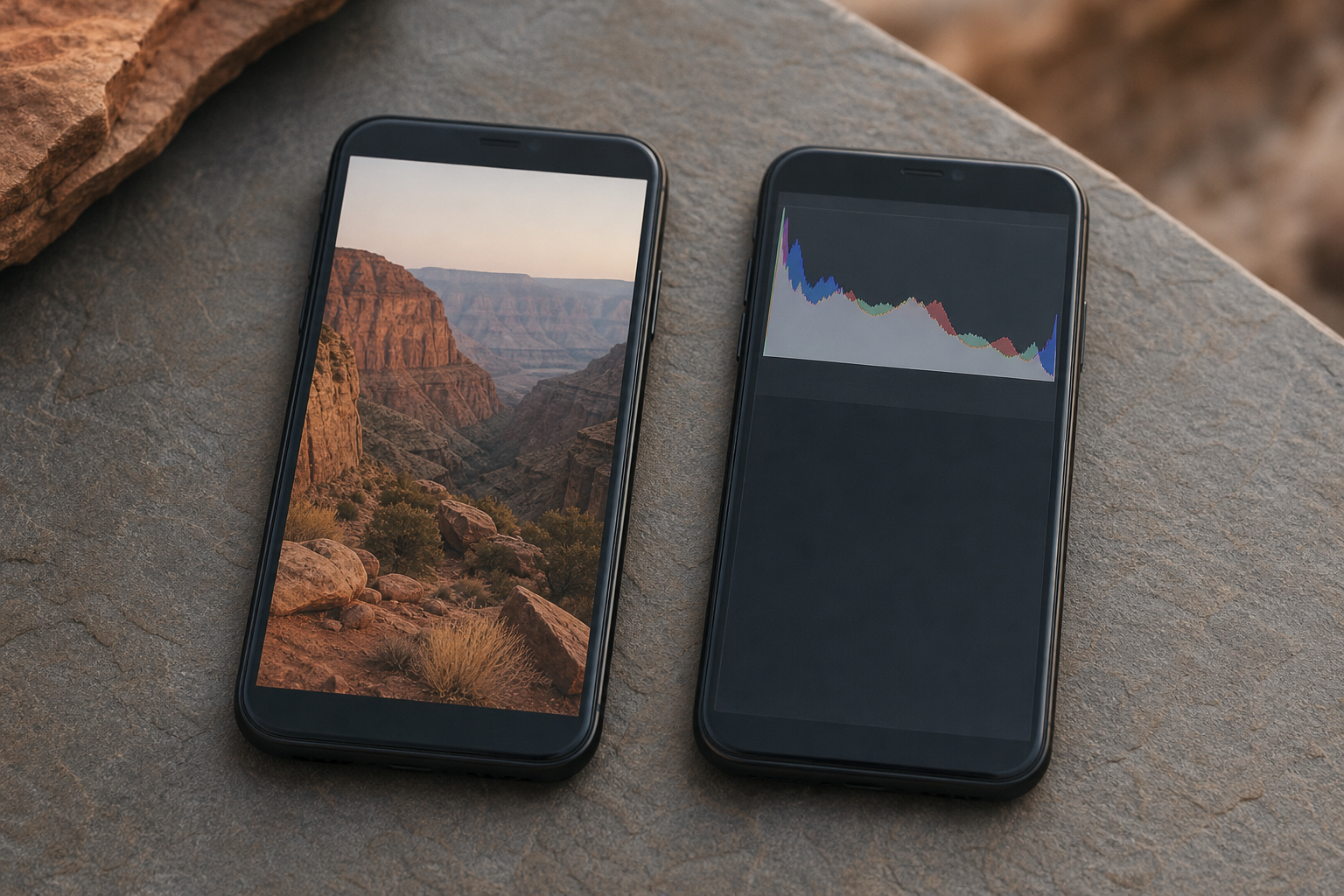
A RAW file keeps the sensor data a JPEG throws away, which is what lets you pull back a bright sky or lift a muddy shadow later. Where an app charges, we paid the public price, then lined up seven RAW-capable apps across iPhone and Android on the formats they write, the manual controls around them and how they hand files to an editor. Halide Mark III is first on iPhone, Project Indigo is the best free iPhone option, and on Android the choice between Lightroom's camera and Expert RAW depends on whose phone you own.
Halide Mark III9.0/10
Best for: iPhone owners who want RAW, ProRAW and an editor under one roof
Halide lets you choose native RAW, Apple ProRAW or its own Process Zero mode, so you decide how much processing a file carries before it leaves the phone. Mark III adds an editor and beta support for importing RAW files from standalone cameras. It is the most complete phone RAW pipeline we know of, and it runs on iPhone only.
What works
- Native RAW, ProRAW and Process Zero in one camera
- Imports RAW files from standalone cameras (beta)
- Editor built into Mark III
What doesn’t
- iPhone-only
- Paid after the trial week, with no free tier
Price: Subscription or lifetime licence; varies by plan/region Platforms: iOS Developer site
Project Indigo8.6/10
Best for: iPhone users who want multi-frame RAW files at no cost
Indigo captures a burst, aligns and merges it, then writes a DNG next to the JPEG — a RAW file built from many frames rather than one. It costs nothing and works without an Adobe login. Adobe still labels it experimental, so build a workflow on it knowing that could change.
What works
- DNGs merged from a burst rather than a single frame
- No price and no account
- Manual ISO, shutter, focus and white balance
What doesn’t
- Still an Adobe Labs experiment
- No Android version yet
Price: Free Platforms: iOS Developer site
Adobe Lightroom8.3/10
Best for: phone owners on either platform who want free DNG capture tied to an editor
Lightroom's built-in camera shoots DNG in its Pro mode and offers a raw HDR mode, both free on iPhone and Android. Captures land directly in the editor, which saves a step on every shot. On Android, whether DNG appears depends on the phone maker, and the app needs an Adobe account.
What works
- Free DNG and raw HDR capture
- Captures go straight into a full editor
- Same camera on iPhone and Android
What doesn’t
- DNG on Android depends on the handset
- Sync to desktop costs extra
Price: Free capture; subscription varies by plan/region Platforms: iOS, Android Developer site
Samsung Expert RAW8.0/10
Best for: Galaxy owners who want multi-frame RAW from the phone maker itself
Samsung's own RAW camera saves a 16-bit linear DNG alongside a JPEG, with the phone's multi-frame processing applied before the file is written. Manual controls are included, and astrophotography and multiple-exposure modes appear on supported models. It exists only for Galaxy phones, and older models get fewer features.
What works
- 16-bit linear DNG saved with every JPEG
- Multi-frame processing before the RAW is written
- Free from the Galaxy Store
What doesn’t
- Samsung Galaxy phones only
- Astro and multi-exposure modes vary by model
Price: Free Platforms: Android (Samsung Galaxy) Developer site
Open Camera7.6/10
Best for: Android users who want a free, ad-free RAW camera
Open Camera is open source, carries no ads or in-app purchases, and saves DNG when the phone exposes RAW through Android's Camera2 interface. Manual focus, exposure and burst shooting are all included. The interface is utilitarian, and RAW support depends entirely on the handset.
What works
- Open source, with no ads or in-app purchases
- DNG alongside JPEG when the phone allows it
- Full manual controls in Camera2 mode
What doesn’t
- RAW availability varies by device
- Plain interface needs some setting up
Price: Free Platforms: Android Developer site
ProCamera7.3/10
Best for: iPhone shooters who want RAW plus specialty modes
ProCamera saves RAW and pairs it with night, HDR and slow-shutter modes that most RAW-first apps skip. The price of that breadth is an unlock structure of individual purchases, a subscription and lifetime offers that changes by storefront.
What works
- RAW alongside night, HDR and slow-shutter modes
- Non-subscribers still receive updates
What doesn’t
- Unlock options are confusing and region-specific
Price: In-app unlocks; varies by plan/region Platforms: iOS Developer site
Obscura6.9/10
Best for: iPhone users who prefer a minimal RAW camera
Obscura captures RAW through a clean, gesture-led interface and hands files to its companion editor, Obscura Studio. Its advanced controls are part of the Ultra unlock, which can be rented or bought outright.
What works
- Uncluttered interface keeps RAW capture quick
- Studio editor shares the same Ultra purchase
What doesn’t
- Advanced controls require Ultra
- Apple devices only
Price: Free download; Ultra unlock varies by plan/region Platforms: iOS, iPadOS Developer site
The short version
On iPhone, Halide Mark III is the RAW camera to own, with Project Indigo as a free second camera for scenes that benefit from merged frames. On Android, start with Lightroom's camera if your phone exposes DNG to it, or Expert RAW if you carry a Galaxy. Open Camera is the no-cost fallback for any other Android phone.
Questions we get
What is the difference between RAW and ProRAW?
Standard RAW is close to the sensor data with very little processing. Apple ProRAW is a DNG that already includes some of Apple's multi-frame processing, which cuts noise but bakes in more decisions. Halide lets you pick either.
Can every Android phone shoot RAW?
No. An app can only save DNG if the manufacturer exposes RAW through Android's camera interface. Lightroom reports this under Device Info, and Open Camera offers RAW only in Camera2 mode when the hardware allows it.
Are phone RAW files worth the storage?
For high-contrast or low-light scenes, yes, because you keep more room to recover highlights and shadows. For everyday snapshots, a well-processed HEIC or JPEG is usually enough and takes far less space.
Is Samsung Expert RAW free?
Yes. It is a free Galaxy Store download for supported Galaxy phones; astrophotography and other advanced modes depend on the model you own.
What should I edit phone RAW files in?
Lightroom gives the most control on both platforms, and Snapseed is a capable free alternative. On iPhone, Halide Mark III's editor and Darkroom both handle RAW without an import step.
Scores follow the Canyon rubric. Prices were checked on the date above; app pricing changes often. Written by Joel McCarthy.