Video · Updated 2026-11-21
Best Screen Recorder Apps (2026-2027)
Seven recorders for tutorials, demos and quick async messages, ranked on capture, editing and where the recording ends up. OBS Studio leads because it is free, open source and capable of almost anything; it is also the hardest to learn.
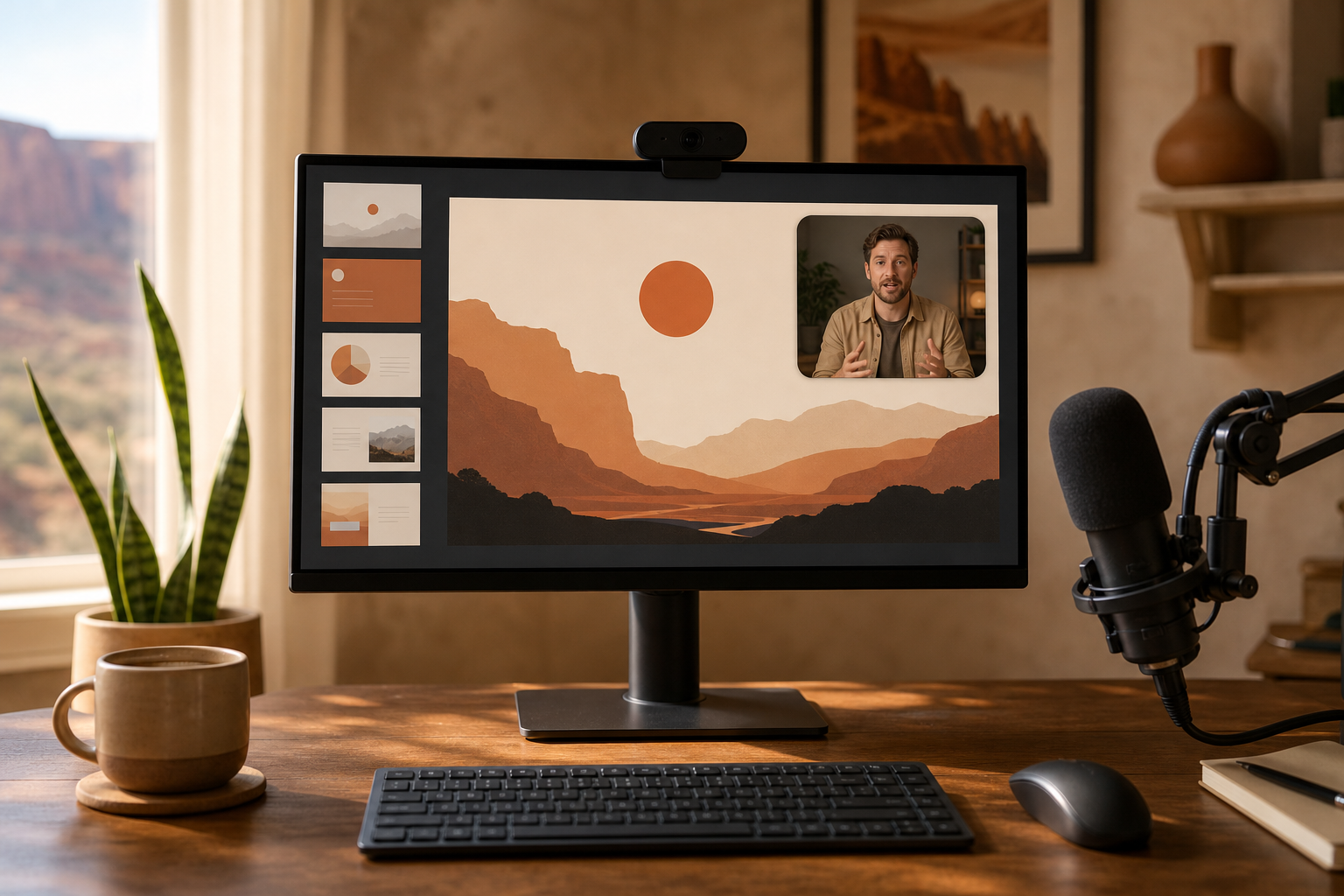
Screen recording sounds simple until you need system audio, a webcam overlay, a tidy cursor and a file you can actually edit. We paid list price for every plan and put seven recorders across Windows, macOS, Linux and Android through the same questions: capture options, built-in editing, export formats, sharing, and whether recordings stay on your machine or go to someone else's cloud. OBS Studio wins on capability and cost; CleanShot X is the most pleasant on a Mac; Camtasia is the most complete record-and-edit package.
OBS Studio8.8/10
Best for: anyone who wants unlimited, local recording at no cost
OBS Studio records and streams any mix of screens, windows, cameras and audio sources, with no watermark, no time limit and no account. It is open source and runs on Windows, macOS and Linux, and recent releases added a plugin manager and a rebuilt audio mixer. The trade is setup: scenes and sources take time to learn, and there is no editor.
What works
- Free and open source, with no watermark or time limit
- Scenes mix screens, cameras and audio freely
- Windows, macOS and Linux
What doesn’t
- Steep learning curve
- No built-in editor
Price: Free Platforms: Windows, macOS, Linux Developer site
CleanShot X8.4/10
Best for: Mac users who record short clips and screenshots all day
CleanShot X folds screen recording, GIF export, scrolling capture and annotation into one menu-bar app, and its cloud gives you a share link the moment you stop recording. It is sold as a licence that includes a year of updates, with an optional Cloud Pro subscription. It is Mac-only and not meant for long, edited tutorials.
What works
- Recording, GIFs, scrolling capture and annotation in one app
- Instant share links through its cloud
- Also included in Setapp
What doesn’t
- Mac only
- Updates after the first year need a renewal
Price: One-time licence plus optional Cloud Pro; varies by plan/region Platforms: macOS Developer site
Camtasia8.1/10
Best for: trainers and educators who record and edit in one place
Camtasia pairs a recorder with a timeline editor built for tutorials: cursor effects, callouts, quizzes and captions. TechSmith sells it by subscription, from a watermarked Starter tier up to AI-heavy Create and Pro tiers. It is the most complete package here and the most expensive to keep.
What works
- Recorder and tutorial-focused editor in one
- Cursor effects, callouts and quizzes built in
- Windows and Mac versions
What doesn’t
- Subscription pricing adds up over time
- Starter tier watermarks exports
Price: Essentials $179.88/yr; other tier pricing varies by plan/region Platforms: Windows, macOS Developer site
Loom7.7/10
Best for: teams that send quick video messages instead of meetings
Loom records screen and camera and turns the result into a link with a transcript and comments, which makes it the quickest way here to explain something to a colleague. The free Starter plan caps recordings at five minutes and 25 videos per person. Recordings live on Loom's servers by default, and the iPhone app cannot capture screen and camera together.
What works
- Share link, transcript and comments as soon as you stop
- Recorders for desktop, Chrome, iOS and Android
What doesn’t
- Free plan limits recordings to five minutes
- Cloud-first: recordings live on Loom's servers
- iOS app cannot record screen and camera together
Price: Free Starter tier; Business varies by plan/region Platforms: macOS, Windows, Chrome, iOS, Android Developer site
Screen Studio7.5/10
Best for: Mac users making polished product demos
Screen Studio records your Mac and automatically adds smooth zooms that follow your clicks, plus cursor smoothing and backgrounds, so a demo looks edited before you edit it. It has moved to subscription pricing for new buyers. It runs only on macOS and is narrow by design.
What works
- Automatic zoom follows your clicks
- Cursor smoothing and backgrounds out of the box
What doesn’t
- Runs on macOS alone
- New buyers must subscribe
Price: Subscription; varies by plan/region Platforms: macOS Developer site
ShareX7.3/10
Best for: Windows users who want free capture with automation
ShareX is a free, open-source capture tool for Windows that records video and GIFs, takes screenshots and runs after-capture workflows such as uploading or annotating. It is extremely configurable. The settings are dense, and there is no Mac version.
What works
- Free and open source
- Records video and GIFs as well as screenshots
- Automated after-capture tasks
What doesn’t
- Windows only
- Dense, technical settings
Price: Free Platforms: Windows Developer site
AZ Screen Recorder6.5/10
Best for: Android users recording gameplay or app walkthroughs
AZ records an Android screen with a facecam overlay, can livestream and includes a basic editor; internal audio capture works from Android 10. The free version shows ads, and Premium removes them. Recordings save to the phone as ordinary video files; read the Google Play data-safety label to see what the ad-funded free version collects.
What works
- Facecam overlay and livestreaming
- Internal audio on Android 10 and later
What doesn’t
- Ad-supported unless you pay for Premium
- Android only
Price: Free with ads; Premium varies by plan/region Platforms: Android Developer site
The short version
For most people OBS Studio is the answer: free, local and capable of anything, provided you are willing to learn its scenes and sources. On a Mac, CleanShot X is the everyday choice and Screen Studio the demo specialist. Choose Camtasia if you need to edit what you record, and Loom if the recording is a message to your team rather than a finished video.
Questions we get
Can I record my screen for free without a watermark?
Yes. OBS Studio and ShareX are free, open source and never watermark, and macOS and Windows both include a basic recorder. Camtasia's Starter tier watermarks exports, and AZ's free version shows ads.
Which recorders capture system audio on a Mac?
OBS Studio, CleanShot X and Camtasia can all record system audio on current versions of macOS. Switch it on in each app's audio settings before you start, and grant the screen-recording permission macOS asks for.
Is Loom free?
There is a free Starter plan with a five-minute limit per recording and a cap of 25 videos per person. Longer recordings and higher limits need a paid Business plan, which is priced per user.
What is the best screen recorder for Android?
AZ Screen Recorder, which goes beyond Android's built-in recorder with a facecam overlay and livestreaming. Internal audio needs Android 10 or later, and the free version carries ads.
Do screen recorders upload my recordings?
OBS Studio, ShareX, Camtasia and Screen Studio save files locally unless you choose to share them. Loom stores recordings in its cloud by design, and CleanShot X uploads only when you use its share link.
Scores follow the Canyon rubric. Prices were checked on the date above; app pricing changes often. Written by Joel McCarthy.