Outdoors · Updated 2026-11-21
Best Stargazing Apps (2026)
Seven sky apps ranked on how quickly they tell you what you are looking at, and what they ask in return. Stellarium Mobile leads with a free tier that never feels like a demo.
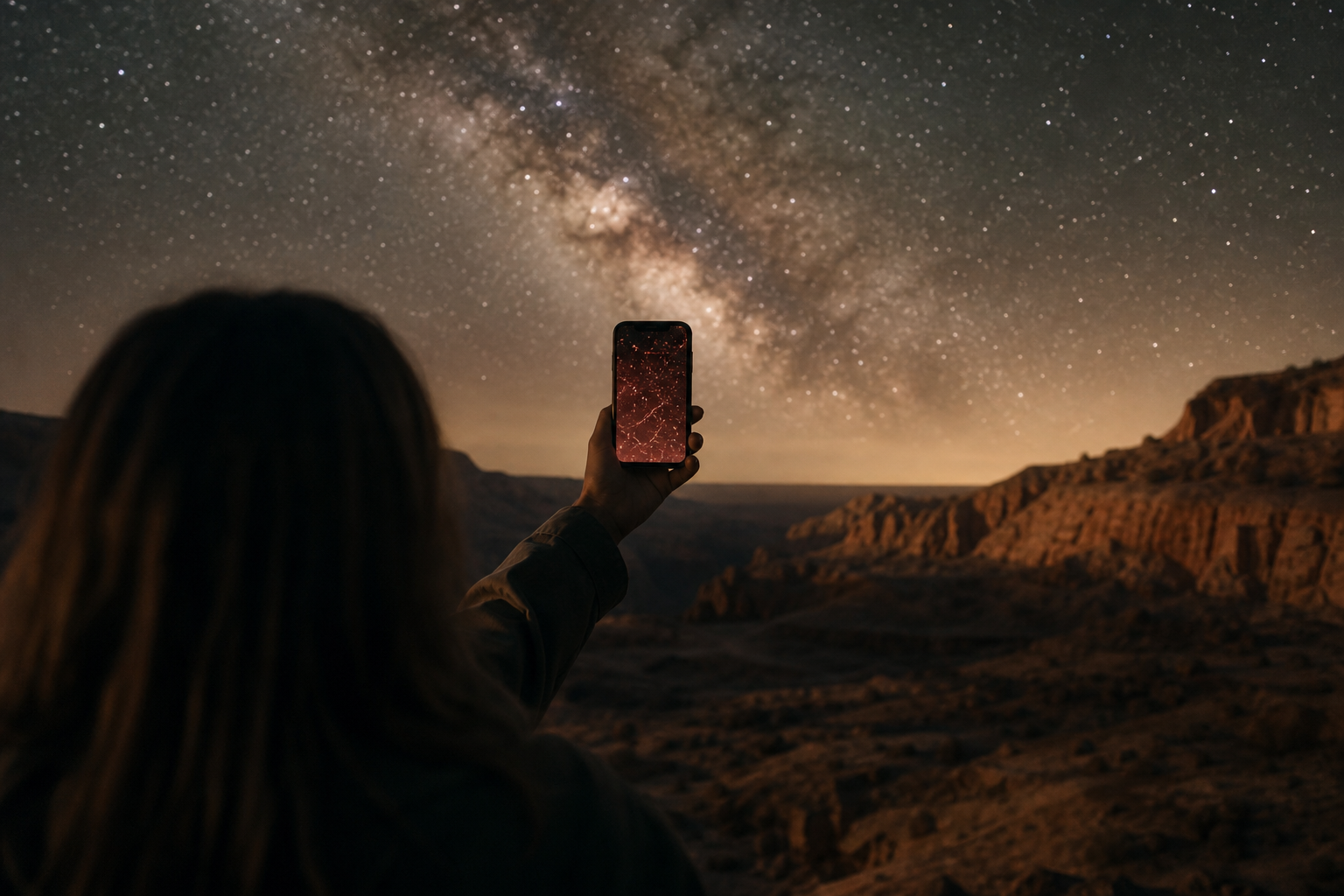
A stargazing app should answer one question fast — what is that bright point? — and then point you towards what to look at next. The seven below run from free point-and-identify planetariums to telescope-control suites, plus one forecast tool that tells you whether to go outside at all. Price lists, storefront descriptions, declared data practices and developer manuals were the basis for comparison, and every score is an editorial call on the Canyon rubric. Stellarium Mobile ranks first for how much it offers before you pay; SkySafari 7 Pro is the choice once a telescope enters the picture.
Stellarium Mobile8.6/10
Best for: beginners and casual observers on any phone
Stellarium Mobile brings the open-source Stellarium sky to phones, with realistic rendering, a point-and-identify mode and a red night screen. The free version covers most evenings; the Plus upgrade adds deeper catalogues, observing tools and telescope control. Its desktop sibling is free on Windows, macOS and Linux.
What works
- Free tier is a complete planetarium, not a trial
- Red night mode protects dark adaptation
- Plus upgrade adds telescope control and larger catalogues
What doesn’t
- Menus feel dense on small screens
- The deepest catalogues require the paid upgrade
Price: Free; Plus upgrade varies by plan/region Platforms: iOS, Android Developer site
SkySafari 7 Pro8.4/10
Best for: telescope owners who plan observing sessions
SkySafari's Pro edition carries one of the largest object databases on mobile, along with observing lists, session logs and wireless telescope control. The Basic and Plus editions cost less and do less. For a casual look at the planets it is more than most people need.
What works
- Very large star and deep-sky catalogue in Pro
- Telescope control through Wi-Fi or Bluetooth adapters
- Observing lists and session logs
What doesn’t
- The full feature set is reserved for the most expensive edition
- Three editions make the buying choice confusing
Price: Basic, Plus and Pro editions; price varies by plan/region Platforms: iOS, Android Developer site
Sky Guide8.1/10
Best for: iPhone and iPad owners who want the gentlest start
Sky Guide is the most approachable planetarium on Apple hardware: hold up the phone and the sky is labelled, with readable descriptions and notifications for events such as space-station passes. It is lighter at the eyepiece than SkySafari, but few apps make a first night under the stars this easy.
What works
- Clean point-and-identify view with readable descriptions
- Notifications for satellite passes and sky events
What doesn’t
- Runs only on iPhone and iPad
- Fewer tools for telescope users
Price: Varies by plan/region Platforms: iPhone, iPad Developer site
Night Sky7.6/10
Best for: Apple users who want the sky on iPhone, Watch and Mac
Night Sky identifies stars, planets and satellites and spreads across Apple devices, the watch included. A premium subscription unlocks much of the content. It is pleasant for browsing, though the subscription asks more than the casual use it suits best.
What works
- Runs across iPhone, iPad, Apple Watch and Mac
- Identifies satellites as well as stars and planets
What doesn’t
- Subscription needed for many features
- Limited to Apple platforms
Price: Free tier; Premium varies by plan/region Platforms: iPhone, iPad, Apple Watch, Mac Developer site
Star Walk 27.3/10
Best for: families and first-time stargazers
Star Walk 2 is the most illustrated app in this group, with animated constellation art and plain explanations that suit children. The free edition shows ads, extra content is sold in-app, and it was never designed for telescope work.
What works
- Attractive constellation artwork and clear labels
- Simple enough for children to use
What doesn’t
- The free edition shows ads
- Extra content sold as in-app purchases
Price: Free with ads; in-app purchases vary by plan/region Platforms: iOS, Android Developer site
Clear Outside7.1/10
Best for: observers deciding whether tonight is worth it
Clear Outside is a free astronomy forecast from First Light Optics: hour-by-hour cloud at low, medium and high levels, plus moon phase, hours of darkness and ISS passes. It will not name a single star, so pair it with any planetarium above.
What works
- Free hourly cloud forecast split by altitude
- Moon, darkness and ISS times in one view
What doesn’t
- No sky map or object identification
- Only as good as the weather model behind it
Price: Free Platforms: iOS, Android, Web Developer site
SkyView Lite6.7/10
Best for: a quick identification without commitment
SkyView Lite does the basic trick — point the phone and read the labels — with almost no setup. The free Lite edition is limited next to the paid SkyView, and there is little depth once you want to plan an observation.
What works
- Fast point-and-identify with minimal setup
- Free edition to try before buying
What doesn’t
- Smaller catalogue in the free edition
- Few planning or observing tools
Price: Lite free; full SkyView varies by plan/region Platforms: iOS, Android Developer site
The short version
Start with Stellarium Mobile's free version on any phone, and move to SkySafari 7 Pro once you own a telescope and want lists and control. On an iPhone, Sky Guide is the friendliest first app. Whatever you use, check Clear Outside before you leave the house.
Questions we get
Do stargazing apps work without mobile data?
Most planetarium apps store their catalogues on the phone, so identification keeps working away from signal once the app and any downloads are installed. Forecast tools such as Clear Outside need a connection to refresh.
Why does the app point the wrong way?
Phone compasses drift near metal, cars and magnets. Recalibrating, usually with a figure-of-eight motion, and stepping away from metal fixes most of it.
Will my phone screen ruin my night vision?
A bright white screen will. Switch to the app's red night mode and turn brightness right down; Stellarium Mobile and SkySafari both offer one.
Is a paid edition worth it for a beginner?
Usually not at first. Free tiers name the bright stars, planets and constellations; paid editions start to matter when you hunt faint objects or drive a telescope.
Can these apps show the International Space Station?
Several can. Sky Guide and Night Sky flag satellite passes, and Clear Outside lists ISS times in its forecast; keep location access on so the times match where you are standing.
Scores follow the Canyon rubric. Prices were checked on the date above; app pricing changes often. Written by Marisol Ibarra.