Video · Updated 2026-11-21
Best Video Editors for Phone (2026-2027)
Seven phone video editors ranked on the timeline, the export and the strings attached. Adobe Premiere leads because its free version exports 4K without a watermark on iPhone and Android; LumaFusion is the deeper tool if you also edit on a tablet.
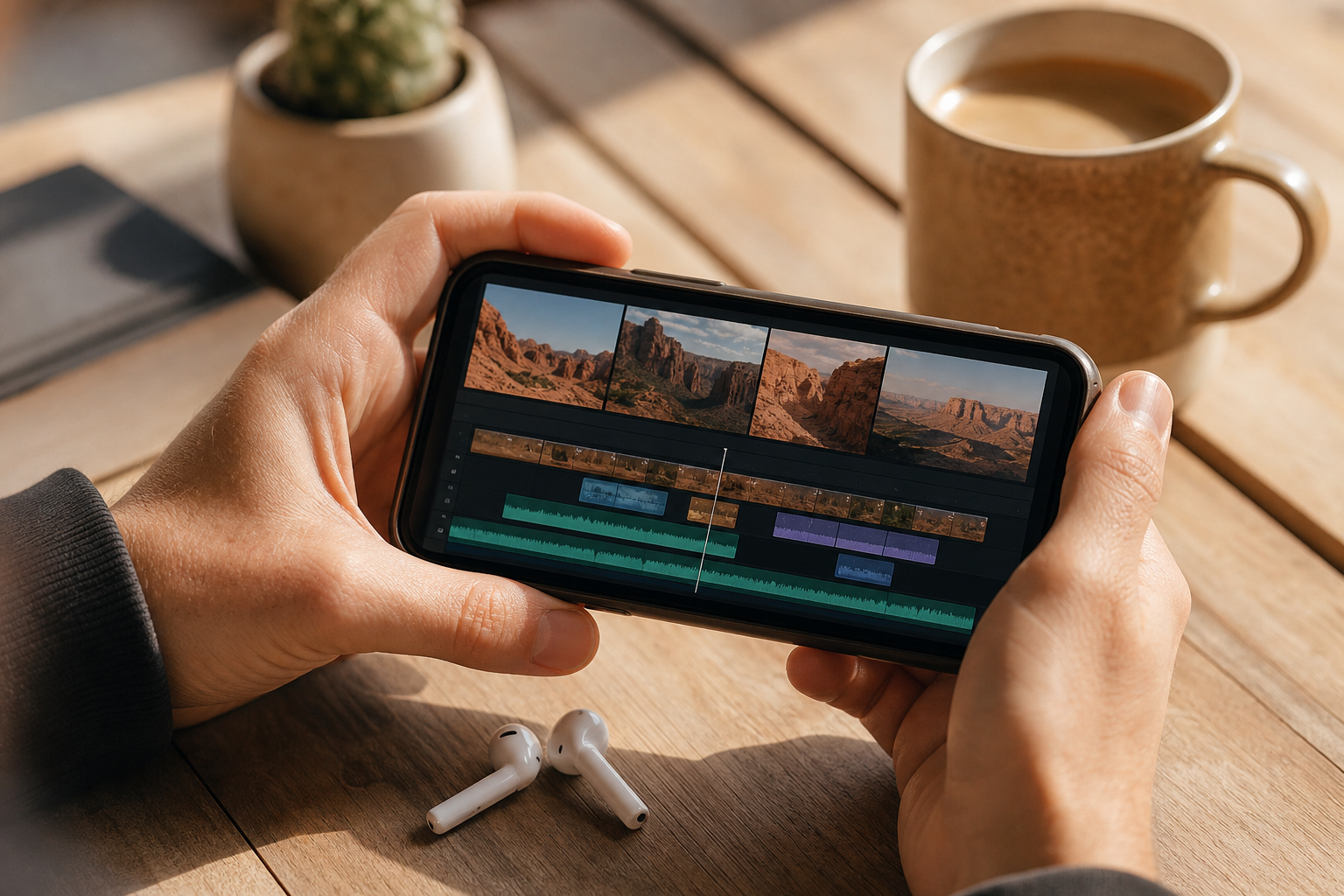
Phone editors have grown up: multitrack timelines, keyframes and 4K export are normal now, and the real differences are the paywall, the watermark and what happens to your footage. After paying retail for every upgrade, we assessed seven editors on timeline depth, audio and caption tools, export options and the terms you accept by using them. Adobe Premiere is first because its free version is the most complete; LumaFusion is the best one-time purchase; CapCut has the most features and the most baggage.
Adobe Premiere8.9/10
Best for: creators who want a capable free editor with no watermark
Premiere on mobile gives you a multitrack timeline and unlimited 4K exports without a watermark, all in the free tier. It reached iPhone in 2025 and Android in September 2026, and Adobe charges only for generative features, through credits. It is now Adobe's phone editor in place of Premiere Rush.
What works
- Unlimited watermark-free 4K exports on the free tier
- Multitrack timeline on both iPhone and Android
- Only the generative AI features cost money
- iPhone projects open in desktop Premiere
What doesn’t
- Android version needs Android 13 and 5GB of RAM
- Generative features stop once free credits run out
Price: Free; generative credit pricing varies by plan/region Platforms: iOS, Android Developer site
LumaFusion8.6/10
Best for: editors who want a pro timeline they buy once
LumaFusion is the closest thing to a desktop editor on a phone: stacked video and audio tracks, detailed audio mixing, colour tools and broad export settings, sold as a one-time purchase. Speed ramping, multicam and FCPXML export are $19.99 add-ons or part of the Creator Pass subscription. On a phone screen it feels cramped; on an iPad or Chromebook it comes into its own.
What works
- Desktop-style multitrack timeline
- Core app is a single purchase
- Runs on iPhone, iPad, Android, ChromeOS and Mac
What doesn’t
- Cramped on phone-sized screens
- Several pro features are paid add-ons
Price: $29.99 on iOS; Creator Pass $9.99/mo or $69.99/yr Platforms: iOS, Android, ChromeOS, macOS Developer site
CapCut8.1/10
Best for: short-form creators who live on templates and auto captions
CapCut has the longest feature list of any free phone editor — templates, auto captions, effects and keyframes — with desktop and web versions beside the phone app. The free tier has shrunk as features moved to Pro, and the 2025 rewrite of its terms drew criticism for the rights it claims over uploaded content. In the US it is now covered by the TikTok USDS joint venture's data safeguards.
What works
- Huge template, effect and caption library
- Phone, desktop and web versions
- Strong free tier for short-form work
What doesn’t
- Terms claim broad rights over uploads; read them before editing client footage
- Pro has absorbed features that used to be free
Price: Free tier; Pro varies by plan/region Platforms: iOS, Android, Windows, macOS, Web Developer site
VN Video Editor7.6/10
Best for: editors who want a free, watermark-free multitrack timeline
VN gives you a multitrack timeline, keyframes and music tools for free, and it does not stamp a watermark on exports. Its newer AI features are tied to VN Pro and credit packs. It sits in a useful middle ground between CapCut's templates and LumaFusion's depth.
What works
- No watermark on free exports
- Keyframes and multitrack editing at no cost
What doesn’t
- AI tools need VN Pro or credits
Price: Free; VN Pro varies by plan/region Platforms: iOS, Android, macOS Developer site
iMovie7.3/10
Best for: iPhone owners who want a simple edit without accounts or ads
iMovie is free, carries no ads, asks for no account and turns clips into a finished video with Magic Movie and Storyboards. Projects can move to iMovie on a Mac. The timeline is basic — no keyframes, limited layering — and it runs only on Apple devices.
What works
- Free, with no ads, account or watermark
- Magic Movie and Storyboards speed up simple edits
- Projects carry over to iMovie on a Mac
What doesn’t
- No keyframes and limited layering
- Apple hardware only
Price: Free Platforms: iOS, iPadOS, macOS Developer site
KineMaster6.8/10
Best for: Android editors who want layers and chroma key
KineMaster has long been the layered editor of choice on Android, with chroma key, blending modes and keyframes. The free version stamps a watermark and shows ads; Premium removes both. Its asset store is useful, but the free experience is noisier than VN's.
What works
- Layers, chroma key and blending modes
- Asset store for effects and music
What doesn’t
- Watermark and ads until you pay
Price: Free with watermark; Premium varies by plan/region Platforms: iOS, Android Developer site
InShot6.5/10
Best for: quick social edits with music and text
InShot is quick for trimming, adding music and text, and resizing for each social platform, and it exports up to 4K at 60fps. The free tier shows ads and watermarks exports, and a Pro purchase on one platform does not carry over to the other.
What works
- Fast trims, music and text for social formats
- Exports up to 4K at 60fps
- Media stays on the device, per its privacy policy
What doesn’t
- Ads and watermark on the free tier
- Pro does not transfer between iPhone and Android
Price: Free with ads; Pro varies by plan/region Platforms: iOS, Android Developer site
The short version
Install Adobe Premiere first: it is free, exports 4K without a watermark and now runs on Android as well as iPhone. Buy LumaFusion if you also edit on an iPad or Chromebook and want a timeline you own outright. Use CapCut for template-driven short-form work if its terms suit you, and iMovie for a quick, private cut on an iPhone.
Questions we get
What is the best free video editor for phones?
Adobe Premiere, because its free tier has no watermark and allows unlimited 4K exports. VN is the next-best free option and also runs on a Mac.
Is CapCut safe to use?
It is widely used and available in US app stores, but its terms claim broad rights over content you upload, which matters for client work. Read the current terms and privacy policy, and keep sensitive footage out of its cloud features.
Can a phone edit 4K video smoothly?
Recent phones can. Premiere, LumaFusion, CapCut, VN and InShot all export 4K on capable hardware; older devices may stutter with several 4K layers on the timeline.
Is LumaFusion a subscription?
No. The core app is a one-time purchase. Creator Pass is an optional subscription that bundles three of the paid add-ons, which can also be bought individually.
Which phone editors add a watermark?
KineMaster and InShot mark free exports until you pay. Premiere, VN and iMovie export clean files from their free tiers, and LumaFusion has no free tier to watermark.
Scores follow the Canyon rubric. Prices were checked on the date above; app pricing changes often. Written by Joel McCarthy.