Video · Updated 2026-11-21
Best Vlogging Apps (2026-2027)
Seven apps covering the whole vlog loop — shoot, talk to camera, cut, caption, post — ranked on what they add to a phone you already own. Blackmagic Camera leads because it gives you cinema-camera control for free on iPhone and on supported Android phones.
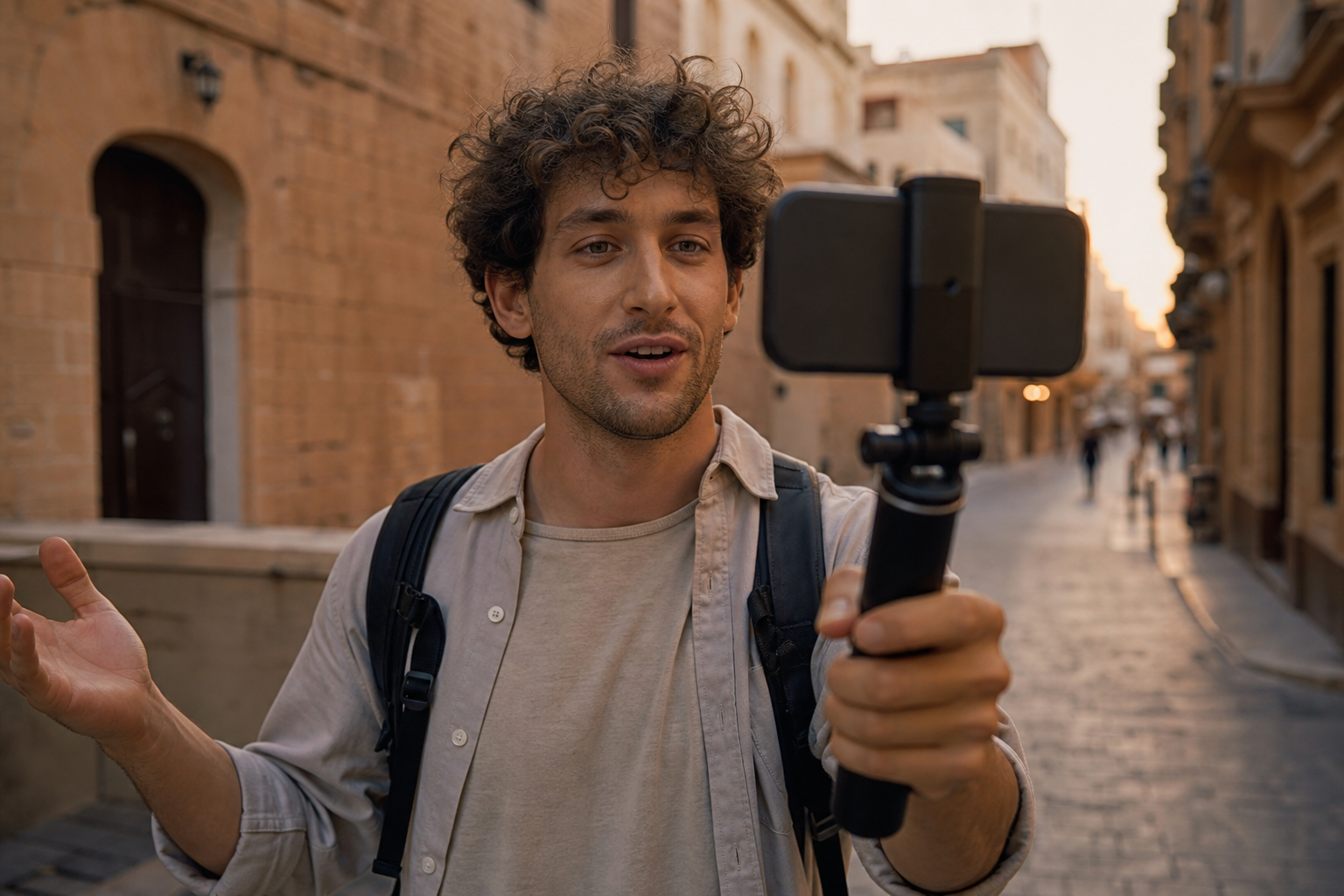
A vlog comes down to three jobs: getting a good picture of yourself talking, cutting it into something watchable, and captioning it for people who scroll with the sound off. Subscriptions were paid at full price, and we judged seven apps covering those jobs on the control they give, how they handle audio and captions, what they cost and what they ask of your data. Blackmagic Camera is first for capture, CapCut is the most capable editor for vloggers who accept its terms, and Captions is the specialist for talking-head videos.
Blackmagic Camera8.9/10
Best for: vloggers who want manual video control on iPhone or Android for free
Blackmagic Camera puts frame rate, shutter angle, ISO and white balance a tap away, with a heads-up display showing the histogram, focus peaking and levels. It is free on iPhone, iPad and supported Android phones, syncs footage to DaVinci Resolve through Blackmagic Cloud and has Apple Watch and Wear OS remotes. It does not edit, and Android support is limited to specific models.
What works
- Free cinema-style controls on iPhone and Android
- Histogram, focus peaking and levels on screen
- Blackmagic Cloud sync into DaVinci Resolve
What doesn’t
- Android support covers selected phones only
- No editing tools
Price: Free Platforms: iOS, iPadOS, Android Developer site
Final Cut Camera8.4/10
Best for: iPhone vloggers who edit in Final Cut Pro
Apple's free camera app records ProRes and Apple Log and links up to four iPhones or iPads to Final Cut Pro for iPad as a live multicam shoot. Version 2.4, released alongside iOS 27, added variable-aperture control on iPhone 18 Pro and RGB parade and histogram scopes. The catch is the ecosystem: the multicam payoff needs Final Cut Pro for iPad, which is a paid subscription.
What works
- Free, with ProRes and Apple Log recording
- Live Multicam connects up to four devices
- Video scopes arrived with iOS 27
What doesn’t
- Works on iPhone and iPad only
- Multicam relies on the paid Final Cut Pro for iPad
Price: Free Platforms: iOS, iPadOS Developer site
CapCut8.0/10
Best for: vloggers who want auto captions, music and templates in one editor
For vlogging, CapCut's advantage is speed: auto captions, beat-synced music, trending templates and quick reframing from vertical to horizontal, on the phone or the desktop. Pro unlocks more effects and AI tools at prices that differ by country. Its content-rights terms are the reason it sits third rather than higher.
What works
- Auto captions with plenty of caption styles
- Templates and beat sync for fast cuts
- Same account on phone and desktop
What doesn’t
- Broad content licence in its terms of service
- Many effects now require Pro
Price: Free; Pro pricing varies by plan/region Platforms: iOS, Android, Windows, macOS, Web Developer site
Edits7.6/10
Best for: creators who publish mainly to Instagram Reels
Meta's Edits combines a camera, a timeline, captions, green screen and trending audio, then posts straight to Instagram and Facebook without a watermark. It is free and adds insights on how your Reels perform. You need an Instagram account to sign in, and the whole app is shaped around vertical short-form video.
What works
- Free, with watermark-free exports
- Captions, green screen and trending audio included
- Performance insights for your Reels
What doesn’t
- Instagram login required
- Built around vertical short-form video
Price: Free Platforms: iOS, Android Developer site
VN Video Editor7.3/10
Best for: vloggers who want a calm, free timeline
VN — the name stands for VlogNow — was built for this job: a free multitrack editor with keyframes and music tools that exports without a watermark. Newer AI tools come with VN Pro or as credits. It is quieter and less flashy than CapCut, which many vloggers will count in its favour.
What works
- No watermark, even on the free tier
- Multitrack timeline with keyframes
- Mac app for longer edits
What doesn’t
- AI features require Pro or credits
Price: Free; VN Pro pricing varies by plan/region Platforms: iOS, Android, macOS Developer site
Captions7.0/10
Best for: talking-head creators who want styled captions and eye-contact correction
Captions records with a built-in teleprompter, then adds animated captions, translation, dubbing and AI Eye Contact, which redirects your gaze towards the lens when you read from a script. The free tier is thin — no AI credits and a single caption template — and Android gets a lighter 'Lite' app. The company behind it now trades as Mirage.
What works
- Teleprompter camera built in
- AI Eye Contact corrects off-lens reading
- Translation and dubbing into other languages
What doesn’t
- Free tier has no AI credits and one caption template
- Android gets a reduced Lite app
Price: Free tier; subscription pricing varies by plan/region Platforms: iOS, Android Developer site
BIGVU6.5/10
Best for: presenters who read scripts to camera
BIGVU is a teleprompter first: your script scrolls near the lens while you record, and the app adds captions and simple edits afterwards. The free plan exports at 720p with a watermark, so anything you publish seriously needs a subscription.
What works
- Script scrolls near the lens as you record
- Captions added after recording
What doesn’t
- Free exports are 720p and watermarked
Price: Free tier; subscription varies by plan/region Platforms: iOS, Android, Web Developer site
The short version
Shoot with Blackmagic Camera — it is free and gives you real control on iPhone and on supported Android models. iPhone users already in Final Cut Pro should add Final Cut Camera for multicam. Edit in CapCut if you can live with its terms or in VN if you would rather not; Edits is the simplest route if Instagram is where your audience lives.
Questions we get
What do I need to start vlogging on a phone?
A camera app with manual exposure, a decent microphone and an editor that can caption. Blackmagic Camera plus CapCut or VN covers the software side for free; the microphone matters more than any app.
Is Blackmagic Camera really free?
Yes, on iPhone, iPad and supported Android phones. The app is a free download; Blackmagic makes its money on cameras, accessories and DaVinci Resolve Studio.
Do I need an Instagram account to use Edits?
Yes. Edits signs in with your Instagram account and is built to publish to Instagram and Facebook, although you can also save finished videos to your phone.
Is a teleprompter better than AI eye-contact correction?
They solve the same problem at different moments. A teleprompter such as BIGVU keeps your eyes near the lens while you read; Captions' AI Eye Contact corrects your gaze after recording, which can rescue takes you have already shot.
Which vlogging apps are free without a watermark?
Blackmagic Camera and Final Cut Camera record clean files, and Edits and VN export without a watermark, all at no cost. BIGVU's free plan adds a watermark and caps resolution, and Captions keeps most of its tools for subscribers.
Scores follow the Canyon rubric. Prices were checked on the date above; app pricing changes often. Written by Joel McCarthy.