Audio & music · Updated 2026-11-21
Best Voice Recorder Apps (2026-2027)
Seven recorders ranked on the moment that counts — getting a recording started fast and finding it again later — plus formats, sync and what each one does with your audio. Just Press Record leads for one-tap capture across Apple devices and a label that says nothing is collected; Google's Recorder is the one to beat if you carry a Pixel.
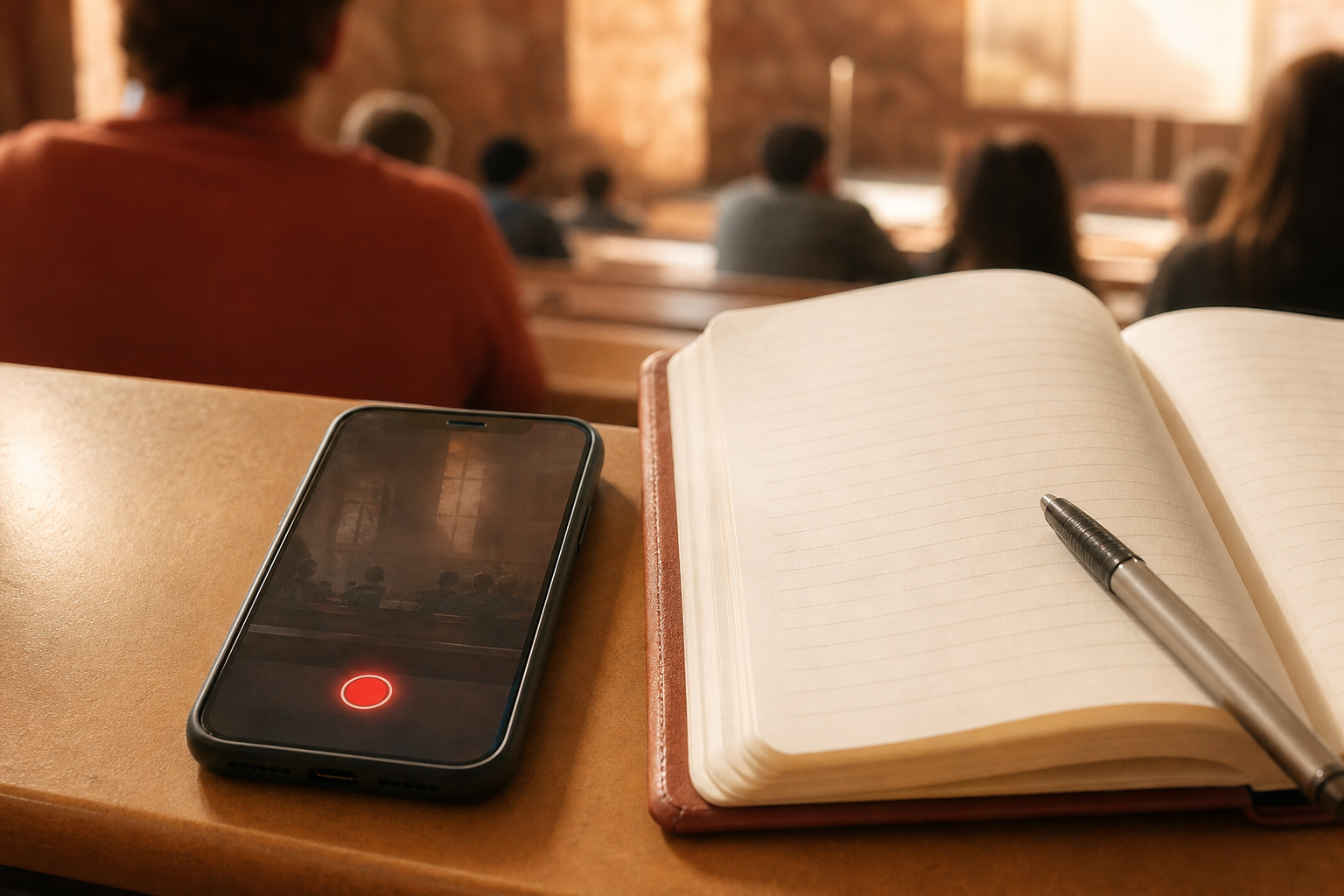
A voice recorder earns its keep in the few seconds before an idea, a quote or a melody slips away. We compared seven recorders on the ways each one can start a recording, the formats it saves, whether it transcribes and syncs, how files leave the app, and what the App Store and Google Play disclosures say about your audio, working from the versions and prices listed in November 2026. Just Press Record is first because it starts from a watch, a lock screen or Siri, transcribes in over 30 languages and declares no data collected; Google Recorder and Apple's Voice Memos are the strongest free options on their own platforms.
Just Press Record8.4/10
Best for: Apple users who need to start recording instantly, even from the wrist
Just Press Record starts from the Lock Screen, Control Centre, the Action Button, a widget or Siri, records for as long as storage allows, and runs independently on Apple Watch until it can sync. Transcription covers more than 30 languages whatever your phone's language setting, and the developer's App Store disclosure reads 'Data Not Collected'. It is a $6.99 purchase with no free version, and it stays inside Apple's ecosystem.
What works
- Starts from the Lock Screen, Action Button, Siri or Apple Watch
- Transcription in more than 30 languages
- Collects no data, according to Apple's privacy label
What doesn’t
- Apple devices only
- Paid upfront at $6.99, with no free tier to try
Price: $6.99 one-time Platforms: iOS, iPadOS, macOS, watchOS Developer site
Google Recorder8.3/10
Best for: Pixel owners who record meetings, lectures or interviews
Google's Recorder transcribes while it records, labels speakers on a Pixel 6 or later in US English, and can summarise recordings on a Pixel 8 or newer. Backups go to your Google Account and open at recorder.google.com, where you can play, search and share them by link, private by default. It ships only on Pixel phones, and the speaker labels stop at one language.
What works
- Live transcription as you record
- Speaker labels and summaries on recent Pixels
- Backed-up recordings searchable on the web
What doesn’t
- Pixel phones only
- Speaker labels work in US English only
Price: Free (preinstalled on Pixel) Platforms: Android (Pixel), Web Developer site
Apple Voice Memos8.2/10
Best for: iPhone owners who want a dependable free recorder with transcripts
Voice Memos is free on iPhone, iPad, Apple Watch and Mac, offers an uncompressed recording setting, transcribes speech on an iPhone 12 or later and syncs recordings and edits through iCloud. Musicians get a trick of their own on supported iPhones: a vocal layer recorded over an instrumental without headphones, with each layer editable afterwards. Apple applies end-to-end encryption to recordings stored in iCloud only when Advanced Data Protection is switched on.
What works
- Free and already installed on Apple devices
- Uncompressed recording option
- Layered vocal recording on supported iPhones
What doesn’t
- iCloud copies lack end-to-end encryption unless Advanced Data Protection is on
- Transcripts need an iPhone 12 or later and a supported language
Price: Free Platforms: iOS, iPadOS, watchOS, macOS Developer site
Easy Voice Recorder7.6/10
Best for: Android users without a Pixel who want a simple, dependable recorder
Easy Voice Recorder does what its name promises on Android and iPhone: no time limit, recording in the background, home-screen widgets and a choice of PCM or AAC, with AMR on Android to save space. The free Android edition shows ads and a separate Pro app removes them; on iPhone the recorder itself is free and transcription is a $1.99 add-on. Its iOS label lists only crash and diagnostic data, none of it linked to you.
What works
- No recording time limit, with widgets for quick starts
- PCM or AAC, plus AMR on Android
- Minimal data collection on iOS
What doesn’t
- Ads on Android unless you buy the separate Pro app
- Transcription on iPhone is a paid add-on
Price: Free with ads; Pro varies by plan/region Platforms: Android, iOS Developer site
Ferrite Recording Studio7.4/10
Best for: podcasters and journalists who record and edit on an iPad or iPhone
Ferrite pairs a one-tap recorder with a multitrack editor: drop bookmarks while recording, then cut, duck music under speech, strip silences and add EQ or compression. The download is free, Ferrite 3 Pro is a one-time $29.99, and Wooji Juice tells Apple the app collects nothing. For quick memos it is far more studio than anyone needs, and the current version requires iOS 26.6.
What works
- Multitrack editing with ducking and silence removal
- Bookmarks dropped during a recording
- Nothing collected, per the developer's privacy disclosure
What doesn’t
- Overkill for everyday memos
- Pro unlock is $29.99, and the latest version needs iOS 26.6
Price: Free; Ferrite 3 Pro $29.99 one-time Platforms: iOS, iPadOS Developer site
Voice Record Pro6.9/10
Best for: iPhone users who want control over format, bitrate and sample rate
Voice Record Pro records AAC, MP3 or WAV with adjustable bitrate, sample rate and channels, has no length limit and can record only when sound is detected. Every feature is free; paying removes the banner ad, through a subscription or a one-off purchase. Apple's listing also shows usage data feeding cross-app tracking.
What works
- AAC, MP3 and WAV with fine control over quality
- Sound-activated recording mode
- All features free, including the Apple Watch app
What doesn’t
- Banner ad unless you pay to remove it
- Declares usage data for tracking across other apps
Price: Free with ads; ad-free upgrade varies by plan/region Platforms: iOS, iPadOS, watchOS Developer site
Dolby On6.6/10
Best for: musicians capturing rehearsals and song ideas on a phone
Dolby On applies automatic noise reduction, limiting, EQ and spatial effects to audio and video recordings, can livestream to Twitch or Facebook Live, and exports lossless audio, all for free. Spoken memos are not its focus, and on iOS it declares user content, identifiers and usage data as tracking data — a lot to accept from a recorder.
What works
- Automatic noise reduction and studio-style processing
- Free, with lossless export
- Records video as well as audio
What doesn’t
- Tracking declared on iOS covers user content as well as identifiers
- Built for music rather than memos and meetings
Price: Free Platforms: iOS, Android Developer site
The short version
On iPhone, Voice Memos is good enough for most people and costs nothing; spend $6.99 on Just Press Record when you want to start from your wrist or need transcripts in another language. Pixel owners already have the best free recorder on Android, and other Android phones should get Easy Voice Recorder. Reach for Ferrite only when a recording needs editing before anyone hears it.
Questions we get
Which audio format should I record in?
AAC or M4A for everyday memos, since the files stay small and play anywhere; WAV or another uncompressed option for music or anything you plan to edit heavily. Voice Record Pro and Easy Voice Recorder let you choose, and Voice Memos has an uncompressed setting.
Will the app keep recording with the screen off?
The recorders here are built to. Just Press Record and Easy Voice Recorder both list background recording, and Voice Memos carries on when the phone locks. Long sessions are limited by free storage rather than by the apps, so check space before a lecture or an all-day event.
Where do my recordings end up?
It depends on the app and your settings. Voice Memos syncs through iCloud, Google Recorder backs up to your Google Account if you allow it, Just Press Record and Ferrite report collecting nothing at all, and Dolby On lists user content among the data it uses for tracking.
What is the best free voice recorder?
On a Pixel, the Recorder app that came with it; on an iPhone, Voice Memos. Other Android phones are well served by the free edition of Easy Voice Recorder, provided you can live with its ads.
How do I get a recording off my phone?
Send it through the share sheet to email, a cloud drive or a computer, or turn on sync: iCloud for Voice Memos and Just Press Record, your Google Account for the Pixel Recorder. Easy Voice Recorder on iPhone can save straight to iCloud Drive.
Scores follow the Canyon rubric. Prices were checked on the date above; app pricing changes often. Written by Joel McCarthy.