Sleep · Updated 2026-11-21
Best White Noise Apps (2026-2027)
Eight noise makers, from a free iPhone setting to subscription soundscapes, ranked on the sounds, the controls and whether you pay once or forever. myNoise leads with tunable soundscapes, a pay-once model and a clean privacy label; BetterSleep, subscription-only since 2025, lands in trail dust.
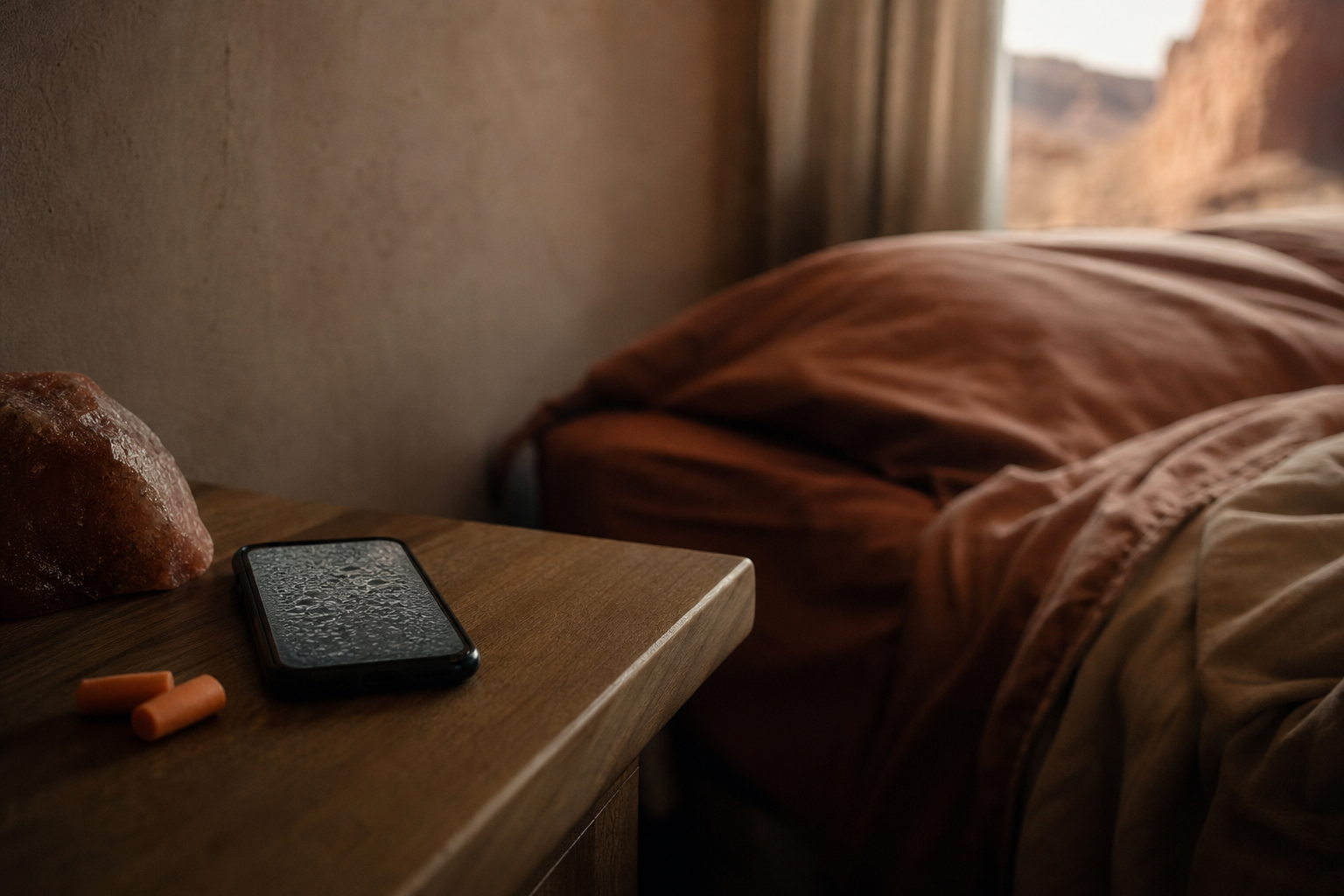
A white noise app has one job — a steady, unobtrusive sound that runs all night without nagging you — so the differences come down to the sounds, the timer and the bill. We compared eight on library size as published, mixing and fade controls, offline playback, ads, one-time versus subscription pricing, platforms and privacy labels. myNoise is first because its 350-plus soundscapes can be tuned band by band, it charges once, and it declares no tracking and six accessibility features; TMSoft's White Noise is the $0.99 bargain, and Apple's built-in Background Sounds may be all an iPhone owner needs.
myNoise8.2/10
Best for: light sleepers and focus-seekers who want to tune the sound to their room and ears
myNoise offers more than 350 soundscapes, each a row of sliders you can adjust band by band, and since spring 2026 a creation mode layers up to ten sounds from different soundscapes. Timers fade out, alarms fade in, everything plays offline, and the model is pay-once with no ads or subscription, while the website stays free. Apple's listing records no tracking and six declared accessibility features, though some Android users reported playback stutter in 2026.
What works
- More than 350 adjustable soundscapes
- Pay once: no ads and no subscription
- Offline playback, fade timers and a free website
- Declares six accessibility features on iOS
What doesn’t
- Rows of sliders can overwhelm a first-time user
- Reports of playback stutter on Android in 2026
Price: Free; Full Access one-time, varies by plan/region Platforms: iOS, Android, macOS, Web Developer site
White Noise (TMSoft)7.7/10
Best for: anyone who wants a cheap, dependable noise app on every device
TMSoft's White Noise dates from the App Store's first year and remains a bargain: $0.99 buys the full version with 50 bundled sounds, a mixing pad, fade-out timers and fade-in alarms, plus apps for Apple Watch and Apple TV. A community market adds tens of thousands of free user-made sounds. The free Lite edition shows ads and declares an identifier for tracking, so the paid version is worth its dollar.
What works
- $0.99 one-time for the ad-free full version
- Mixing pad plus timers and alarms that fade
- Apple Watch, Apple TV and Android versions
What doesn’t
- Lite edition carries ads and an identifier used for tracking
- Watch and TV apps come only with the paid version
Price: $0.99 one-time; Lite free with ads Platforms: iOS, Android, macOS, watchOS, tvOS Developer site
Dark Noise7.6/10
Best for: Apple users who want a polished, private noise app with Siri and HomePod support
Dark Noise offers more than 50 sounds, custom mixes and a timer that fades out before you wake, with Siri Shortcuts, HomePod, AirPlay and widgets. Apple's listing shows neither linked data nor tracking. The free tier is limited to a handful of sounds, Pro costs $2.99 a month, $19.99 a year or $49.99 once, and the current version needs iOS 26, with no Android app.
What works
- More than 50 sounds with custom mixes
- Clean privacy declaration on Apple's store
- Siri, HomePod, AirPlay and widgets
What doesn’t
- Only a few sounds without Pro
- Apple-only, and the latest version needs iOS 26
Price: Free tier; Pro $2.99/mo, $19.99/yr or $49.99 once Platforms: iOS, macOS Developer site
Apple Background Sounds7.5/10
Best for: iPhone, iPad and Mac owners who want noise without installing anything
Background Sounds is built into iOS, iPadOS and macOS: balanced, bright and dark noise plus rain, ocean, stream and more, playing beneath other audio or on their own. The 2026 releases added an equaliser for adjusting specific frequencies, along with a stop timer. It is free, private and reachable from Control Center, but the library is small, sounds cannot be layered, and the button may need adding to Control Center before most people find it.
What works
- Free and already on your device
- Plays underneath music and other audio
- Equaliser and stop timer in the 2026 releases
What doesn’t
- Small library, and sounds cannot be layered
- Easy to miss until you add its Control Center button
Price: Free (built in) Platforms: iOS, iPadOS, macOS Developer site
White Noise Deep Sleep Sounds7.2/10
Best for: people who want a big free sound library with optional premium extras
Slumber Studios' app starts with more than 30 free sounds you can mix, plus a sleep timer, and Premium adds more than 250 further sounds and binaural music. Nothing is declared for tracking on iOS, and it lists support for VoiceOver, larger text and other accessibility settings. Premium pricing is muddled — yearly, family, monthly and even weekly options appear in the store — and we could not confirm an official Android version.
What works
- 30-plus free sounds you can mix
- Clean privacy label with nothing used for tracking
- Declares VoiceOver and larger-text support
What doesn’t
- Weekly, monthly, yearly and family plans muddy the price
- No confirmed official Android app
Price: Free tier; Premium varies by plan/region Platforms: iOS, macOS, tvOS Developer site
Noisli6.4/10
Best for: desk workers who want background noise in a browser tab
Noisli is now essentially a web app: the free plan offers 16 sounds, 90 minutes of streaming a day and a simple timer, while Pro — $10 monthly, charged annually — adds more sounds, unlimited streaming and an oscillation effect. Its features are designed for desktop browsers and its iPhone app was last updated in 2017, so it is a focus tool for the office rather than one for the bedside.
What works
- Runs in any desktop browser
- Free plan with 16 sounds
- Oscillation effect and more sounds on Pro
What doesn’t
- iPhone app untouched since 2017
- Free streaming capped at 90 minutes a day
Price: Free tier; Pro $10/mo billed yearly Platforms: Web Developer site
Endel6.3/10
Best for: people who prefer generative, ever-changing soundscapes to plain noise
Endel generates adaptive soundscapes rather than looping recordings, with sleep and focus modes that play offline on phones, Macs, watches and TVs. It is not a mixer, and its pricing is scattered: the App Store lists yearly plans from $34.99 to $119.99, monthly options and a $124.99 lifetime purchase, and some users say a trial rolled straight into an annual plan. Its iOS label lists an identifier for tracking and links health, location and contact data.
What works
- Generative soundscapes that never loop
- Offline playback on phone, Mac, watch and TV
- Lifetime purchase available
What doesn’t
- Scattered pricing across many plans
- Health, location and contact data tied to your identity on iOS
Price: Subscription or lifetime; varies by plan/region Platforms: iOS, Android, macOS, watchOS Developer site
BetterSleep5.8/10
Best for: people who want meditations, stories and sounds in one subscription
BetterSleep, formerly Relax Melodies, still mixes sounds well and adds binaural beats, meditations and stories, but it stopped being a free app in 2025 and now needs a subscription once the trial ends. Prices appear only inside the app and move with promotions, and it declares several kinds of data, purchases among them, for tracking. For a sound that should cost little, that earns it a trail-dust score.
What works
- Sound mixer plus binaural beats and stories
- Apps on nearly every platform
What doesn’t
- No longer free since 2025
- Pricing hidden until you open the app
- Several data types used to track you on iOS
Price: Subscription; varies by plan/region Platforms: iOS, Android, macOS, watchOS Developer site
The short version
Download myNoise and pay once for the soundscapes you use; nothing else here combines its range, controls and privacy. On a tight budget, TMSoft's White Noise costs $0.99, and iPhone owners should try the free Background Sounds before buying anything. Avoid subscriptions for something this simple unless you also want the meditations and stories that come with them.
Questions we get
White, pink or brown noise — which is best for sleep?
White noise spreads energy evenly across frequencies and sounds hissy; pink noise falls away towards the treble and sounds softer; brown noise is deeper still, closer to a rumble. Evidence that any colour improves sleep is limited, so pick whichever masks your particular disturbance — traffic, a neighbour's television — without bothering you.
Is white noise safe for babies?
Paediatric researchers have warned that some infant sound machines can be loud enough at close range to be a concern. Keep the phone or speaker well away from the cot, use a low volume, and set a timer rather than playing it all night.
Do white noise apps work offline?
Most of the paid ones do. myNoise and Endel advertise offline playback, TMSoft's sounds come bundled with the app and Apple's Background Sounds live on the device; streaming-first services such as Noisli's web app need a connection.
Why not just play a white noise video?
You can, but streaming sites add ads, buffering and autoplay, and leave a screen glowing in the dark. A dedicated app plays offline with the screen off and stops on a fade-out timer.
Can I use these with a smart speaker or earbuds?
Yes. Dark Noise supports HomePod and AirPlay, TMSoft's White Noise has AirPlay and an Apple TV app, and any of them will play over Bluetooth. Sleep earbuds with built-in noise libraries exist as well, but they tie you to one company's hardware.
Scores follow the Canyon rubric. Prices were checked on the date above; app pricing changes often. Written by Anneke de Vries.